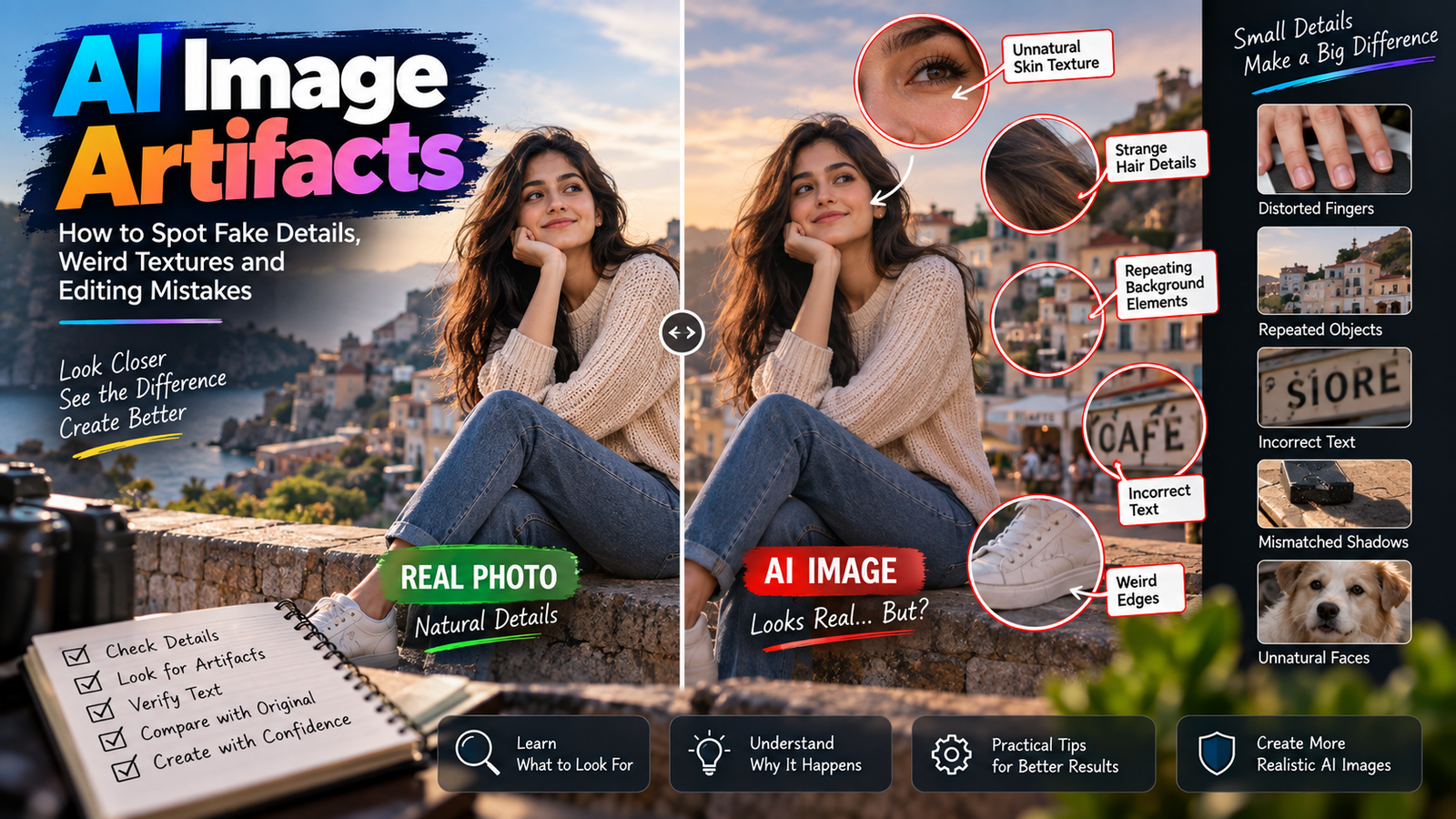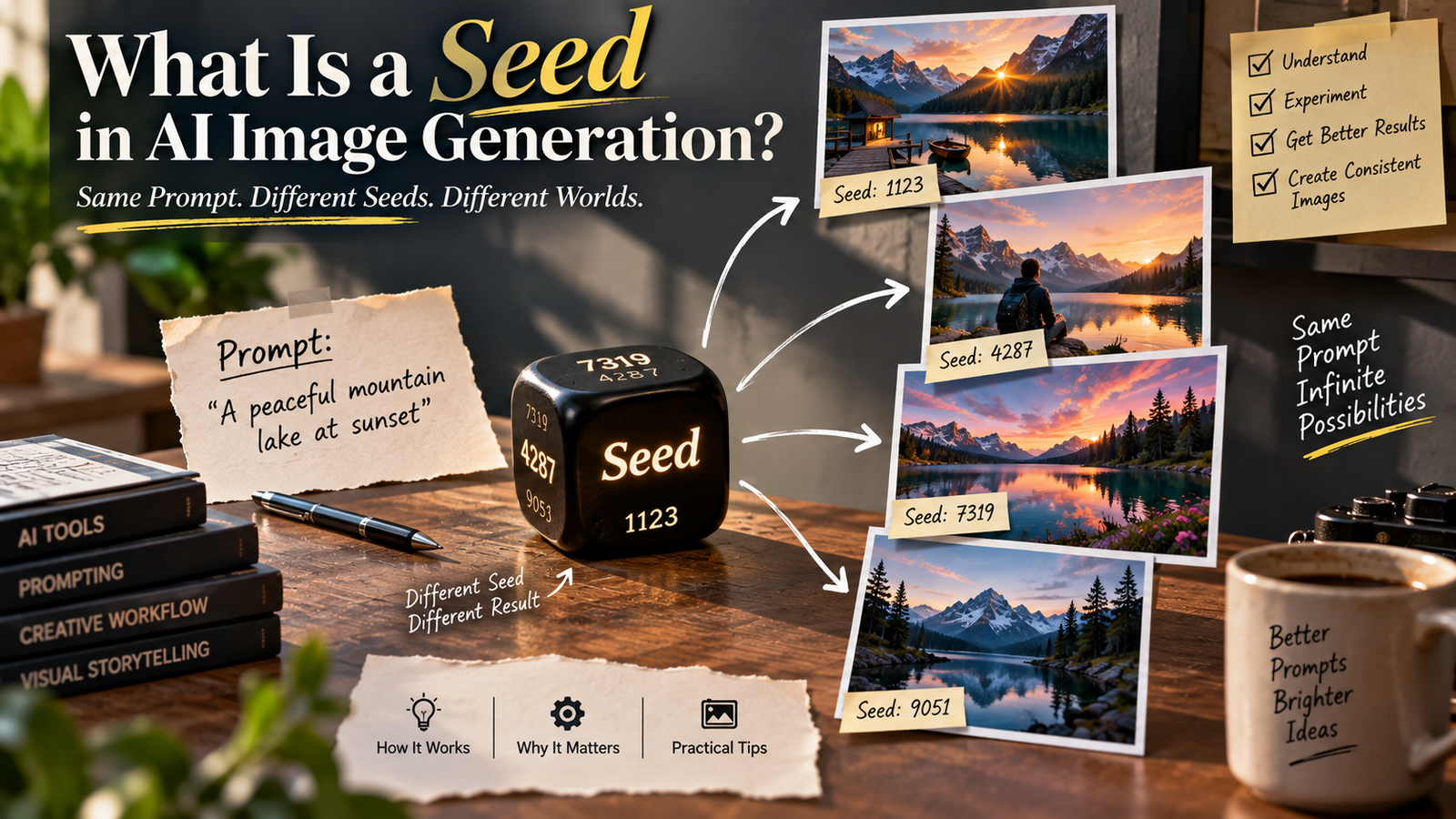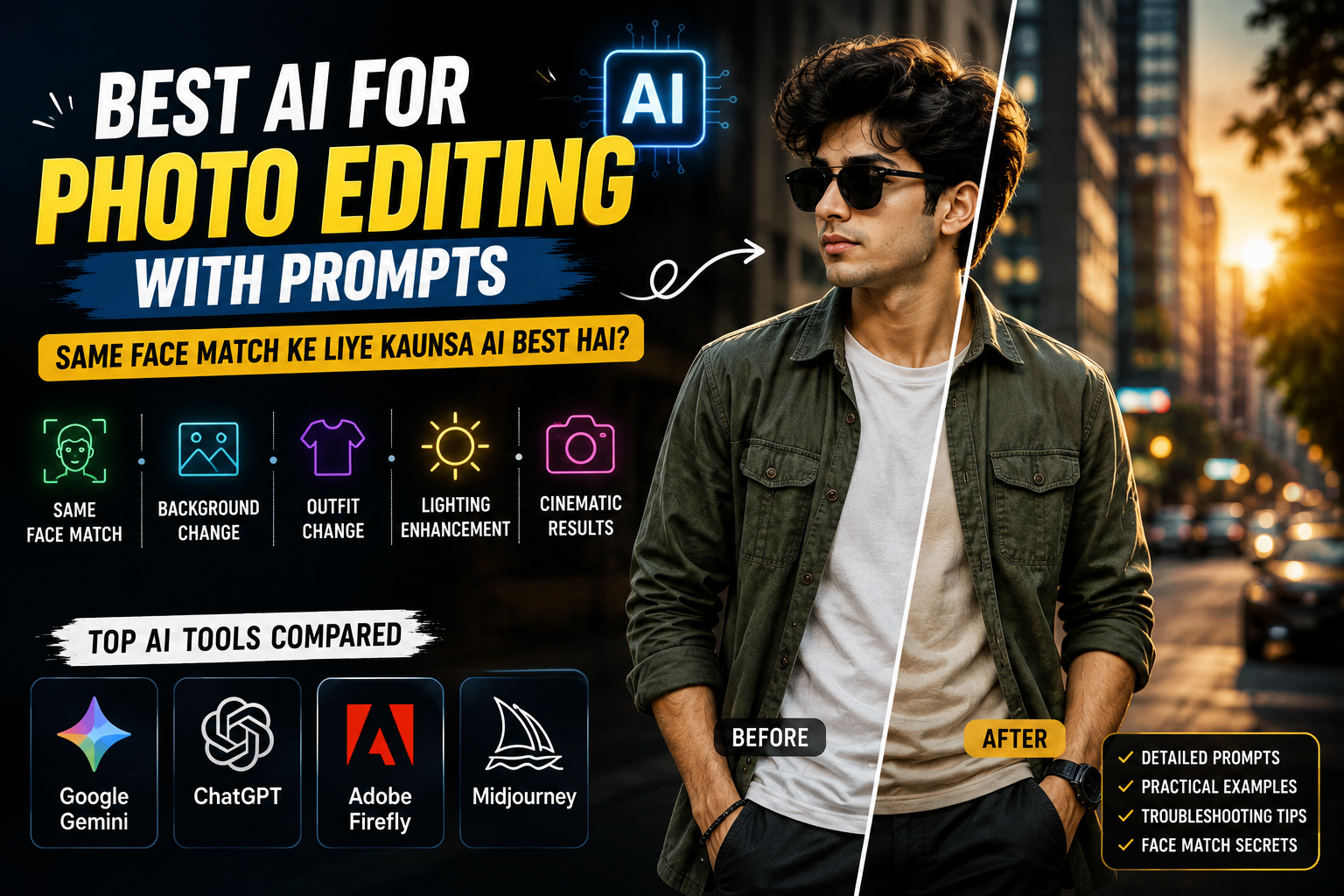
Aajkal AI photo editing ka trend bahut popular ho gaya hai. Ab ek normal selfie ko cinematic portrait, luxury photoshoot, fashion photo, travel portrait ya Instagram-style image mein convert karna kaafi easy hai.
Aapko complicated Photoshop skills ki zarurat nahi hoti. Bas apni photo upload karke AI ko ek detailed photo editing prompt dena hota hai.
Lekin AI photo editing mein sabse common problem hai face match.
Kai baar AI photo bahut beautiful bana deta hai, lekin face original person jaisa nahi rehta. Eyes, nose, lips, jawline, face shape ya skin tone slightly change ho sakti hai.
Agar aapka goal hai:
“Photo ka style change ho, lekin face mera hi rahe.”
to AI tool ke saath-saath prompt ka structure bhi bahut important hai.
Is guide mein hum dekhenge ki prompt-based photo editing ke liye kaunse AI tools useful hain, same face match kaise improve karein, best prompt kya hai aur common editing problems ko kaise fix karein.
AI Photo Editing Ke Liye Best AI Kaunsa Hai?
Prompt-based photo editing ke liye kai AI tools available hain. Har tool ki apni specialty hai.
Popular options mein:
- Google Gemini
- ChatGPT
- Adobe Firefly
- Midjourney
shamil hain.
Lekin best AI choose karte waqt sirf image quality nahi dekhni chahiye.
Agar aap apni personal photo edit kar rahe hain, to ye factors bhi important hain:
- Face preservation
- Prompt understanding
- Natural skin texture
- Realistic body proportions
- Accurate hands
- Background quality
- Lighting consistency
- Outfit details
- Overall realism
Ek AI bahut cinematic image bana sakta hai, lekin face thoda change kar sakta hai. Dusra AI less dramatic image bana sakta hai, lekin original face ko zyada recognizable rakh sakta hai.
Isliye result ko image quality + face consistency dono ke basis par check karein.
1. Google Gemini
Gemini beginners ke liye prompt-based photo editing ka simple option ho sakta hai.
Aap apni photo upload karke normal language mein bata sakte hain ki photo mein kya change karna hai.
Example:
“Change my background to a luxury hotel while preserving my original face, hairstyle and skin tone.”
Aap isse different concepts ke liye detailed instructions de sakte hain:
- Cinematic portrait
- Luxury hotel photoshoot
- Golden-hour portrait
- Motorcycle photoshoot
- Fashion portrait
- Rainy-night photo
- Travel portrait
Gemini Kis Ke Liye Useful Hai?
Agar aap beginner hain aur complicated editing workflow ke bina prompt ke through photo transform karna chahte hain, to Gemini se start karna practical ho sakta hai.
2. ChatGPT
ChatGPT detailed instructions ke saath image editing aur creative transformations ke liye useful ho sakta hai.
Isme aap ek hi prompt mein specify kar sakte hain:
- Face same rahe
- Hairstyle preserve ho
- Skin tone natural rahe
- Outfit change ho
- Background change ho
- Lighting change ho
- Body proportions realistic rahein
- Camera perspective natural ho
For example, ek normal selfie ko professional fashion campaign jaisa look dene ke liye detailed instructions di ja sakti hain.
ChatGPT Kis Ke Liye Useful Hai?
Detailed AI photo editing prompts, cinematic portraits aur complex creative transformations ke liye ye useful option ho sakta hai.
3. Adobe Firefly
Firefly creative image editing aur controlled modifications ke liye useful hai.
Agar aap poori photo ko completely regenerate karne ke bajay image ke specific areas ko edit karna chahte hain, to controlled editing workflow helpful ho sakta hai.
Isme aap jaise tasks kar sakte hain:
- Background replacement
- Object removal
- Generative fill
- Creative background
- Image composition
Best For
Aise users jo AI editing ke saath image ke specific elements par zyada control chahte hain.
4. Midjourney
cinematic aur artistic images ke liye popular hai.
Isse aap highly stylized:
- Fashion portraits
- Editorial photography
- Luxury lifestyle images
- Cinematic scenes
- Creative portraits
create kar sakte hain.
Lekin agar aapki first priority exact face preservation hai, to generated result ko carefully compare karna important hai.
Beautiful cinematic image ka matlab automatically ye nahi hai ki face bhi exactly same rahega.
Best For
Cinematic, editorial aur highly creative visual styles.
Same Face Match Ke Liye Kaunsa AI Best Hai?
Kisi ek AI ko har situation mein 100% best kehna sahi nahi hoga.
Result depend kar sakta hai:
- Original photo quality
- Face visibility
- Prompt
- Requested transformation
- Pose
- Lighting
- AI model
- Editing workflow
Ek practical starting comparison:
| AI Tool | Prompt Editing | Face Preservation | Beginner Friendly | Best Use |
|---|---|---|---|---|
| Google Gemini | Excellent | Good | Excellent | Easy AI edits |
| ChatGPT | Excellent | Good | Excellent | Detailed transformations |
| Adobe Firefly | Very Good | Good | Very Good | Controlled editing |
| Midjourney | Very Good | Variable | Good | Cinematic styles |
Agar aapka main focus prompt se photo edit karna aur face ko recognizable rakhna hai, to Gemini ya ChatGPT se start karna practical option hai.
AI models aur features time ke saath update hote rehte hain, isliye results future mein change ho sakte hain.
Face Match Ke Liye AI Prompt Kaise Likhein?
Sabse common mistake hai sirf:
“Make my photo cinematic.”
likhna.
AI ko clearly batana chahiye ki kya change karna hai aur kya bilkul change nahi karna hai.
Isliye prompt ki beginning mein identity-preservation instructions add karein.
Best Same Face AI Photo Editing Prompt
Edit my uploaded photo while using the original image as the strict identity reference.

Preserve my recognizable face, original facial structure, eye shape, eyebrows, nose, lips, jawline, face shape, facial proportions, hairstyle, natural skin tone, and overall identity.

Do not replace my face with another person.

Do not redesign, reshape, excessively beautify, or artificially enhance my facial features.

Keep my natural facial details, realistic skin texture, subtle pores, realistic eyes, and authentic appearance.

Change only the environment, outfit, lighting, pose, and photography style according to my instructions.

Maintain realistic head-to-body proportions, natural shoulder width, realistic torso length, proportionate arms and legs, and anatomically correct body proportions.

Keep the face clearly visible and sharply detailed.

Preserve individual hair strands, realistic clothing texture, accurate hands, natural body proportions, believable shadows, and physically consistent lighting.

The final image should look like a professionally photographed version of the same person rather than a newly generated person.
Is base prompt ke neeche aap apna desired scene, outfit aur lighting add kar sakte hain.
Example: Normal Photo Ko Instagram Cinematic Portrait Mein Edit Karein
Base prompt ke baad ye instructions add karein:
Place me standing naturally on a stylish modern city street during golden hour.

Create a realistic background with modern buildings, glass storefronts, subtle greenery, parked cars, warm architectural lights, and a few distant pedestrians.

Dress me in a stylish premium outfit with realistic fabric texture, natural folds, and believable proportions.

Give me a relaxed natural pose with comfortable shoulders and realistic body posture.

Use warm golden-hour sunlight from the side with subtle natural rim lighting around the hair and shoulders.

Keep my face naturally illuminated and clearly visible.

Use a professional 50mm photography perspective with realistic depth of field.

Keep the background softly blurred while my face and upper body remain sharply detailed.

Apply subtle cinematic color grading with natural skin tones and controlled contrast.

The final image should look like a genuine professional fashion photograph rather than an AI-generated image.
Is tarah AI ko clear idea milta hai ki face same rakhna hai aur baaki scene transform karna hai.
Same Face Match Karne Ke 7 Important Tips
1. Clear Original Photo Upload Karein
Face match ka sabse important factor source image hai.
Aisi photo use karein jisme:
- Face clearly visible ho
- Image blurry na ho
- Lighting reasonable ho
- Heavy filter na laga ho
- Face excessive shadow mein na ho
Jitni clear reference image hogi, AI ke paas facial details preserve karne ke liye utni better information hogi.
2. “Strict Identity Reference” Mention Karein
Sirf:
Keep my face same.
likhne ke bajay:
Use my uploaded photo as the strict identity reference.
likhna better hai.
Iske baad individual facial features bhi mention karein.
3. Facial Features Clearly Mention Karein
Prompt mein ye details add kar sakte hain:
- Eye shape
- Eyebrows
- Nose
- Lips
- Jawline
- Face shape
- Hairstyle
- Skin tone
- Facial proportions
Isse AI ko identity preservation ke liye more specific direction milti hai.
4. Face Ko Over-Beautify Na Karein
Agar prompt mein baar-baar:
- Perfect face
- Flawless skin
- Extremely handsome
- Perfect beauty
jaise words use karenge, to AI unnecessary facial modifications kar sakta hai.
Instead use karein:
natural appearance, realistic skin texture, authentic facial details
5. Transformation Bahut Extreme Na Rakhein
Agar original photo front-facing hai aur aap AI ko completely side profile, different expression aur dramatically different pose denge, to face consistency difficult ho sakti hai.
Better approach:
Small transformation → result check → further transformation
6. Body Proportions Mention Karein
AI portraits mein kabhi-kabhi head body ke comparison mein bahut bada ho jata hai.
Prompt mein ye line add karein:
Maintain realistic head-to-body proportions, natural shoulder width, realistic limb length, and anatomically correct human proportions.
7. Face Visibility Maintain Rakhein
Agar aapko accurate face match chahiye, to initial edits mein face ko:
- Sunglasses
- Helmet
- Mask
- Heavy shadow
- Hair covering
se hide karne se bachna better hai.
Head Bada Aur Body Chhoti Ho To Kya Karein?
Ye AI photo editing ki common problem hai.
Agar generated image mein head oversized lag raha hai, ye correction prompt use karein:
Maintain a realistic head-to-body ratio.

Keep natural shoulder width, realistic torso length, proportionate arms and legs, and anatomically correct human proportions.

Do not enlarge the head.

Do not make the body unnaturally small.

Maintain realistic perspective and camera distance.
Saath mein full-body image ke liye camera ko bahut close rakhne ke bajay slightly wider framing try karein.
Agar Face Completely Different Aa Raha Hai
Ye stronger identity instruction add karein:
Identity preservation is the highest priority.

Do not generate a new face.

Use the uploaded face as the strict visual identity reference.

Preserve the recognizable facial geometry, eye placement, eyebrow shape, nose structure, lip shape, jawline, face proportions, hairstyle, and natural skin tone.

Only modify the requested environment, clothing, lighting, pose, and photography style.

If any requested transformation conflicts with identity preservation, prioritize keeping the original facial identity.
Agar Skin Plastic Jaisi Lagti Hai
AI kabhi-kabhi face ko unnecessarily smooth kar deta hai.
Is correction prompt ko add karein:
Preserve natural pores, fine skin texture, subtle facial imperfections, realistic highlights, and authentic skin tone.

Do not apply beauty retouching.

Do not excessively smooth the skin.

Keep the face naturally photographed.
Natural skin texture image ko zyada authentic look de sakti hai.
Agar Hands Distorted Hain
AI-generated images mein hands ek common problem ho sakte hain.
Ye instruction add karein:
Create anatomically accurate hands with five natural fingers, realistic joints, correct finger length, natural wrist structure, and believable interaction with the clothing and environment.
Image generate hone ke baad hands ko zoom karke check karna zaroori hai.
Agar Body Bahut Muscular Ban Jaye
Agar AI natural body ki jagah exaggerated muscles bana raha hai, to:
Preserve my original natural physique and body proportions.

Do not add exaggerated muscles.

Do not broaden the shoulders excessively.

Do not change my natural body shape.
add karein.
Agar Background Fake Lag Raha Hai
Background ko realistic banane ke liye:
Create physically realistic architecture, natural perspective, believable depth, consistent lighting direction, realistic shadows, and natural environmental reflections.
use karein.
Bahut zyada neon, glow, fog aur HDR use karne se image artificial lag sakti hai.
Best AI Photo Editing Styles
Same face-preservation prompt ko different concepts ke saath use kiya ja sakta hai.
Luxury Hotel Portrait
Modern luxury hotel lobby, marble flooring, warm lights, elegant furniture aur premium interior.
Motorcycle Portrait
Black motorcycle, urban road, cinematic lighting aur fashion outfit.
Golden-Hour Portrait
Warm sunset, soft rim light, open road aur cinematic background.
Rainy-Night Portrait
Wet pavement, city lights, reflections aur blue-orange lighting.
Minimalist Studio
Warm-grey wall, clean floor, soft studio light aur professional fashion photography.
Mountain Adventure
Mountain highway, adventure motorcycle, distant hills aur natural sunlight.
Instagram Ke Liye Best AI Photo Settings
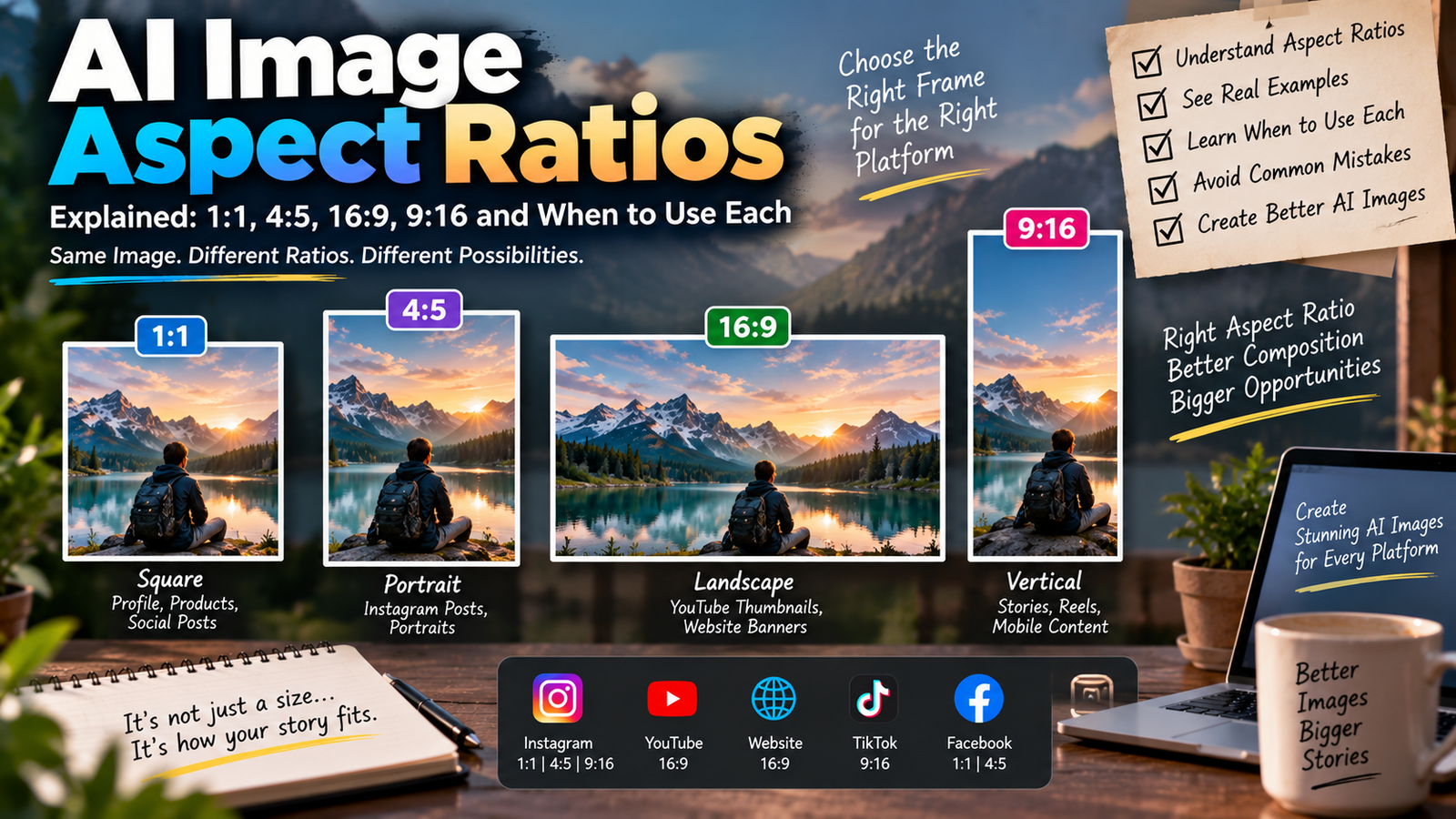
| Setting | Recommendation |
|---|---|
| Instagram Feed | 4:5 |
| Reels | 9:16 |
| Stories | 9:16 |
| Profile Picture | 1:1 |
| Camera Perspective | 50mm |
| Photography Style | Cinematic |
| Skin | Natural Texture |
| Lighting | Soft Directional |
| Background | Realistic Bokeh |
| Color | Natural Cinematic |
4:5
Instagram feed ke fashion portraits ke liye useful format hai.
9:16
Instagram Reels aur Stories ke liye suitable vertical format hai.
1:1
Profile picture aur square social media posts ke liye useful hai.
Same Face Match vs Beautiful AI Image
Ek important point hai jo beginners ko samajhna chahiye.
Sabse beautiful AI image hamesha sabse accurate face-match image nahi hoti.
Example:
Image A
Image bahut cinematic hai, lighting perfect hai aur background premium hai, lekin nose aur jawline original photo se different hai.
Image B
Image thodi simple hai, lekin face, skin tone aur facial structure original person ke close hain.
Agar aap personal Instagram photo bana rahe hain, to Image B zyada useful ho sakti hai.
Isliye AI result ko sirf “beautiful” ya “viral” dekhkar judge na karein.
Check karein:
- Face
- Eyes
- Nose
- Lips
- Jawline
- Skin tone
- Body proportions
- Hands
- Hair
- Lighting
AI Photo Editing Ke Common Problems
Face Change Ho Raha Hai
Solution: Strong identity reference instruction use karein.
Head Oversized Hai
Solution: Realistic head-to-body proportion instruction add karein.
Skin Plastic Hai
Solution: Natural pores aur skin texture specify karein.
Hands Wrong Hain
Solution: Anatomically accurate hands aur five natural fingers mention karein.
Body Too Muscular Hai
Solution: Original physique preserve karne ki instruction add karein.
Background Unrealistic Hai
Solution: Perspective, realistic shadows, consistent lighting aur natural depth mention karein.
Image Bahut Overprocessed Hai
Solution: Excessive HDR, glow, saturation aur sharpening ko negative prompt mein add karein.
AI Photo Editing Ke Liye Original Photo Kaisi Honi Chahiye?
Better result ke liye original image:
- Clear ho
- High resolution ho
- Face properly visible ho
- Excessive filter na laga ho
- Face par heavy shadow na ho
- Hair face ko completely cover na kar raha ho
- Image excessively blurry na ho
Agar original image clear hai, to AI ke paas identity preserve karne ke liye better visual information hoti hai.
AI Prompt Mein Negative Prompt Kyu Use Karein?
Negative prompt ka purpose unwanted results ko reduce karna hota hai.
Example:
distorted face, changed identity, different person, altered facial structure, artificial eyes, plastic skin, excessive skin smoothing, deformed hands, extra fingers, missing fingers, duplicated limbs, oversized head, small body, unnatural body proportions, exaggerated muscles, warped clothing, distorted background, duplicate person, unrealistic reflections, excessive HDR, oversaturated colors, cartoon, anime, blurry face, low resolution, fake skin texture, bad perspective, unrealistic shadows
Har AI tool negative prompts ko exactly same way handle nahi karta, isliye result ke according prompt adjust karna chahiye.
AI Photo Editing Mein Gradual Editing Better Kyu Ho Sakti Hai?
Agar aap ek hi generation mein bahut saare changes karenge, to identity consistency reduce ho sakti hai.
For example:
Background + Outfit + Pose + Hairstyle + Face Angle + Lighting + Body Shape
sab ek saath change karne ke bajay pehle:
Background + Outfit + Lighting
try karein.
Agar face correct hai, to next edit mein pose ya additional styling change kar sakte hain.
Boys Aur Girls Dono Ke Liye Ye Method Work Karega?
Haan, basic identity-preservation technique boys aur girls dono ke liye use ki ja sakti hai.
Bas styling ko subject ke according change karein.
Boys
- Leather jacket
- Overshirt
- Blazer
- T-shirt
- Denim
- Motorcycle styling
Girls
- Saree
- Dress
- Kurti
- Blazer
- Casual outfit
- Fashion styling
Identity instructions same rakhte hue environment aur outfit ko change kiya ja sakta hai.
AI Photo Editing Ke Liye Best Workflow
Agar aap realistic result chahte hain, to ye simple workflow try karein:
Step 1: Clear original photo select karein.
Step 2: AI tool mein image upload karein.
Step 3: Identity-preservation prompt add karein.
Step 4: Background describe karein.
Step 5: Outfit describe karein.
Step 6: Lighting aur camera perspective define karein.
Step 7: Body proportions mention karein.
Step 8: Negative prompt add karein, agar tool support karta hai.
Step 9: Result check karein.
Step 10: Sirf problem ke according correction prompt use karein.
Frequently Asked Questions
Prompt se photo editing ke liye best AI kaunsa hai?
Beginners ke liye Google Gemini aur ChatGPT practical starting options hain. Adobe Firefly controlled editing ke liye aur Midjourney cinematic creative images ke liye useful ho sakta hai.
Same face match ke liye kaunsa AI best hai?
Kisi AI se har image mein 100% identical face ki guarantee nahi hoti. Result reference photo, prompt aur requested transformation par depend karta hai.
Kya AI se clothes change kar sakte hain?
Haan. Prompt mein desired outfit clearly describe karke clothing transform ki ja sakti hai.
Kya background change karne par face same reh sakta hai?
Haan. Sirf background change karna generally large pose ya facial-angle transformation ke comparison mein easier hota hai.
AI mera face baar-baar kyun change karta hai?
Aisa low-quality reference image, unclear prompt, extreme pose changes ya excessive beautification instructions ki wajah se ho sakta hai.
Face match improve kaise karein?
Clear reference image use karein, strict identity reference instruction add karein aur facial features ko specifically preserve karne ko bolein.
Head body se bada kyun ho jata hai?
AI full-body generation mein human proportions kabhi-kabhi incorrectly interpret kar sakta hai. Realistic head-to-body ratio aur natural anatomy instructions add karein.
Instagram ke liye best image size kya hai?
Instagram feed ke liye 4:5, Reels aur Stories ke liye 9:16, aur profile picture ke liye 1:1 useful formats hain.
Kya AI photo ko realistic banaya ja sakta hai?
Haan. Natural skin texture, realistic lighting, accurate anatomy, believable shadows aur controlled color grading use karne se result more natural lag sakta hai.
Kya AI edited photo Instagram par use kar sakte hain?
Haan, agar aapke paas original photo ke necessary rights hain aur aap applicable platform rules ka follow karte hain.
Final Thoughts
Agar aap prompt se photo editing AI search kar rahe hain aur aapki priority same recognizable face hai, to sirf AI tool choose karna enough nahi hai. Aapko clear reference image aur properly structured prompt bhi use karna chahiye.
Gemini aur ChatGPT beginners ke liye prompt-based editing ke practical options hain. Adobe Firefly controlled creative editing ke liye useful ho sakta hai, jabki Midjourney cinematic aur highly creative visual styles ke liye strong option ho sakta hai.
Best result ke liye simple formula follow karein:
Clear Photo + Strict Face Reference + Detailed Prompt + Natural Body Proportions + Realistic Lighting
AI image ko realistic banane ke liye excessive beauty filters, plastic skin, extreme HDR aur unrealistic body proportions se bachna better hai.
Sabse important baat ye hai ki AI ko sirf “photo beautiful banao” na bolein. Clearly explain karein ki face, hairstyle, skin tone aur identity preserve karni hai, aur exactly kya change karna hai.
Is approach se aap different AI tools ko test karke apne use case ke liye better results find kar sakte hain.