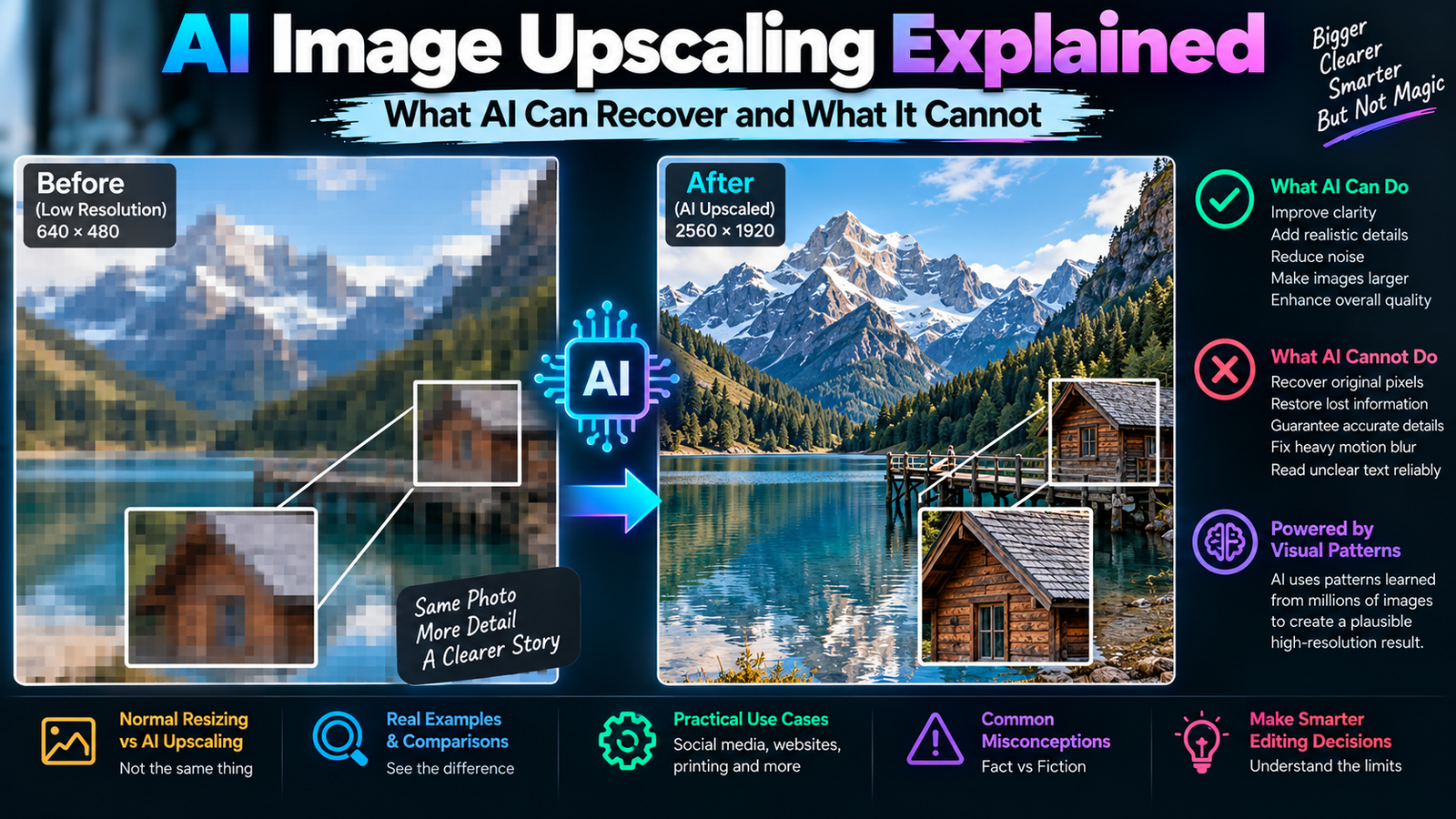
AI Image Upscaling Explained: What AI Can Recover and What It Cannot farhan ansari 10/09/2026 1:14 PM Read More »
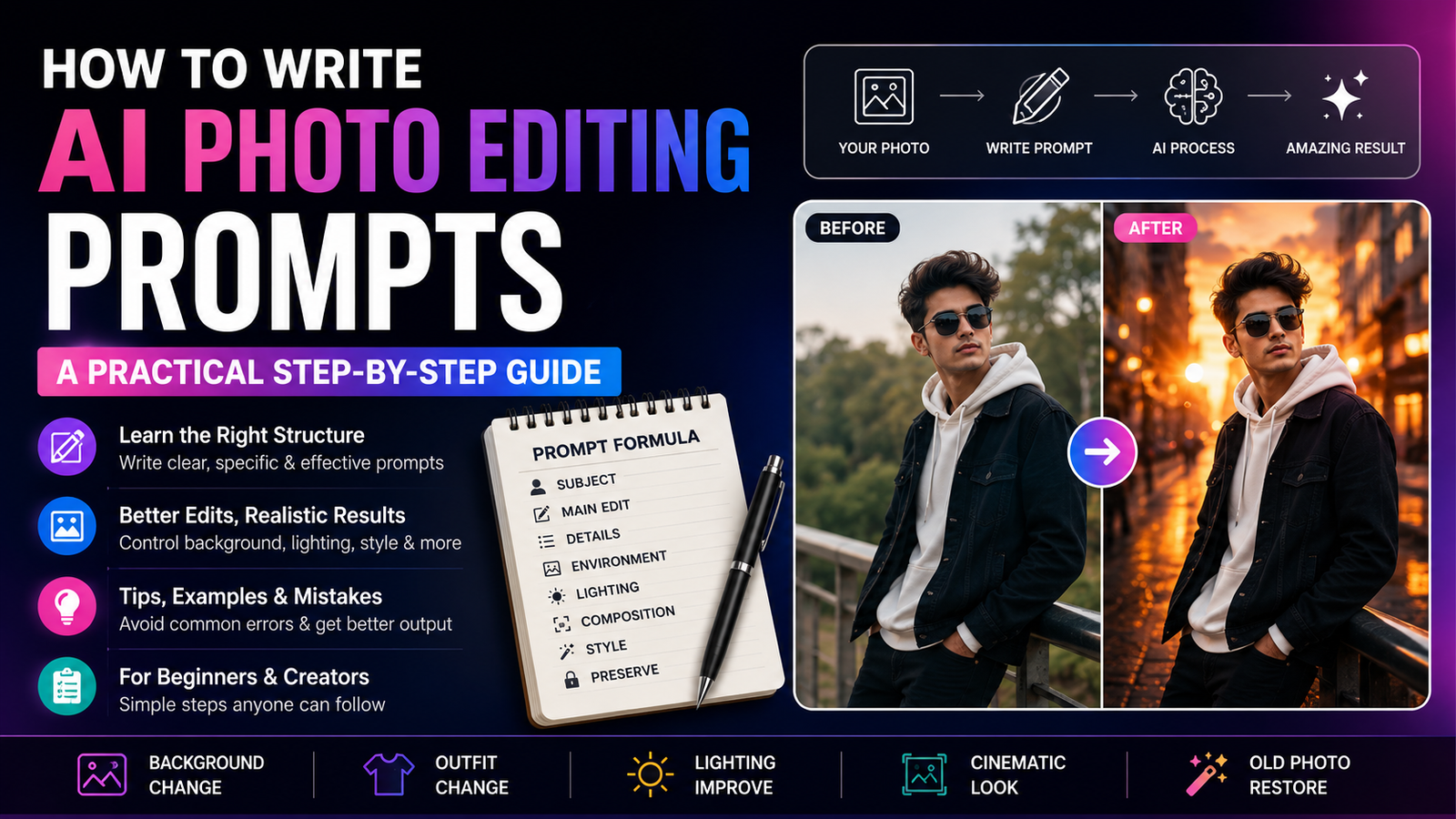
How to Write AI Photo Editing Prompts: A Practical Step-by-Step Guide farhan ansari 01/09/2026 1:46 PM Read More »
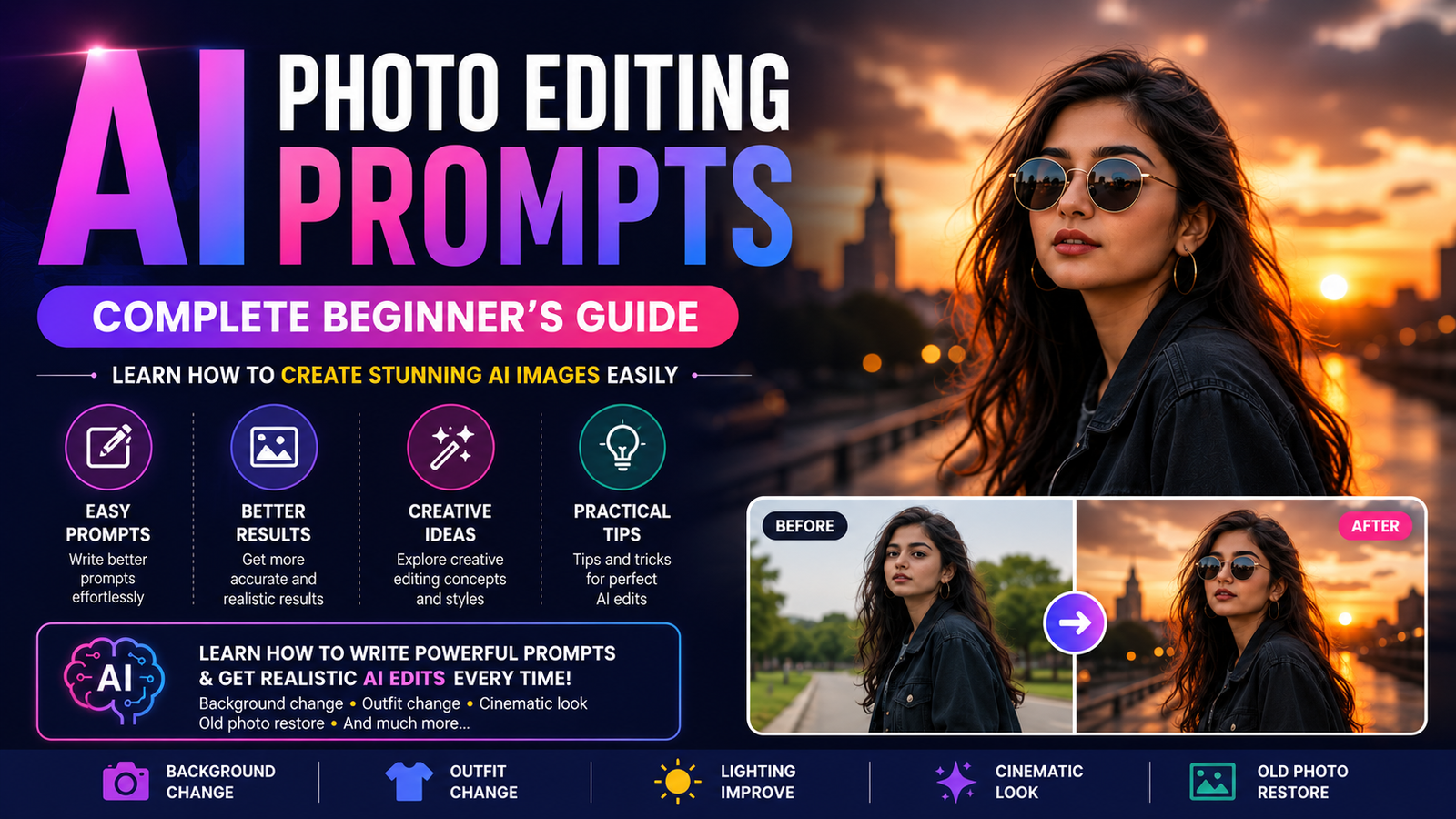
AI Photo Editing Prompts: A Complete Beginner’s Guide to Creating Better AI Images farhan ansari 01/09/2026 1:38 PM Read More »
How to Create AI Storybook Illustrations With Consistent Characters farhan ansari 30/08/2026 10:21 AM Read More »
AI Prompt for LinkedIn Profile Picture: Professional Headshot Guide farhan ansari 29/08/2026 11:54 AM Read More »
AI Prompts for Instagram Reel Hooks: 50+ Powerful Ideas farhan ansari 29/08/2026 11:37 AM Read More »
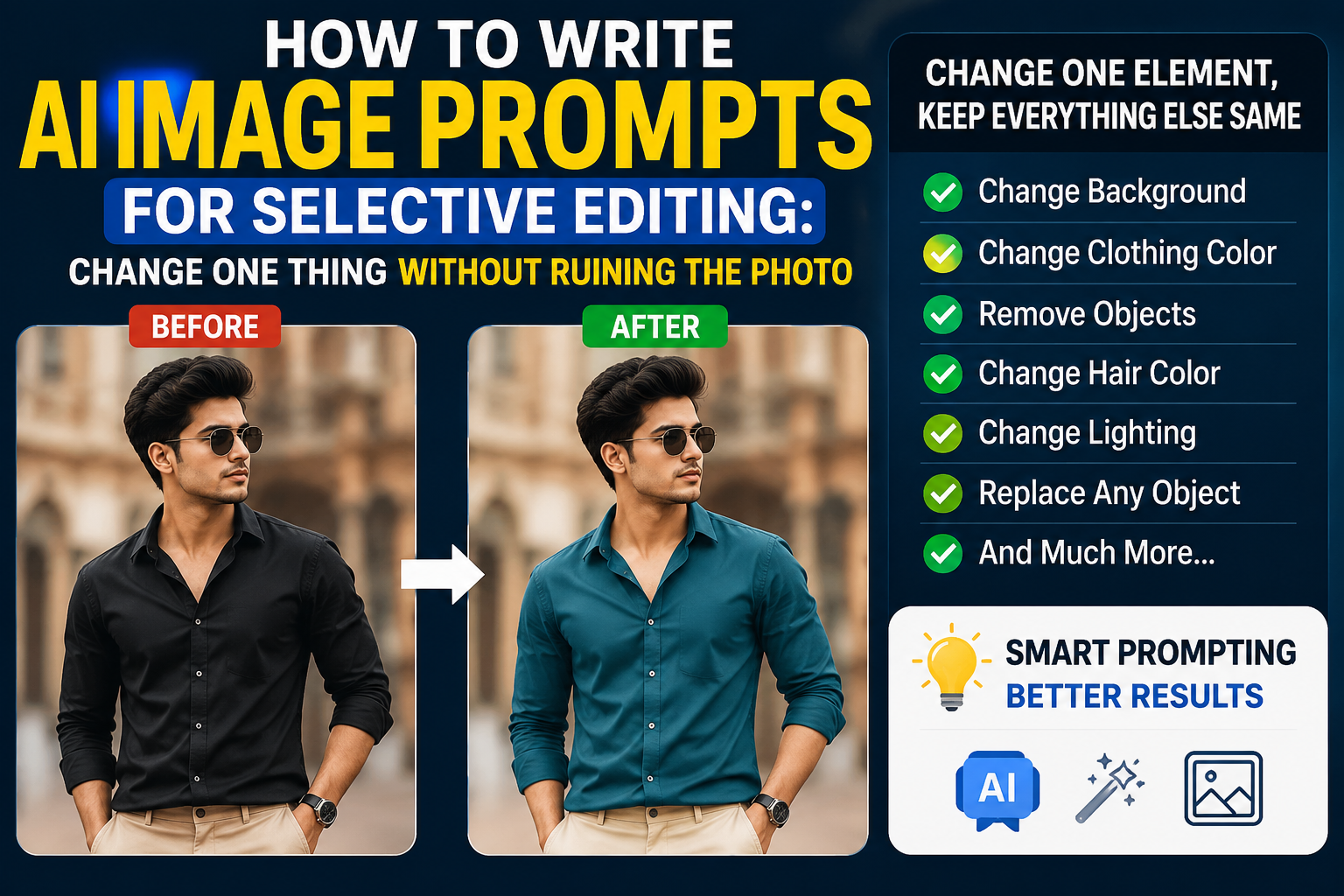
How to Write AI Image Prompts for Selective Editing: Change One Thing Without Ruining the Photo farhan ansari 28/08/2026 6:33 AM Read More »
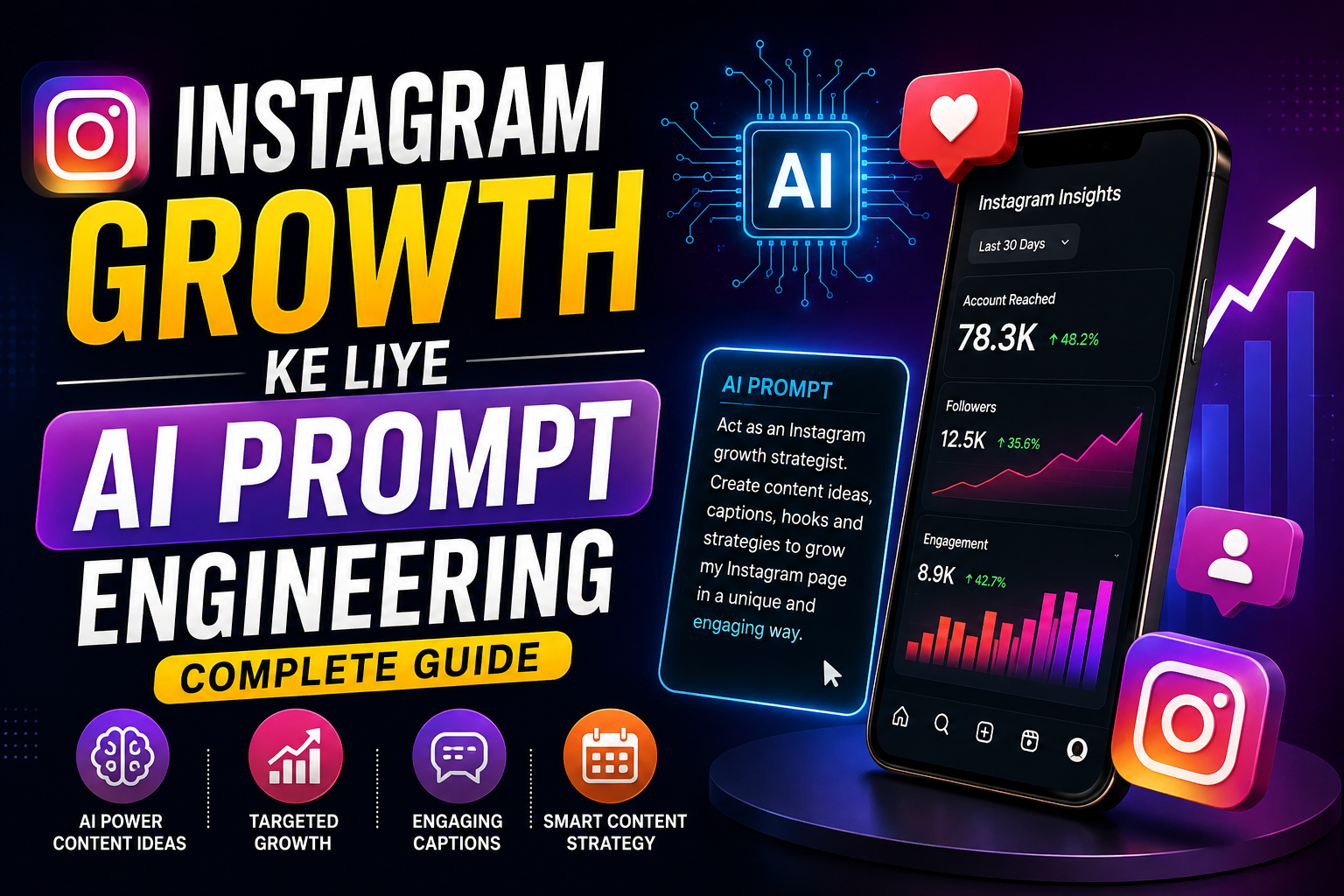
Instagram Growth Ke Liye AI Prompt Engineering: Complete Guide farhan ansari 28/08/2026 5:27 AM Read More »
How to Create Cinematic Travel Photos With AI Using Gemini & ChatGPT farhan ansari 26/08/2026 11:40 AM Read More »
How to Create Professional Product Photos With AI Using Gemini and ChatGPT farhan ansari 26/08/2026 11:34 AM Read More »
![How to Create AI Storybook Illustrations With Consistent Characters Creating a children's storybook traditionally requires writing a story, designing characters, creating illustrations, and making sure every page has a consistent visual style. For beginners, the illustration part can be particularly challenging. AI image-generation tools have made this process much easier. You can describe a character, create an illustration, and then use carefully structured prompts to build additional scenes around the same character. However, there is one major challenge: character consistency. If your main character looks different on every page, the storybook can feel disconnected. The hair may change, the clothes may look different, or the character's face and proportions may suddenly become completely different. In this guide, you'll learn how to create AI storybook illustrations with consistent characters, how to create a character reference, how to write scene prompts, and how to maintain a consistent visual style across multiple illustrations. What Is Character Consistency in AI Images? Character consistency means keeping the same fictional character recognizable across multiple AI-generated images. For example, imagine your story has a little girl named Maya. You might define her as: 8 years old Curly dark-brown hair Round glasses Yellow sweater Blue skirt Red sneakers Small purple backpack If Maya appears on ten pages, these important characteristics should remain recognizable. The environment can change from a bedroom to a forest, beach, school or castle, but the character should still look like the same person. This is the foundation of consistent AI storybook illustrations. Why Is Character Consistency Important? A children's storybook is a visual story. Readers expect the characters to remain recognizable as the story progresses. Without consistency, several problems can occur: Character appearance changes Clothing changes unexpectedly Hair color changes Facial features change Age appears different Body proportions change Illustration style changes Colors become inconsistent These changes can make an otherwise good AI-generated story feel unprofessional. A consistent character, on the other hand, makes the book feel more cohesive and intentional. How to Create AI Storybook Illustrations With Consistent Characters The most reliable approach is to create your character first and then use that character as a visual reference for future scenes. Step 1: Create a Character Bible Before generating story scenes, create a simple character bible. A character bible is a reference containing the important visual details of your character. Include: Character Name Choose a memorable name. Age Specify the approximate age of the fictional character. Hair Describe: Color Length Texture Hairstyle Face Describe general characteristics such as: Face shape Eye color Glasses Distinctive features Clothing Keep the primary outfit consistent unless the story specifically requires a costume change. Accessories Mention things such as: Backpack Hat Watch Necklace Shoes Personality You can also describe the character's personality because it can influence expressions and poses. For example: > Curious, adventurous, friendly and energetic. Step 2: Create the Character Reference Image Once you have your character description, generate a clean reference image. Don't immediately create a complicated story scene. Instead, create a character sheet showing the character clearly. Character Reference Prompt > Create a detailed children's storybook character reference sheet for a fictional 8-year-old girl named Maya. She has curly dark-brown shoulder-length hair, warm brown eyes, round transparent glasses and a friendly expressive face. She wears a mustard-yellow sweater, blue knee-length skirt, white socks and red sneakers, with a small purple backpack. Show her standing in a clear neutral pose against a simple clean background. Include front view, three-quarter view and side view while keeping the character's appearance consistent. Use a charming high-quality illustrated children's book style with clean shapes, expressive details and soft natural lighting. This is a character reference sheet, so prioritize consistent appearance over complex scenery. This reference becomes the visual foundation for your future illustrations. Step 3: Write the Story Before Generating Images Don't create images randomly. First divide your story into scenes. For example: Page 1 Maya wakes up and discovers a mysterious letter. Page 2 She walks into the forest. Page 3 She discovers a glowing tree. Page 4 She meets a friendly fox. Page 5 The fox guides her toward an old wooden bridge. Page 6 Maya crosses the bridge. Page 7 She discovers a hidden garden. Page 8 She returns home with a magical seed. Now every illustration has a clear purpose. Step 4: Reuse the Character Description One of the easiest ways to improve consistency is to maintain a master character description. Don't completely rewrite the character differently for every page. For example, keep this section consistent: > Maya is an 8-year-old girl with curly dark-brown shoulder-length hair, warm brown eyes, round transparent glasses, a mustard-yellow sweater, blue knee-length skirt, white socks, red sneakers and a small purple backpack. Then add the scene after it. This gives every prompt a stable character foundation. Step 5: Describe the New Scene After defining the character, describe what is happening in the specific illustration. For example: > Maya is standing at the edge of a magical forest, looking curiously toward a glowing path between tall trees. Then describe the environment: > The forest contains soft green foliage, tiny glowing flowers and gentle morning mist. Finally, specify the illustration style: > Use the same children's storybook illustration style as the character reference. A Complete Storybook Scene Prompt Here is an example you can adapt: > Use the provided character reference as the visual identity reference for Maya. Keep her facial features, curly dark-brown shoulder-length hair, warm brown eyes, round transparent glasses, mustard-yellow sweater, blue knee-length skirt, white socks, red sneakers and purple backpack consistent with the reference. Create a new children's storybook illustration showing Maya standing at the entrance of a magical forest while looking curiously toward a glowing pathway. Surround her with tall friendly-looking trees, soft green foliage, tiny glowing flowers and gentle morning mist. Keep Maya clearly recognizable and maintain the same illustration style, proportions and color language as the character reference. Create a warm, imaginative and polished children's picture-book illustration with clear storytelling composition. How to Maintain the Same Art Style Character consistency isn't the only thing that matters. Your illustrations should also look like they belong to the same book. Keep these elements consistent: Illustration style Color palette Lighting Character proportions Line quality Level of detail Background treatment Overall mood For example, don't create Page 1 in a soft watercolor style and Page 2 in a realistic 3D-rendered style unless the story specifically requires a style change. Create a Style Guide You can establish a style such as: > Soft modern children's picture-book illustration, gentle rounded shapes, expressive characters, subtle textured brushwork, warm natural colors, soft atmospheric lighting, detailed but uncluttered backgrounds and whimsical storytelling composition. Then reuse the same style description throughout the book. Gemini Prompt for Consistent Storybook Characters Gemini can work with uploaded images and can use image references in supported workflows. A useful prompt structure is: > Use the uploaded character reference as the primary visual reference. Create a new children's storybook scene while keeping the character's appearance consistent with the reference. Preserve the character's recognizable facial features, hairstyle, clothing, accessories, proportions and overall illustration style. Change only the pose, expression and environment required by the story. Create a warm, polished picture-book illustration with consistent lighting, colors and visual style. The important idea is to tell the AI what can change and what should remain consistent. ChatGPT Prompt for Consistent Storybook Characters ChatGPT Images can work with uploaded images and allows users to describe the changes or new image they want. It also supports targeted editing workflows. Try: > Use my uploaded character reference as the visual reference for the main character. Create a new children's storybook illustration featuring the same character. Preserve the character's facial identity, hairstyle, clothing, accessories, proportions and recognizable appearance. Place the character in a completely new story scene described below: [describe scene]. Keep the same illustration style, visual quality, lighting approach and color language as the reference. Make the character look like the same fictional character rather than a redesigned version. 5 Ready-to-Use AI Storybook Scene Prompts Prompt 1: Magical Forest > Use the provided character reference and keep the main character's appearance consistent. Preserve the same face, hairstyle, clothing, accessories, proportions and illustration style. Show the character walking along a magical forest pathway surrounded by oversized trees, glowing flowers and tiny floating lights. The character looks curious and excited while exploring the mysterious forest. Use warm children's picture-book illustration, soft atmospheric lighting, detailed but uncluttered scenery and consistent colors. Prompt 2: Enchanted Castle > Use the same character reference and preserve the character's recognizable appearance, clothing, hairstyle, proportions and visual style. Show the character standing outside a beautiful enchanted castle on a hill at sunset. Add colorful gardens, a winding stone pathway and a few friendly birds in the distance. Create a magical but believable children's storybook scene with warm light, expressive character posing and consistent illustration quality. Prompt 3: Underwater Adventure > Keep the main character consistent with the provided reference, including facial appearance, hairstyle, clothing, accessories and proportions. Place the character inside a magical underwater world surrounded by colorful coral, friendly sea creatures, bubbles and glowing plants. The character appears amazed and happy while discovering the underwater environment. Maintain the same children's storybook art style and create a colorful, polished and imaginative illustration. Prompt 4: Snowy Mountain > Use the character reference to maintain the same fictional character across the story. Preserve the face, hairstyle, clothing identity, accessories and proportions. Show the character standing on a snowy mountain trail while looking toward a distant glowing cabin. Add soft falling snow, pine trees, distant mountains and warm light coming from the cabin. Use a cozy children's picture-book illustration style with soft atmospheric depth and consistent visual design. Prompt 5: Returning Home > Maintain the exact visual identity and illustration style of the main character from the reference. Show the character happily returning home at sunset after completing an adventure. The character carries the same small backpack and walks along a peaceful path toward a warmly lit house. Add subtle flowers, trees and golden evening light. Create an emotional final storybook illustration with warm colors, natural expression, consistent character proportions and a polished children's picture-book aesthetic. How to Create Different Expressions Your character doesn't need the same facial expression on every page. You can change: Happy Curious Surprised Worried Excited Sad Relieved Proud But the underlying facial identity should remain recognizable. For example: > Keep the character's facial structure and recognizable appearance consistent, but change the expression to genuine surprise as she discovers the glowing tree. This separates identity from expression. How to Change Clothes Without Losing Character Identity Sometimes the story requires a different outfit. For example, your character might wear pajamas at night and outdoor clothes during an adventure. Don't completely redesign the character. Instead, explain the change: > Keep the character's face, hairstyle, eye color, proportions and recognizable identity consistent. Change only the clothing to comfortable blue pajamas appropriate for a bedtime scene. This helps maintain continuity. How to Keep Multiple Characters Consistent If your story contains several characters, create a separate reference description for each one. For example: Maya Curly brown hair, round glasses, yellow sweater and purple backpack. Leo Short black hair, green hoodie, dark trousers and orange sneakers. Milo Small orange fox with a white chest, green scarf and expressive brown eyes. Then use all three references when creating scenes that contain them together. This is particularly important when multiple characters appear repeatedly. Common Problems With AI Storybook Illustrations 1. The Character's Face Changes This can happen when the AI receives insufficient visual reference information. Solution Use a clear character reference and repeat the important identity characteristics. 2. Clothing Changes Randomly Solution Include the clothing details in your master character description. 3. Art Style Changes Between Pages Solution Create a consistent style guide and reuse the same style instructions. 4. Character Becomes Older or Younger Solution Mention the character's approximate age and maintain consistent proportions. 5. Background Becomes Too Detailed A complicated background can compete with the character. Solution Tell the AI to keep the background detailed enough for storytelling but visually secondary to the main character. How to Organize Your AI Storybook A simple workflow can look like this: Phase 1 — Story Write the complete story. Phase 2 — Characters Create every important character. Phase 3 — Character References Generate clear reference images. Phase 4 — Style Choose the illustration style. Phase 5 — Scene Planning Divide the story into individual illustrations. Phase 6 — Image Generation Create each scene using the references. Phase 7 — Consistency Check Compare every page with the character references. Phase 8 — Final Editing Correct any obvious inconsistencies before publishing. This process is much more reliable than generating each page independently. Tips for Better AI Storybook Results Keep Prompts Structured A useful structure is: Character → Appearance → Action → Environment → Lighting → Composition → Art Style → Consistency Instructions Use the Same Character Name Giving your fictional character a consistent name can make your workflow easier to organize. Keep a Master Prompt Save the original character description somewhere safe. Don't rely on memory when creating a long story. Generate in Small Batches Create a few scenes and check consistency before producing the entire book. Inspect Every Image Look for: Face changes Hair changes Clothing inconsistencies Strange hands Missing accessories Incorrect proportions Unwanted objects Style differences AI-generated images can contain mistakes, so human review is still important. How to Create a Professional AI Storybook If you're planning to turn your illustrations into an actual digital storybook, think beyond individual images. Every page should work together. Keep consistent: Character design Typography Illustration style Page dimensions Color language Story pacing Character age Visual hierarchy You can also leave intentional space in an illustration for story text. For example: > Compose the illustration with the main character positioned toward the lower-right portion of the scene and leave clean, visually quiet space in the upper-left area for story text. This can make the final book layout much easier. Final Thoughts Learning how to create AI storybook illustrations with consistent characters is mainly about building a repeatable visual system. Don't start by generating dozens of random scenes. First create the character, establish the visual style, write the story, and divide it into scenes. Then use the character reference and master description throughout the image-generation process. Gemini and ChatGPT can both be useful for this workflow, particularly when you provide clear reference images and detailed instructions. Remember that AI does not guarantee perfect consistency in every generation. Always compare new illustrations with your reference images and regenerate or refine images when important details change. The best AI storybooks are not simply collections of attractive AI images. They are visually consistent stories where the characters, environments and illustrations work together to tell one clear narrative. Frequently Asked Questions How do I keep AI characters consistent across multiple images? Create a strong character reference first, then reuse that reference and a consistent character description when generating new scenes. What should a character reference include? Include the character's age, hairstyle, facial characteristics, clothing, accessories, colors, proportions and other visually important details. Can Gemini create consistent AI storybook characters? Gemini supports image-generation and image-editing workflows involving uploaded images and reference images, depending on the available model and features. Can ChatGPT create AI storybook illustrations? Yes. ChatGPT's image tools can create images and edit uploaded images using natural-language instructions. Should every storybook page use the same prompt? Not exactly. Keep the character description and art-style instructions consistent, but change the action, environment, emotion and composition according to each scene. How many characters can I include in an AI storybook? There is no universal ideal number. For beginners, starting with one or two main characters makes visual consistency easier to manage. Why does my AI character keep changing? Common reasons include weak reference images, inconsistent prompts, too many simultaneous changes or insufficient instructions about which characteristics must remain unchanged. Can I change my character's clothes? Yes. Keep the face, hairstyle, proportions and other identity characteristics consistent, and explicitly describe the new clothing as the only major appearance change. What is the best illustration style for an AI children's book? There is no single best style. Soft picture-book illustration, watercolor-inspired artwork, colorful digital illustration and stylized cartoon artwork can all work well. The most important factor is maintaining the same visual language throughout the book.](https://instaeditprompt.in/wp-content/uploads/2026/08/file_00000000a7548211a7f18ba8c3ea183a.png)