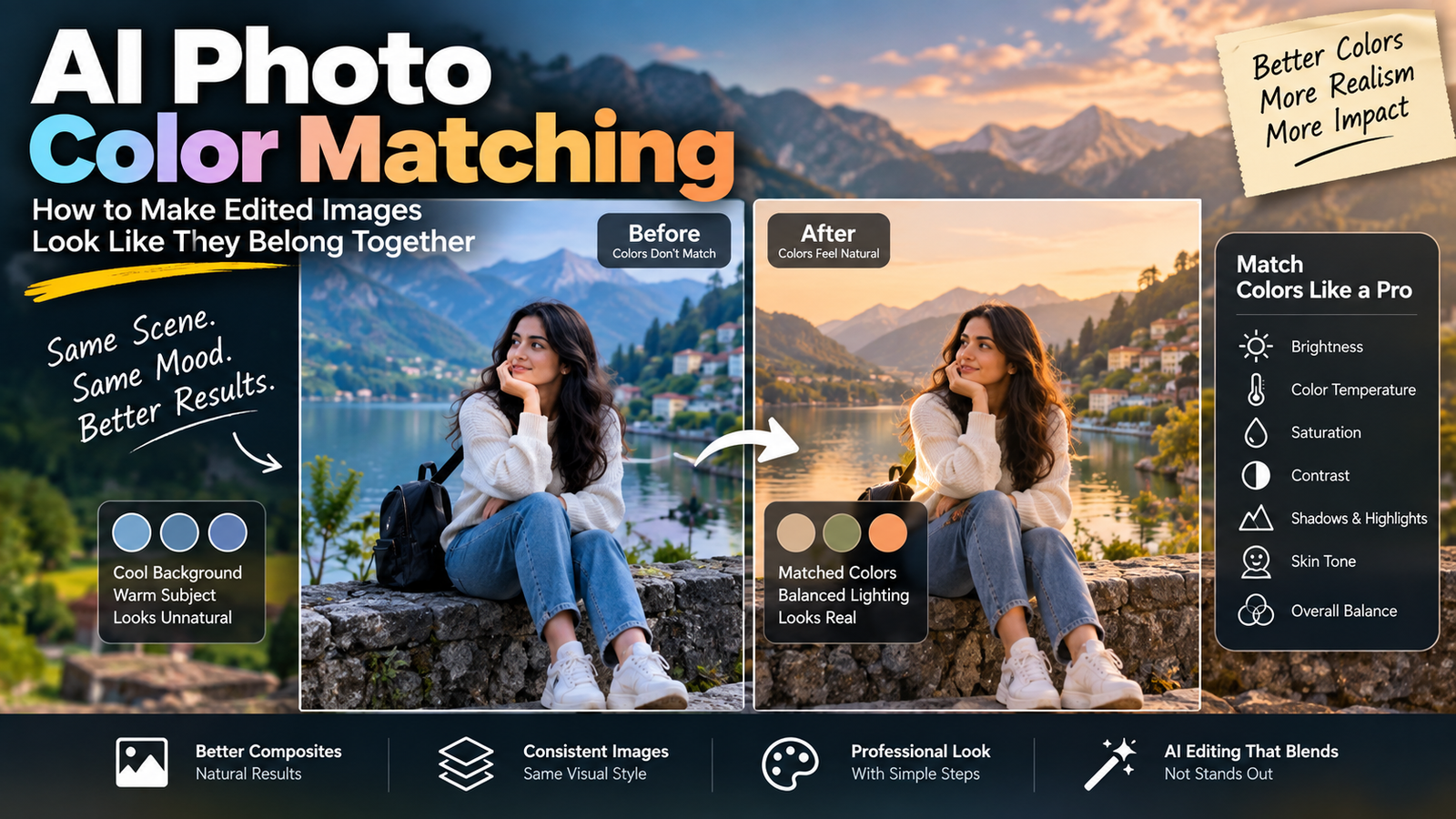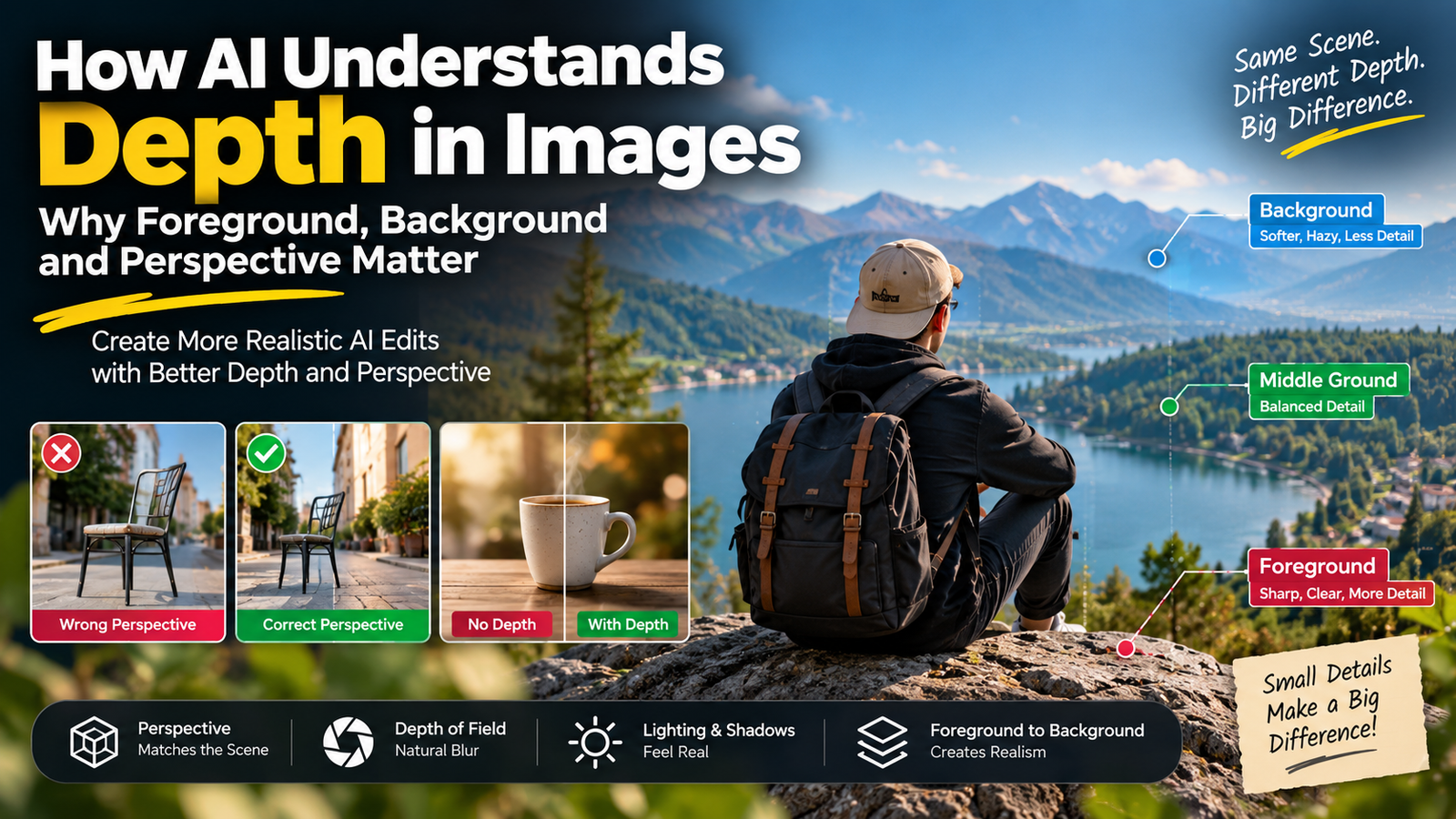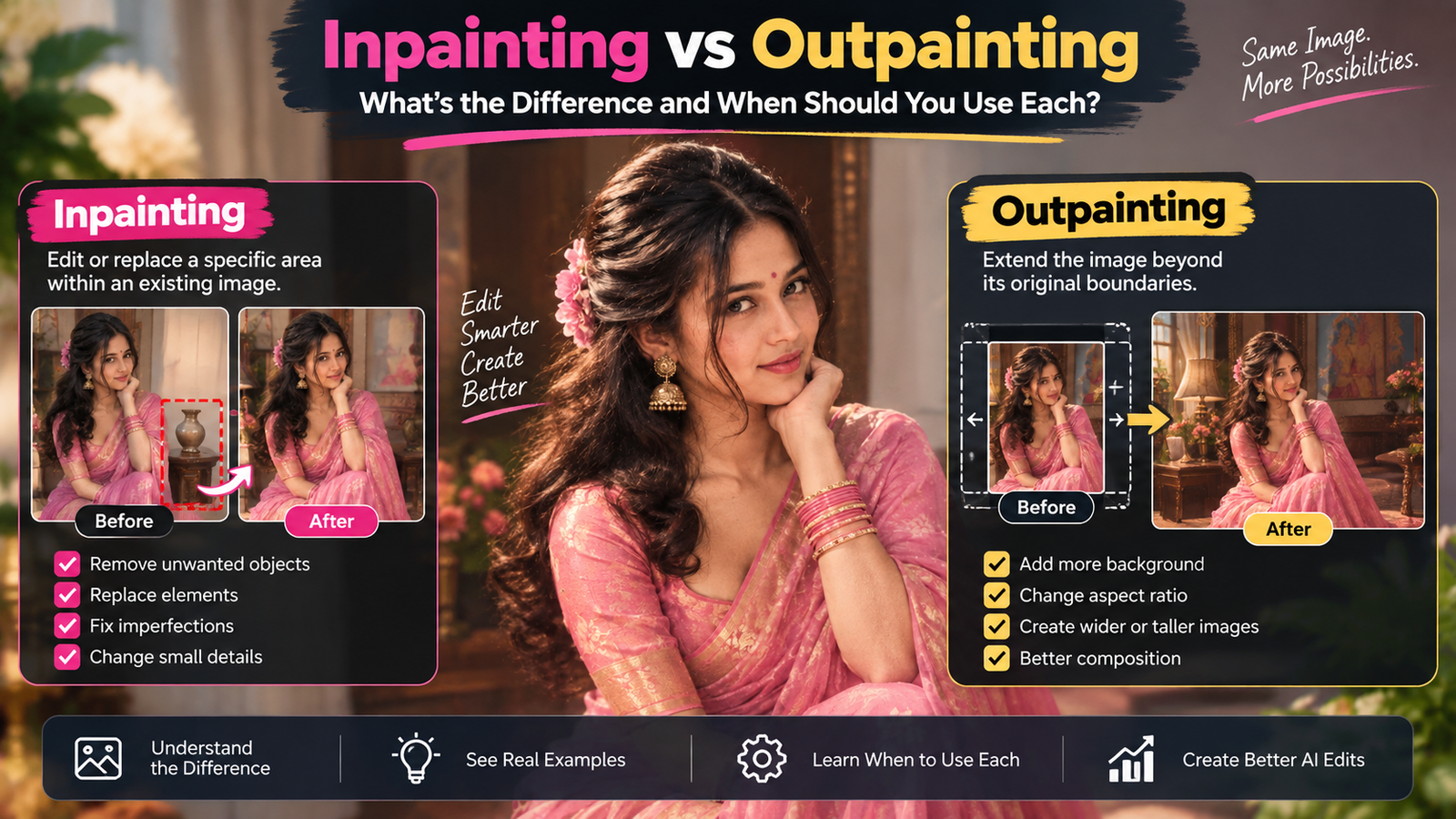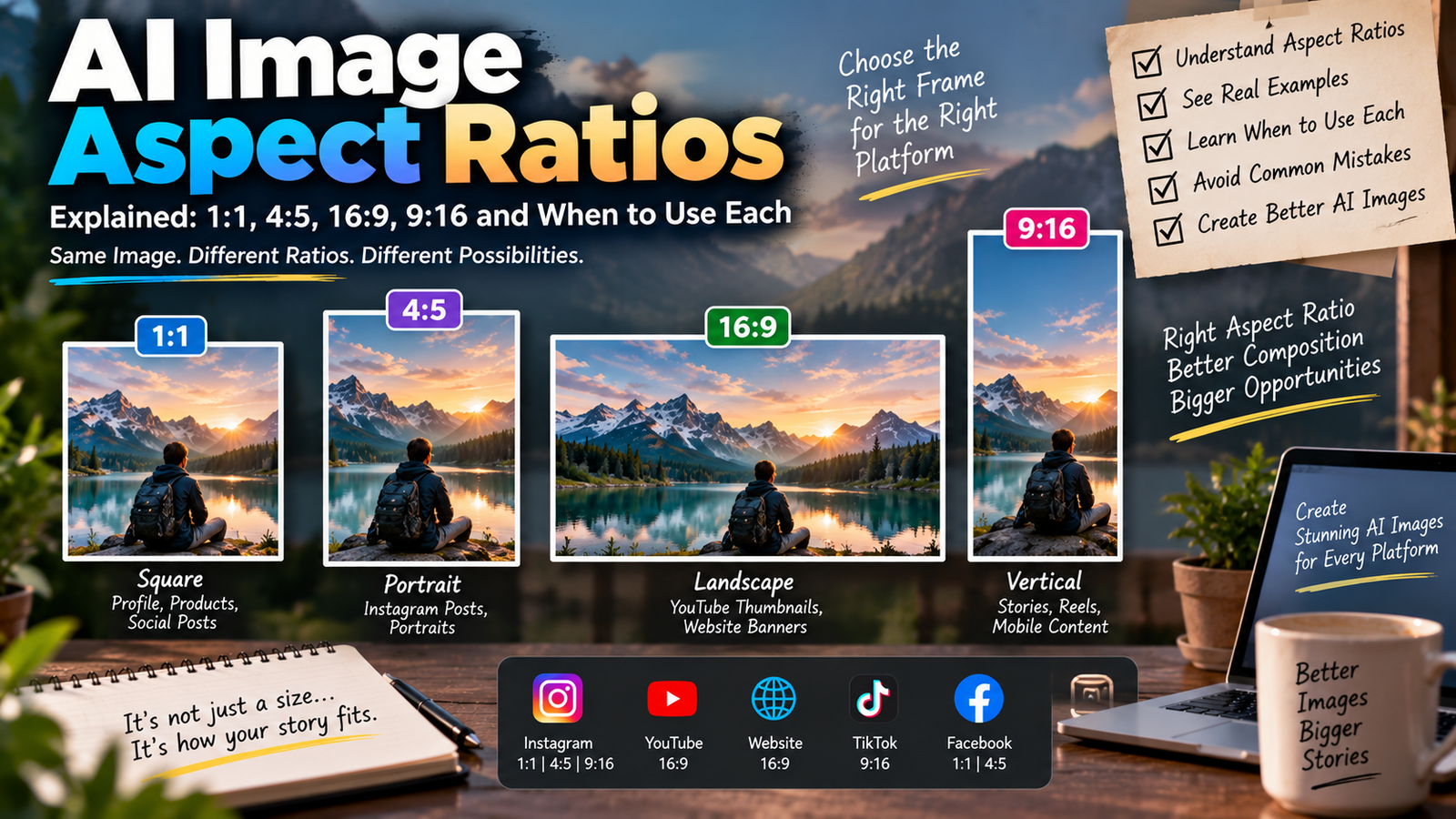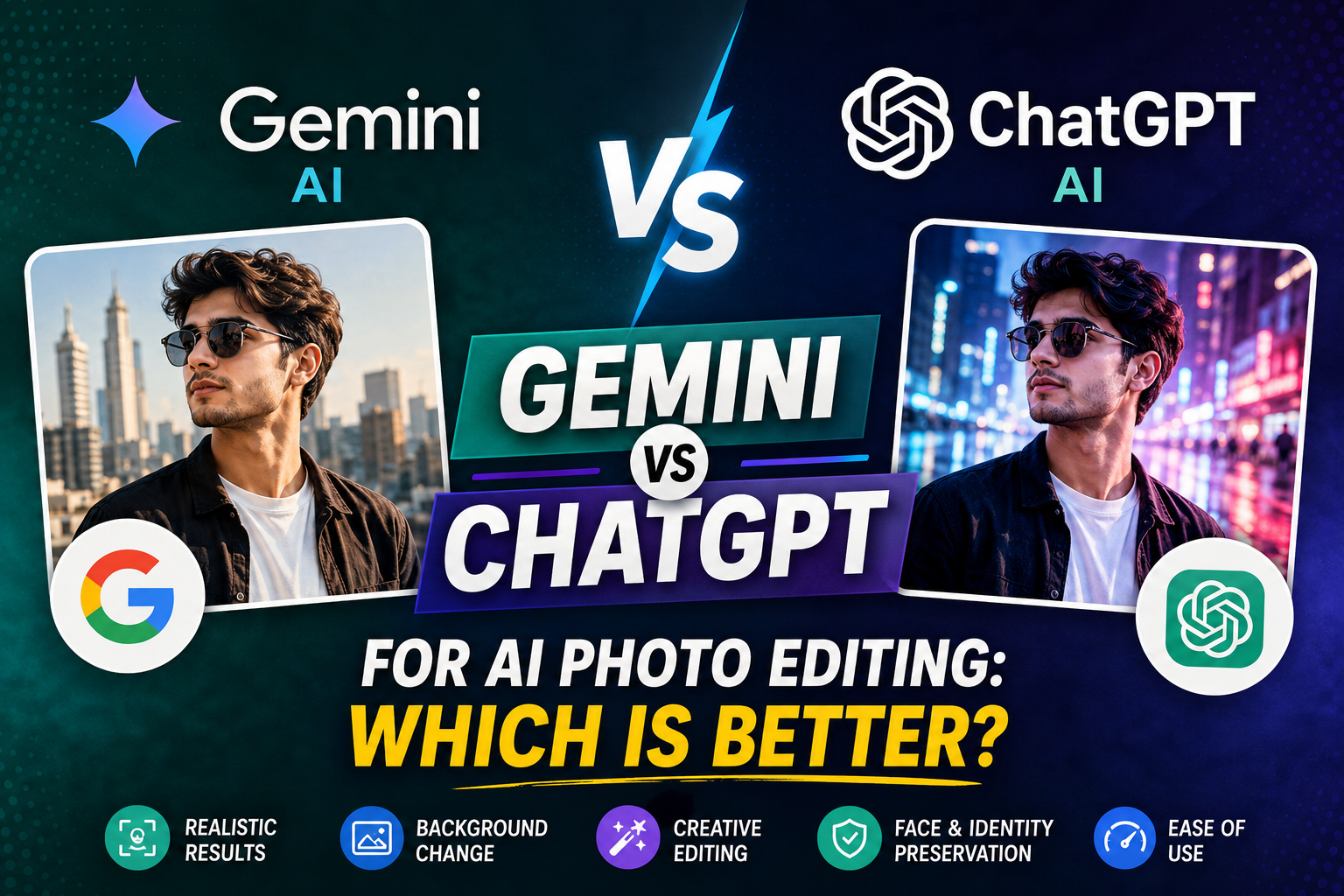
AI photo editing has become much easier in 2026. Instead of spending hours in Photoshop or other complicated editing software, you can upload a photo, describe the changes you want, and let an AI tool handle much of the work.
Two of the most popular options are Google Gemini and ChatGPT. Both can generate images, understand uploaded photos, and perform natural-language image editing. But they are not exactly the same, and the better choice depends on what kind of photos you want to create.
In this guide, we compare Gemini vs ChatGPT for AI photo editing, including face preservation, realistic portraits, background changes, creative edits, prompt understanding, ease of use, and practical use cases.
Gemini vs ChatGPT: Quick Comparison
| Feature | Gemini | ChatGPT |
|---|---|---|
| AI photo generation | Excellent | Excellent |
| Editing uploaded photos | Yes | Yes |
| Natural-language editing | Excellent | Excellent |
| Face/identity preservation | Strong | Strong |
| Background changes | Excellent | Excellent |
| Creative transformations | Excellent | Excellent |
| Multiple-image workflows | Yes | Yes |
| Local/selective editing | Available | Available |
| Instagram photo creation | Excellent | Excellent |
| Prompt flexibility | Excellent | Excellent |
| Beginner friendly | Yes | Yes |
The exact capabilities and limits can change as the services are updated, so it is worth checking the current features available on your account.
What Is Gemini AI Photo Editing?
Google Gemini includes image generation and editing capabilities that allow users to create images from prompts and modify existing images.
Google’s current Gemini documentation says users can upload an image and ask Gemini to make edits. It can also work with multiple uploaded images to create a new result based on them.
This makes Gemini particularly useful for people who want to experiment with:
- AI portraits
- Instagram photos
- Outfit changes
- Background replacement
- Cinematic photography
- Photo combinations
- Different visual styles
- Creative social media images
Google has also highlighted improvements focused on maintaining a person’s likeness while editing photos.
Example Gemini Prompt
Edit my uploaded photo into a realistic cinematic portrait. Preserve my original face, facial structure, hairstyle, skin tone and natural features. Change the background to a modern city street at sunset, with realistic lighting, natural skin texture and professional photography quality.
The important part is not simply saying “make it cinematic.” A detailed prompt gives the AI clearer instructions about what should change and what should remain untouched.
What Is ChatGPT AI Photo Editing?
ChatGPT also supports image generation and editing. You can upload an existing image and describe the changes you want to make.
According to OpenAI’s current documentation, ChatGPT Images can create new images and edit existing images. Users can either describe an edit directly in the conversation or use the editor’s selection functionality to identify an area that should be changed.
This makes ChatGPT useful for both simple and detailed editing workflows.
For example, you can ask it to:
- Change the background
- Remove unwanted objects
- Change clothing
- Adjust lighting
- Transform an image into a different visual style
- Create a professional portrait
- Change the aspect ratio
- Make localized edits
ChatGPT can also understand uploaded images, which makes it useful when you want to explain what you want to change rather than manually describe every visual detail.
Gemini vs ChatGPT for AI Photo Editing
1. Face and Identity Preservation
For many users, this is the most important factor.
When creating an AI photo from an existing portrait, users generally want the final image to still look like them. A common problem with AI editing is that the face can become slightly different after several transformations.
Gemini has specifically emphasized maintaining consistent likeness during image editing.
ChatGPT also allows users to upload an existing image and describe exactly how they want it modified.
Winner: Gemini — Slight Advantage
For workflows where preserving the likeness of a person is the main priority, Gemini is a very strong option.
However, results can vary depending on the original photo, prompt, requested transformation and the model available to your account.
2. Background Replacement
Changing the background is one of the most common AI photo editing tasks.
For example:
Original photo:
A normal indoor portrait.
Desired result:
A cinematic street, luxury hotel, beach, studio or historical location.
Both Gemini and ChatGPT can handle this type of natural-language instruction.
A good prompt should clearly tell the AI to change the background while preserving the subject.
Example Prompt
Keep the person exactly as shown in the uploaded photo. Replace only the background with a luxury hotel lobby. Preserve the person’s face, hairstyle, clothing and body proportions. Match the lighting and shadows naturally so the person looks realistically photographed in the new environment.
Winner: Tie
Both are capable choices for background editing.
3. Creative AI Photo Transformations
If your goal is to create completely different visual concepts, both tools are powerful.
You can transform an ordinary portrait into:
- Cinematic photography
- Vintage photography
- Magazine editorial style
- Street photography
- Travel photography
- Traditional fashion photography
- Fantasy scenes
- Professional studio portraits
- Luxury lifestyle photography
The quality of the result depends heavily on how clearly the prompt describes the subject, environment, lighting, composition and desired style.
Winner: Tie
For creative transformations, there isn’t a universal winner. Try the same prompt in both tools and compare the output for your specific style.
4. Editing a Specific Part of a Photo
Sometimes you don’t want to change the entire image.
You may only want to:
- Remove an object
- Change someone’s clothing
- Replace the sky
- Modify the background
- Add an item
- Adjust a specific area
ChatGPT provides a selection-based editing workflow where users can highlight an area and describe the desired change. OpenAI notes that selections are not always perfectly precise and edits can sometimes extend beyond the selected area.
Gemini also supports editing uploaded images through conversational instructions.
Winner: ChatGPT — Slight Advantage
For users who frequently want to describe and refine specific edits interactively, ChatGPT can be particularly convenient.
5. Understanding Detailed Prompts
A good AI photo editing prompt usually contains several elements:
- Subject
- Identity instructions
- Clothing
- Environment
- Lighting
- Camera style
- Composition
- Background
- Realism
- Things that should not change
For example:
Create a realistic professional portrait using my uploaded image as the reference. Preserve my identity, facial structure, eyes, nose, lips, hairstyle and natural skin tone. Place me in a modern rooftop location during golden hour. Use soft natural lighting, realistic shadows, shallow depth of field and professional portrait photography. Keep the result photorealistic and avoid changing my facial features.
Both Gemini and ChatGPT can understand prompts like this.
Winner: Tie
The bigger difference often comes from prompt quality, not simply the name of the AI tool.
6. Instagram Photo Editing
If you’re creating images for Instagram, both tools can be useful.
You can create:
- Profile pictures
- Reels thumbnails
- Fashion portraits
- Travel photos
- Couple photos
- Cinematic portraits
- Aesthetic pictures
- Viral-style concepts
- Professional creator photos
For Instagram, composition is especially important. Instead of simply asking for a “beautiful photo,” specify the intended use.
Example
Create a vertical Instagram portrait using my uploaded photo as the identity reference. Keep my face and natural features unchanged. Use a cinematic urban background, soft evening light, realistic skin texture and professional fashion photography. Compose the image with enough negative space around the subject for Instagram cropping.
Winner: Tie
Both are excellent choices for Instagram-focused AI photo editing.
7. Beginner-Friendly Experience
Both platforms are designed around natural-language interaction.
You don’t need to understand complicated editing software.
A beginner can simply upload a photo and write:
Change the background to a beach during sunset while keeping my face unchanged.
Then the user can continue refining the result.
For example:
Make the lighting more natural.
Then:
Keep the face exactly like the original photo.
Then:
Make the background less artificial.
This conversational workflow makes AI photo editing much easier for beginners.
Winner: Tie
Both Gemini and ChatGPT are beginner-friendly.
8. Which Is Better for Realistic Portraits?
Realistic portraits require more than high resolution.
A good AI portrait should have:
- Natural skin texture
- Realistic eyes
- Correct facial proportions
- Natural hair
- Proper lighting
- Realistic shadows
- Consistent facial identity
- Natural-looking clothing
- Correct perspective
Both Gemini and ChatGPT can produce strong results.
For identity-focused editing, Gemini has made maintaining likeness a particular focus in its image editing development.
ChatGPT, meanwhile, provides a flexible editing workflow that allows users to upload an image and refine the result through conversational instructions.
Winner: Gemini — Slight Advantage for Identity-Focused Edits
But don’t treat this as an absolute rule. Your results may differ depending on the image and prompt.
9. Which Is Better for Beginners?
If you have never used AI photo editing before, either platform can work.
Start with a simple prompt:
Improve this photo while keeping my face, hairstyle and natural appearance unchanged. Make the lighting more professional and the background cleaner.
After getting the first result, refine it instead of writing an extremely complicated prompt immediately.
For example:
Make the lighting softer.
Then:
Keep the skin texture natural.
Then:
Make the background more realistic.
This approach can make AI editing easier to control.
Winner: Tie
Gemini vs ChatGPT: Which One Should You Choose?
There is no single winner for every AI photo editing task.
Choose Gemini if you mainly want:
- Realistic portrait transformations
- Identity-focused photo editing
- Creative image generation
- Outfit and style transformations
- Photo blending
- Google ecosystem integration
Choose ChatGPT if you mainly want:
- Conversational image editing
- Detailed iterative instructions
- Selective image edits
- Creative image generation
- Easy prompt refinement
- Image analysis combined with editing
Can You Use Both Gemini and ChatGPT?
Absolutely.
In fact, this can be a better workflow than choosing only one.
You can use ChatGPT to develop and refine your prompt, then test the prompt in Gemini. You can also compare the same prompt in both platforms and choose whichever produces the better result for that particular image.
For example:
Step 1: Prepare the Prompt
Use a detailed structure:
Subject + Identity + Clothing + Location + Lighting + Camera + Composition + Realism
Step 2: Test It in Gemini
Upload your image and apply the prompt.
Step 3: Test the Same Prompt in ChatGPT
Upload the same original image and use the same instructions.
Step 4: Compare
Look at:
- Face similarity
- Skin texture
- Hands
- Background
- Lighting
- Clothing
- Image composition
- Overall realism
Step 5: Refine the Prompt
If the face changes, add stronger identity instructions.
If the background looks artificial, add realistic lighting and environmental details.
If the image looks overly processed, ask for natural skin texture and subtle enhancement.
Best AI Photo Editing Prompt Structure
Instead of copying a random viral prompt, use this structure:
1. Reference Image
Tell the AI to use your uploaded image as the reference.
2. Identity
Explain which facial characteristics should remain unchanged.
3. Subject
Describe the pose, clothing and appearance.
4. Environment
Explain where the person should be.
5. Lighting
Specify natural, studio, golden-hour, cinematic or other lighting.
6. Camera Style
Mention portrait photography, shallow depth of field, realistic lens perspective, etc.
7. Composition
Specify close-up, medium shot, full-body, vertical portrait or another framing.
8. Realism
Request realistic skin, natural shadows and believable details.
9. Restrictions
Clearly mention what should not be changed.
This structure works better than simply writing:
Make my photo cinematic and viral.
Common AI Photo Editing Mistakes
Mistake 1: Using Very Short Prompts
A prompt such as:
Make me look cool.
doesn’t provide enough information.
Instead, describe the environment, lighting, composition and desired appearance.
Mistake 2: Asking for Too Many Changes
Changing the face, clothes, pose, background, lighting and body proportions simultaneously can make the result less consistent.
Try changing one major element at a time.
Mistake 3: Not Mentioning the Original Face
If identity is important, explicitly tell the AI to preserve the person’s facial characteristics.
Mistake 4: Expecting Every Result to Be Perfect
AI image generation is not deterministic. The same general prompt can produce different results.
Generate and refine instead of expecting the first attempt to be perfect.
Mistake 5: Ignoring the Original Image
A low-quality, blurry or heavily edited source image can make realistic AI editing more difficult.
For the best results, start with a clear image where the face is visible.
Gemini vs ChatGPT for AI Photo Editing: Final Verdict
So, Gemini vs ChatGPT for AI photo editing — which is better?
The answer depends on what you want to accomplish.
Gemini is an excellent choice for realistic photo transformations, creative image generation and identity-focused editing. Google has specifically highlighted improvements to likeness consistency in its image-editing models.
ChatGPT is an excellent choice when you want a conversational editing workflow, detailed instructions and iterative changes. Its current image tools support both complete image editing and selected-area modifications.
Our simple recommendation:
For realistic portrait transformations: Gemini
For conversational editing: ChatGPT
For Instagram photos: Both
For creative experiments: Both
For beginners: Both
For advanced prompt workflows: Both
Rather than asking which AI is universally better, the better question is:
Which tool produces the result you want for your particular photo?
The best approach is to keep your original photo, use a well-structured prompt, test both tools when possible, and refine the instructions based on the result.
Frequently Asked Questions
Is Gemini better than ChatGPT for AI photo editing?
Not in every situation. Gemini can be particularly strong for realistic portrait transformations and maintaining likeness, while ChatGPT offers a flexible conversational editing workflow.
Can Gemini edit an existing photo?
Yes. Google’s current Gemini documentation states that users can upload an image and ask Gemini to make edits.
Can ChatGPT edit an uploaded photo?
Yes. ChatGPT supports uploading an existing image and describing the changes you want to make.
Which is better for Instagram AI photos?
Both Gemini and ChatGPT can create high-quality Instagram photo concepts. The quality depends heavily on the prompt, reference image and type of edit.
Can I use the same prompt in Gemini and ChatGPT?
Yes. Testing the same prompt in both tools is a useful way to compare their results for a specific editing task.
How do I get better AI photo editing results?
Use a clear reference image and describe the subject, identity, background, lighting, composition and realism requirements. Instead of making every change at once, refine the image through multiple instructions.