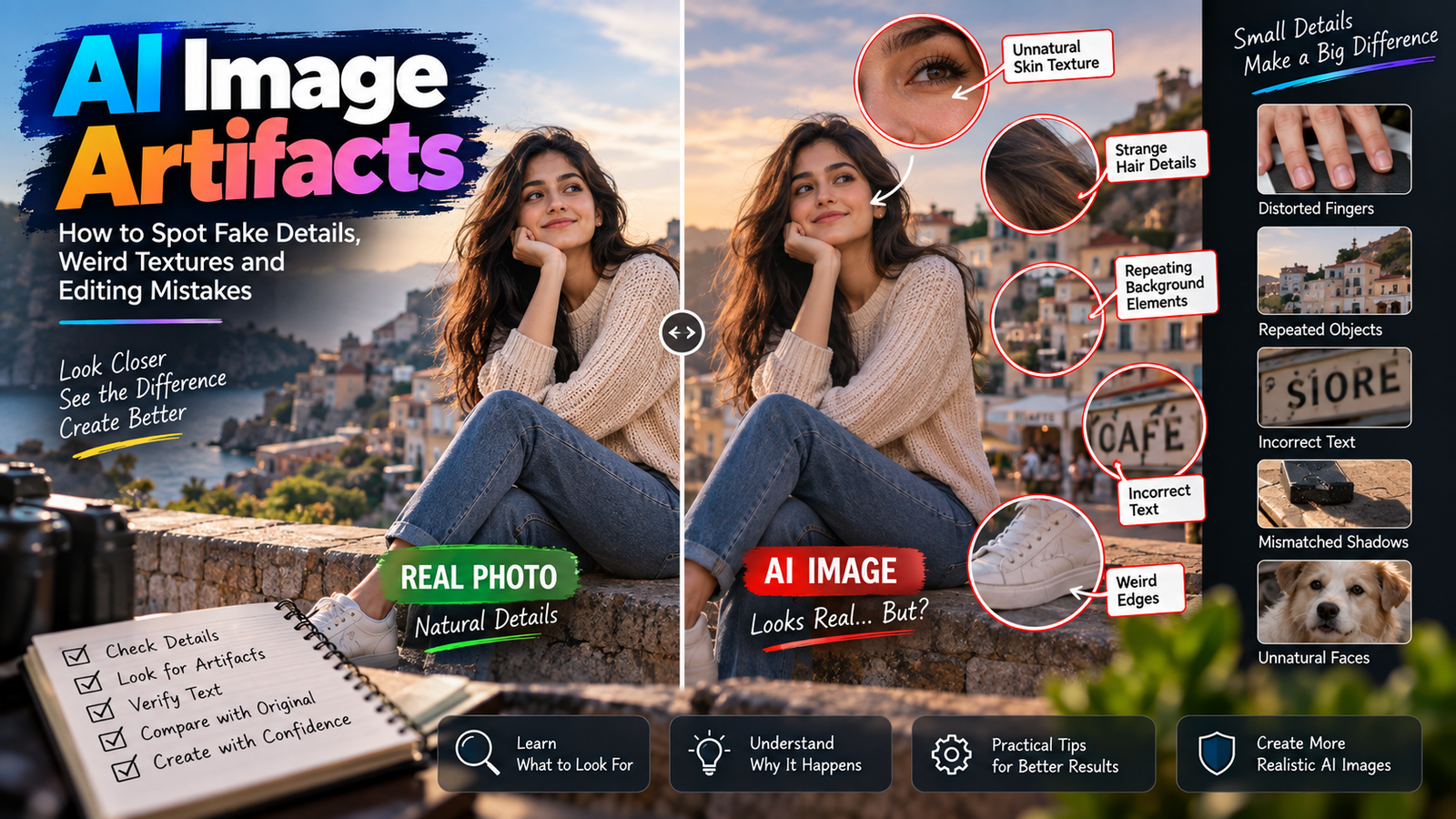
AI-generated photos can look impressive at first glance, but small details often reveal that an image was created or heavily edited with AI. Skin may look unnaturally smooth, shadows may fall in the wrong direction, clothing can lose texture, and backgrounds sometimes look more like digital artwork than real photography.
The solution isn’t simply adding words such as “8K,” “masterpiece,” or “ultra HD” to every prompt.
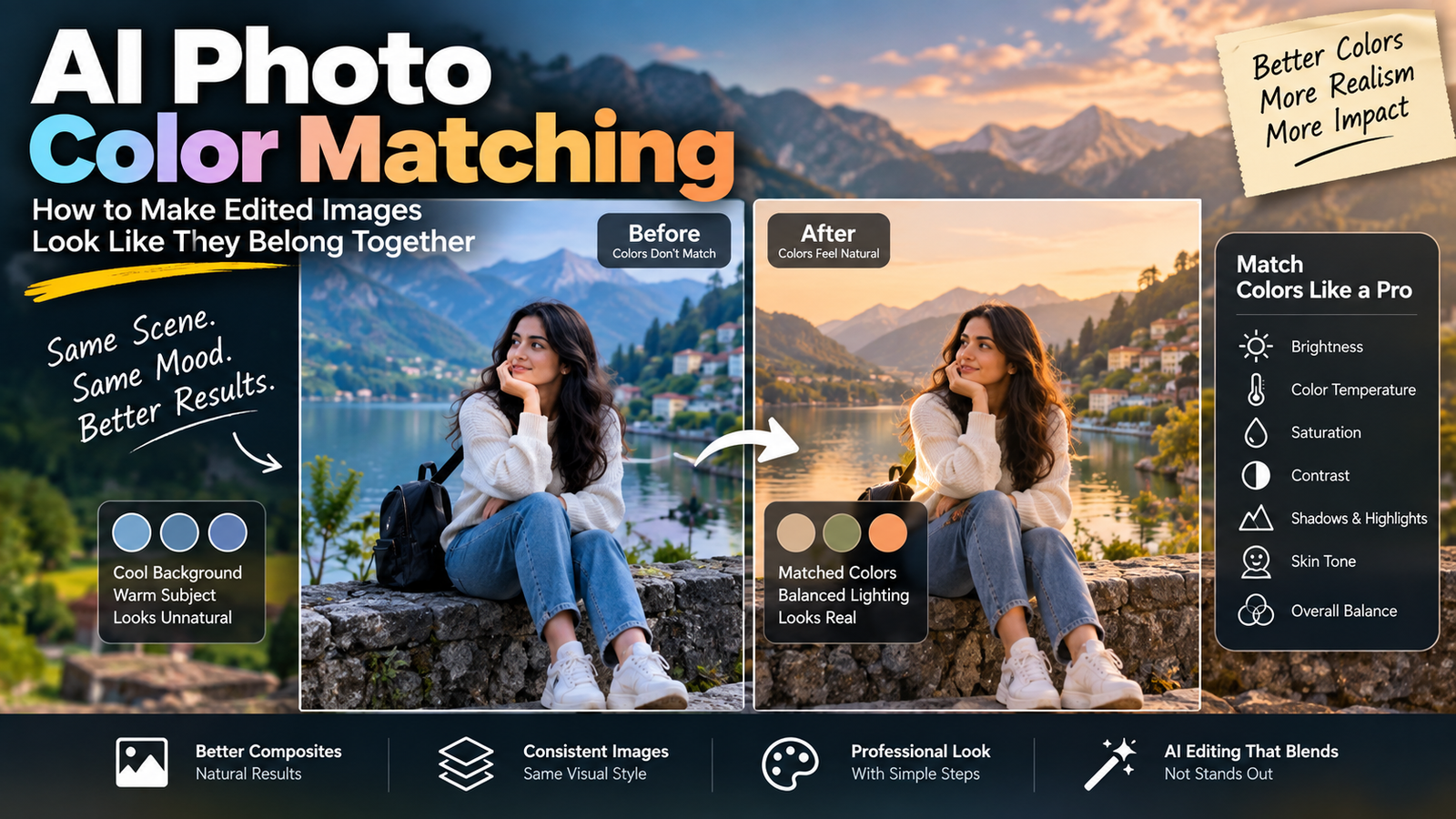
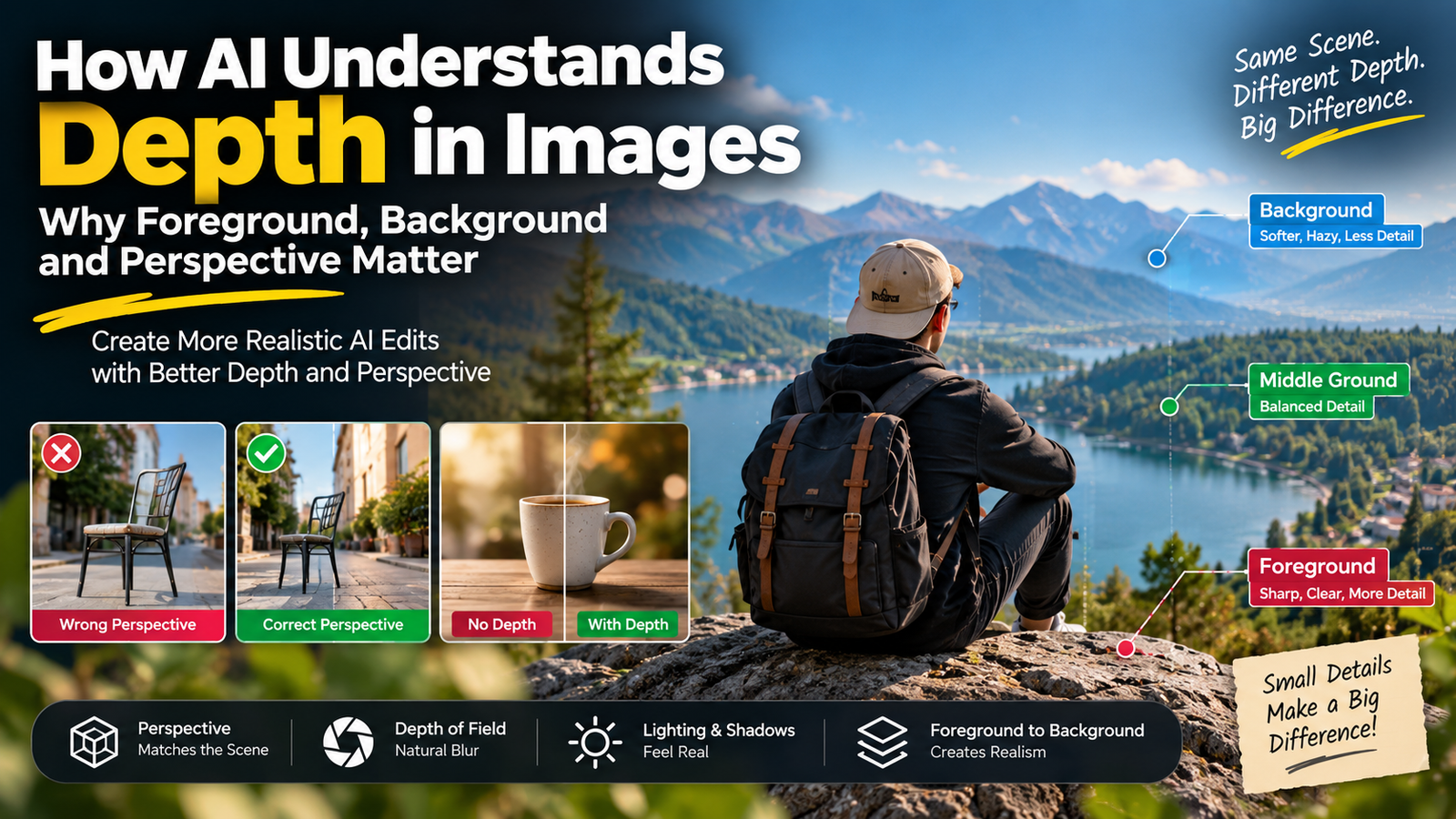
A genuinely high quality AI photo editing prompt should explain what makes a real photograph believable: natural skin texture, accurate lighting, realistic shadows, proper body proportions, detailed fabric, sensible reflections, depth, and a clear photographic style.
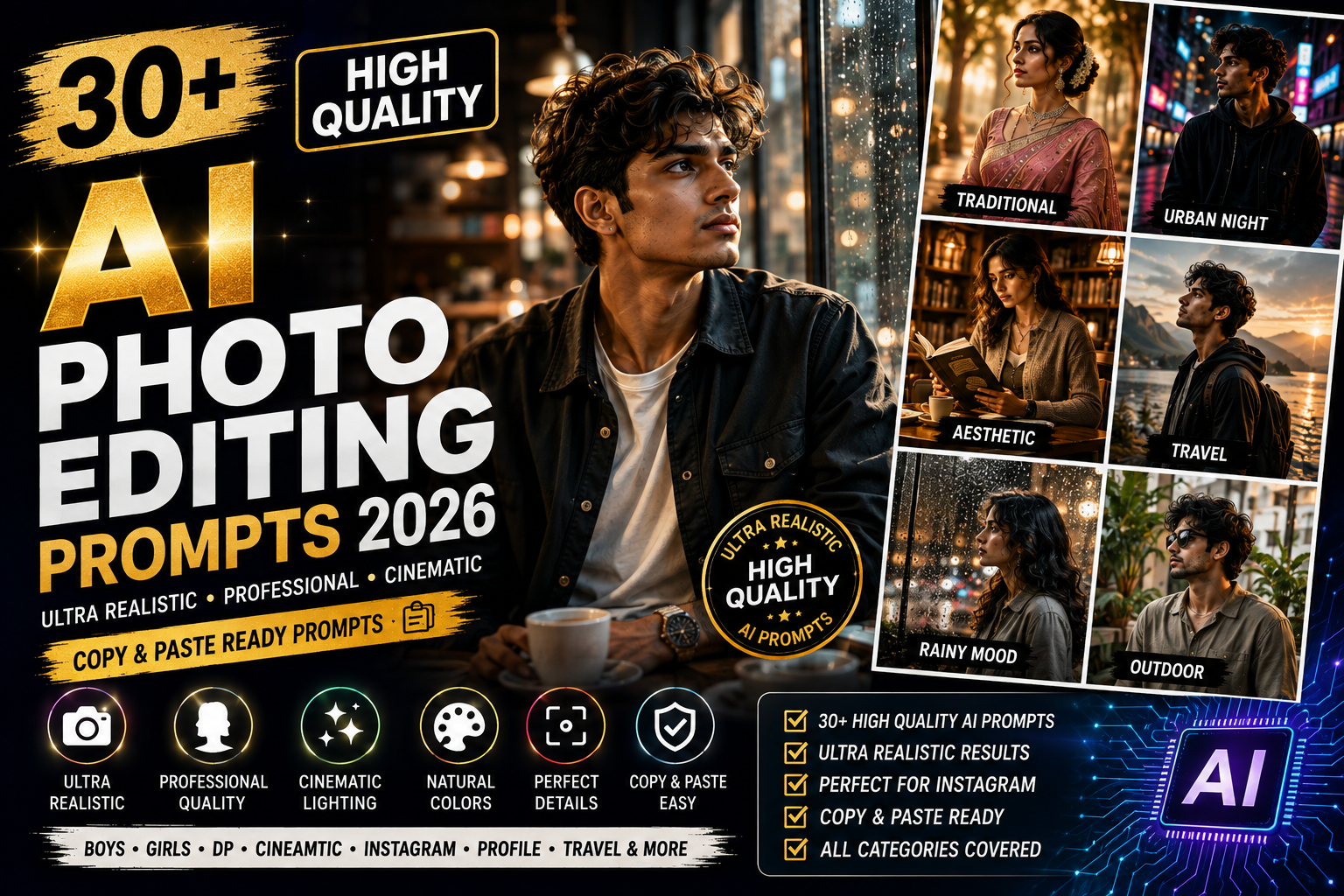
In this guide, you’ll find 30+ high quality AI photo editing prompts designed for realistic portraits, Instagram photos, boys, girls, cinematic edits, professional headshots, travel photos, and creative photography.
Each prompt uses a different concept so you can experiment without creating the same AI portrait repeatedly.
Best High Quality AI Photo Editing Prompts
Before trying these prompts, use a clear source image whenever you’re editing an existing photograph.
If maintaining the person’s appearance matters, explicitly tell the image tool to preserve their facial identity and natural features.
1. Natural Window Light Portrait
Edit the uploaded photo into a high-quality realistic portrait beside a large window during early morning. Preserve the person’s original facial identity, facial structure, hairstyle, skin tone, expression, and natural body proportions. Add soft directional daylight, realistic skin texture with natural pores, subtle facial shadows, detailed fabric texture, accurate hair strands, gentle background depth, and professional full-frame camera photography without excessive skin smoothing.
2. Overcast Outdoor Portrait
Transform the uploaded image into a realistic outdoor portrait on a softly overcast day. Preserve facial identity and natural proportions. Add diffused daylight, realistic skin tones, detailed hair, a simple textured outfit, subtle greenery in the distance, natural environmental shadows, accurate depth, and professional portrait photography with restrained color grading.
3. Golden Hour Street Portrait
Place the person on a quiet urban street during late golden hour. Preserve the original face, hairstyle, skin tone, and natural appearance. Add warm sunlight from one side, realistic long shadows, detailed building textures, natural fabric folds, subtle atmospheric depth, believable highlights, and professional street portrait photography.
4. Realistic Indoor Lifestyle Portrait
Create a natural lifestyle portrait inside a simple modern room. Preserve facial identity and realistic body proportions. Add soft daylight from a nearby window, understated furniture, realistic clothing textures, natural skin details, believable contact shadows, accurate perspective, and candid editorial photography.
5. Soft Studio Portrait
Transform the uploaded photo into a premium studio portrait while preserving facial identity, hairstyle, skin tone, and natural features. Use a warm neutral backdrop, one large soft key light positioned slightly to the side, gentle fill light, realistic catchlights in the eyes, natural skin texture, subtle facial shadows, and clean professional photography.
High Quality AI Photo Editing Prompts for Instagram
Instagram photos need to look good on a relatively small screen, so strong composition can matter more than filling the image with unnecessary details.
6. Premium Cafe Window Portrait
Create a high-quality Instagram portrait beside a large cafe window. Preserve facial identity and natural appearance. Add warm late-afternoon sunlight, subtle glass reflections, softly visible street activity outside, realistic skin texture, detailed casual clothing, accurate shadows, natural colors, and polished lifestyle photography.
7. Clean Architectural Portrait
Place the subject beside minimalist modern architecture. Preserve facial identity, hairstyle, and realistic proportions. Add simple contemporary clothing, clean geometric lines, soft afternoon sunlight, detailed concrete texture, realistic directional shadows, negative space, and high-end editorial photography.
8. Natural Street Crossing Portrait
Create a realistic candid photograph of the person walking across a pedestrian crossing. Preserve facial identity and natural body proportions. Add believable walking movement, modern buildings in the distance, soft daylight, realistic road texture, natural clothing folds, accurate shadows, and professional street photography.
9. Rooftop Morning Portrait
Place the person on a residential rooftop during early morning. Preserve the original face and natural features. Add soft sunrise light, distant buildings, realistic rooftop textures, simple casual clothing, natural hair movement from a light breeze, accurate skin tones, and candid lifestyle photography.
10. Glass Reflection Instagram Portrait
Create a sophisticated portrait beside a reflective glass wall. Preserve facial identity and natural proportions. Add an accurate subtle reflection of the subject, realistic glass distortion, clean architecture, warm afternoon sunlight, detailed clothing texture, natural shadows, and modern editorial photography.
High Quality AI Photo Editing Prompts for Boys
These high quality AI photo editing prompts for boys focus on photography quality rather than exaggerated luxury backgrounds.
11. Classic Denim Editorial Portrait
Transform the uploaded male portrait into a professional editorial photograph. Preserve his original facial identity, hairstyle, facial structure, skin tone, and realistic body proportions. Dress him in a textured denim overshirt over a neutral T-shirt. Add a simple weathered wall, soft side lighting, realistic beard and hair details, visible fabric texture, natural skin pores, and premium magazine photography.
12. Morning Coffee Shop Portrait
Create a natural portrait of the person sitting beside the window of a quiet coffee shop during morning. Preserve facial identity and natural appearance. Add a relaxed cotton shirt, ceramic coffee cup, realistic window reflections, soft sunlight, detailed skin and hair texture, natural shadows, and candid lifestyle photography.
13. Outdoor Professional Portrait
Create a high-quality professional portrait outdoors beside modern architecture. Preserve facial identity and realistic proportions. Add smart-casual clothing, soft cloudy daylight, accurate skin tones, realistic fabric folds, subtle background separation, sharp eyes, and polished professional photography.
14. Train Journey Portrait
Create a realistic travel portrait of the person sitting beside a train window. Preserve facial identity, hairstyle, and natural proportions. Add warm morning light entering through the window, subtle glass reflections, countryside softly visible outside, realistic train interior textures, natural skin detail, and documentary travel photography.
15. Workshop Editorial Portrait
Place the subject inside a small craftsman’s workshop. Preserve facial identity and natural features. Add a textured rolled-sleeve shirt, wooden tools and materials softly visible behind, directional window light, floating dust visible only in the light beam, realistic surface textures, and high-quality documentary photography.
16. Minimal Black and White Portrait
Transform the uploaded image into a timeless black-and-white portrait. Preserve facial identity and natural skin texture. Use soft directional lighting, detailed midtones, realistic shadow transitions, sharp eyes, visible hair texture, a simple background, subtle film grain, and classic professional portrait photography.
High Quality AI Photo Editing Prompts for Girls
These prompts combine realistic photography with fashion, traditional styling, and natural environments.
17. Natural Cotton Saree Portrait
Transform the uploaded female portrait into a high-quality traditional photograph. Preserve her original facial identity, facial structure, hairstyle, skin tone, and natural proportions. Dress her in a textured handwoven cotton saree with minimal jewelry. Add soft morning window light, realistic fabric weave, natural skin texture, detailed hair strands, gentle shadows, and elegant editorial photography.
18. Soft Garden Portrait
Create a realistic outdoor portrait inside a quiet garden during early morning. Preserve facial identity and natural proportions. Add a simple pastel outfit, soft greenery at different distances, diffused sunlight, realistic hair movement, natural skin tones, detailed fabric, subtle background blur, and professional portrait photography.
19. Elegant Window Saree Portrait
Place the person beside a large heritage-style window while wearing an understated earthy saree. Preserve facial identity and hairstyle. Add natural side lighting, realistic saree folds and texture, small traditional earrings, believable shadows, accurate skin tones, detailed eyes, and sophisticated Indian editorial photography.
20. Natural Book Cafe Portrait
Create a high-quality candid portrait inside a quiet book cafe. Preserve the person’s facial identity and natural appearance. Add a simple cardigan, an open book, warm drink, soft window daylight, detailed hair and clothing textures, realistic interior shadows, and authentic lifestyle photography.
21. Monsoon Veranda Portrait
Create a realistic monsoon portrait on a covered veranda. Preserve facial identity, skin tone, hairstyle, and natural proportions. Add gentle rainfall outside, wet-floor reflections, green plants, soft cloudy daylight, realistic fabric texture, natural skin detail, and cinematic but believable photography.
22. Traditional Courtyard Portrait
Place the subject inside a heritage courtyard during morning. Preserve facial identity and natural appearance. Add a simple traditional outfit, minimal jewelry, weathered architectural textures, soft directional sunlight, accurate shadows, realistic skin details, and premium cultural portrait photography.
High Quality Cinematic AI Photo Editing Prompts
A cinematic image doesn’t need crushed shadows, excessive orange-and-teal grading, or artificial neon lights. Cinematic photography can still look natural.
23. Rainy Cinema Street Portrait
Create a high-quality cinematic portrait on a quiet street outside an old cinema after rainfall. Preserve facial identity and natural proportions. Add wet pavement with physically believable reflections, warm entrance lighting, cloudy evening atmosphere, detailed clothing texture, realistic skin, subtle film grain, and restrained cinematic color grading.
24. Blue Hour Travel Portrait
Place the person at a scenic viewpoint during blue hour. Preserve facial identity and natural features. Add a deep natural-blue sky, distant landscape details, subtle warm lights far below, realistic low-light exposure, detailed clothing, natural skin tones, atmospheric perspective, and professional travel photography.
25. Window Light Cinema Portrait
Create an intimate cinematic portrait inside a dim room with daylight entering through one large window. Preserve facial identity and natural skin texture. Let the light illuminate one side of the face while maintaining detail in the shadows. Add realistic furniture, subtle film grain, accurate exposure, and restrained cinematic photography.
26. Rainy Car Window Portrait
Create a cinematic portrait beside the window of a stationary vehicle during rain. Preserve facial identity and natural proportions. Add realistic raindrops on glass, subtle facial reflections, distant city lights softly out of focus, believable low-light exposure, detailed skin texture, and atmospheric photography.
Ultra Realistic AI Photo Editing Prompts
The word “realistic” becomes more useful when the prompt explains which photographic details should remain believable.
27. Ultra Realistic Close-Up Portrait
Create a highly realistic close-up portrait from the uploaded image. Preserve the person’s facial identity, facial proportions, hairstyle, skin tone, eye color, and natural expression. Maintain visible natural skin texture, fine facial hair, individual hair strands, realistic eye reflections, subtle asymmetry, accurate highlights and shadows, and professional portrait-lens photography. Avoid plastic-looking skin and excessive sharpening.
28. Realistic Full-Body Fashion Portrait
Create a realistic full-body editorial photograph while preserving facial identity and natural body proportions. Dress the subject in a simple well-fitted neutral outfit. Use a clean architectural location, natural afternoon light, accurate hand anatomy, realistic clothing folds, correct ground contact shadows, believable perspective, and professional fashion photography.
29. Natural DSLR-Style Portrait
Transform the uploaded photo into a natural professional-camera portrait. Preserve facial identity and original features. Use soft daylight, realistic depth of field with gradual background separation, accurate skin tones, detailed hair, natural clothing texture, subtle lens characteristics, balanced exposure, and restrained professional color grading.
30. Realistic Night Portrait
Create a high-quality night portrait while preserving facial identity and natural proportions. Use an ordinary warm street lamp as the primary light source, realistic low-light skin tones, believable noise and texture, detailed dark clothing, controlled highlights, natural shadows, and professional night photography without artificial neon effects.
High Quality AI Prompts for Professional Photos
AI editing can also be used for cleaner profile and professional-photo concepts.
31. Professional LinkedIn-Style Portrait
Create a clean professional head-and-shoulders portrait. Preserve the person’s original facial identity, facial structure, hairstyle, skin tone, and natural expression. Add smart-casual clothing, a softly blurred neutral office background, balanced soft lighting, realistic skin texture, sharp eyes, natural shadows, and approachable professional photography.
32. Creative Professional Headshot
Create a modern professional portrait suitable for a creator, freelancer, or entrepreneur profile. Preserve facial identity and natural features. Add a textured warm-grey background, a simple overshirt over a plain T-shirt, soft directional studio lighting, realistic skin details, sharp eyes, and polished editorial photography.
33. Office Window Portrait
Place the person beside a large office window during daytime. Preserve facial identity and realistic proportions. Add smart-casual clothing, subtle city architecture outside, soft natural light, accurate glass reflections, realistic skin and fabric textures, and professional environmental portrait photography.
Creative High Quality AI Photo Editing Prompts
The following concepts focus on unusual photographic environments while keeping the final result believable.
34. Pottery Studio Portrait
Create a detailed lifestyle portrait inside a pottery studio. Preserve facial identity and natural proportions. Add handmade clay objects, textured wooden shelves, a simple linen outfit, warm window light, realistic clay dust, natural skin texture, detailed surfaces, and documentary editorial photography.
35. Greenhouse Portrait
Place the person inside a large glass greenhouse during morning. Preserve facial identity and natural appearance. Add plants at different depths, realistic glass condensation, diffused sunlight, subtle reflections, detailed foliage, natural clothing, accurate skin tones, and premium lifestyle photography.
36. Museum Architecture Portrait
Create a sophisticated full-body portrait inside a minimalist museum. Preserve facial identity and realistic proportions. Add simple contemporary clothing, clean architectural lines, polished floor reflections, soft gallery lighting, accurate perspective, realistic fabric texture, and high-end editorial photography.
37. Vintage Camera Portrait
Create a high-quality analog-inspired portrait of the person holding an unbranded vintage-style film camera. Preserve facial identity and natural proportions. Add an old neighborhood street, warm afternoon sunlight, realistic camera details, natural clothing textures, subtle film grain, restrained colors, and authentic editorial photography.
38. Artist Studio Portrait
Place the subject inside a naturally lit artist studio. Preserve facial identity and natural appearance. Add blank canvases, brushes, textured paper, simple clothing, large-window daylight, realistic surface details, natural shadows, and creative documentary photography.
High Quality AI Photo Editing Prompt for Instagram DP
Profile pictures benefit from simplicity because the final image is usually displayed very small.
39. Premium Instagram DP Prompt
Create a high-quality head-and-shoulders Instagram profile picture from the uploaded image. Preserve facial identity, facial structure, hairstyle, skin tone, eye color, and natural expression. Use a simple warm-grey background, soft directional portrait lighting, realistic skin texture, sharp eyes, detailed hair, subtle shadows, and centered composition suitable for circular cropping.
40. Natural Outdoor DP Prompt
Create a realistic outdoor profile portrait. Preserve facial identity and natural features. Place the subject several feet in front of soft greenery, use gentle morning daylight, maintain accurate skin tones, detailed hair, sharp eyes, subtle natural background blur, and professional portrait photography.
How to Create High Quality AI Photos
A high quality AI photo editing prompt should give the image model useful visual information rather than simply stacking quality-related buzzwords.
Consider these two prompts:
Basic prompt:
“Make my photo ultra realistic 8K HD masterpiece.”
Detailed prompt:
“Preserve facial identity and natural proportions. Use soft window light from the left, realistic skin texture, individual hair strands, detailed cotton fabric, subtle facial shadows, accurate reflections, natural colors, and professional portrait photography.”
The second prompt describes actual photographic characteristics.
That is far more useful than repeating resolution terms.
What Makes a High Quality AI Photo Editing Prompt?
A strong prompt generally controls several important elements.
Identity: When editing a real portrait, explain which facial and physical characteristics should remain consistent.
Lighting: Describe where the light comes from. Window light, cloudy daylight, sunset backlighting, and studio softboxes create very different results.
Texture: Mention realistic skin, fabric, hair, glass, wood, metal, or environmental textures when relevant.
Composition: Specify whether you want a close-up, half-body, full-body, centered profile image, candid photograph, or environmental portrait.
Environment: Describe a believable location rather than asking for a generic “beautiful background.”
Photography style: Editorial, documentary, lifestyle, cinematic, studio, travel, and analog photography each communicate a different visual direction.
High Quality AI Prompt for Realistic Skin
Skin is one of the easiest areas to over-edit.
Instead of requesting “perfect skin,” try language such as:
Maintain natural skin texture, subtle pores, fine facial details, realistic highlights, natural tonal variation, and gentle shadows. Avoid excessive smoothing, waxy texture, artificial sharpening, and unrealistic glow.
Real photographs don’t contain perfectly uniform skin.
Keeping subtle texture can make a portrait feel more believable.
How to Get Better Face Results With AI Photo Editing
Start with a source image where the face is clearly visible.
Then explicitly state what should remain consistent:
Preserve the original facial identity, facial structure, hairstyle, skin tone, eye color, expression, and natural facial proportions.
Avoid simultaneously asking the model to preserve the exact face while also drastically changing facial structure, age, or features.
Those instructions conflict with each other.
The exact level of identity preservation will still depend on the image model and editing workflow you’re using.
High Quality AI Prompts for Instagram
For Instagram, technical image quality is only part of the equation.
Composition matters because users usually see posts on phone screens.
For a profile picture, keep the face large enough to remain visible after circular cropping.
For a regular feed portrait, environmental details can help tell a visual story.
For Reel covers, you can add:
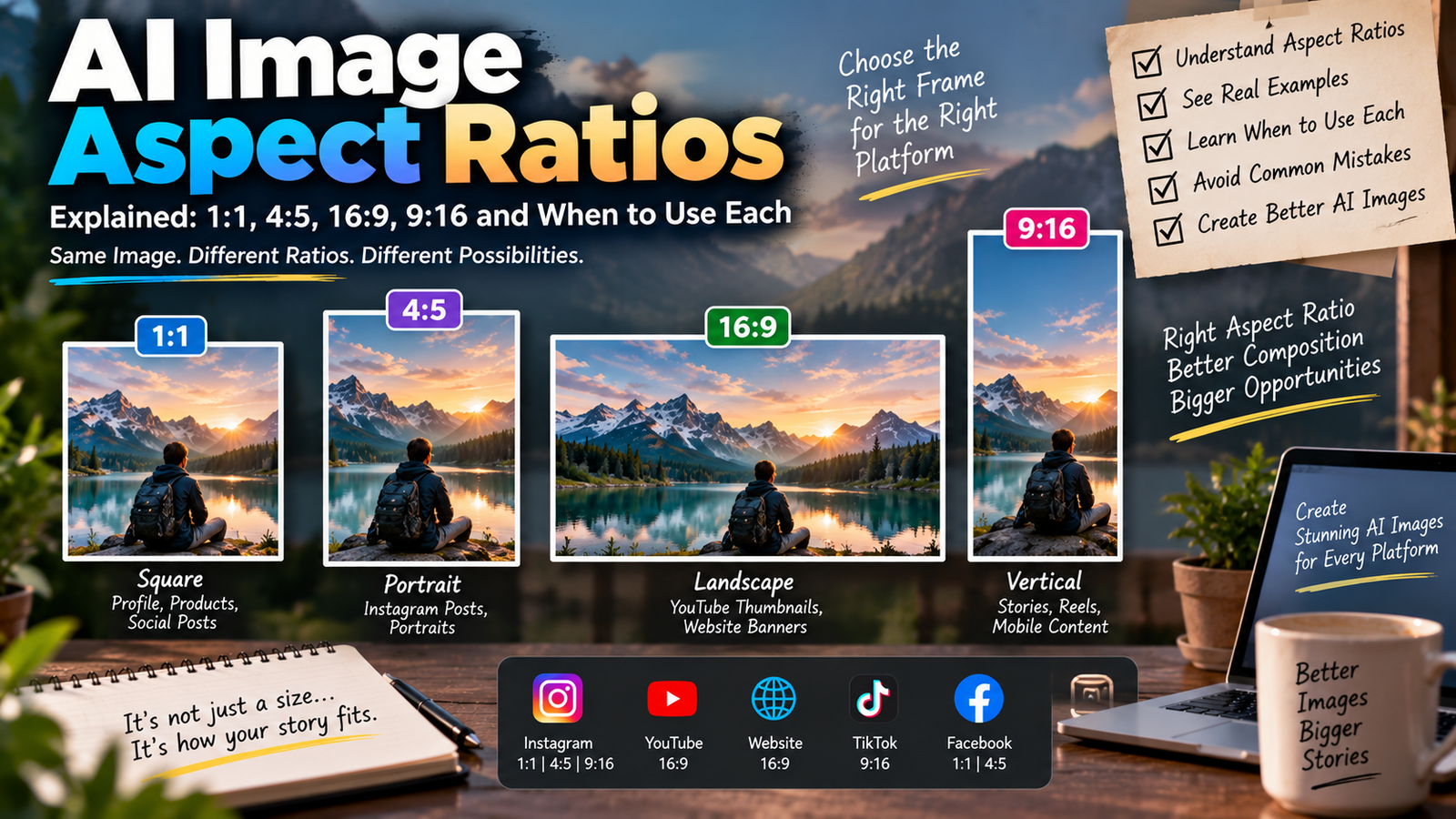
Use a vertical 9:16 composition. Keep the subject clearly visible around the center and leave some uncluttered space near the upper section for optional title text.
You can then add the actual text afterward using your preferred editing software.
Negative Instructions for High Quality AI Photos
When an image model supports detailed editing instructions, it can be useful to describe obvious problems you want to avoid.
For example:
Avoid distorted hands, duplicate fingers, asymmetrical eyes caused by generation errors, warped background objects, unreadable accidental text, plastic skin, excessive sharpening, unnatural body proportions, inconsistent reflections, floating objects, unrealistic shadows, and extreme color saturation.
Don’t make the negative instructions longer than the actual creative prompt. Focus on the errors most relevant to your image.
High Quality AI Photo Editing Prompt Formula
You can also write your own prompts using this simple structure:
Identity + Location + Outfit + Lighting + Texture + Composition + Photography Style + Quality Constraints
For example:
Preserve the person’s original facial identity and natural proportions + place them inside a quiet bookstore + textured brown overshirt + warm afternoon window light + realistic skin, hair and fabric + waist-up composition + editorial lifestyle photography + natural shadows and restrained color grading.
You don’t need to literally include the plus signs. They’re simply a way to remember the structure.
Common AI Photo Editing Mistakes
One common mistake is assuming that adding “16K, 32K, HDR, ultra HD” automatically makes an AI image realistic.
Resolution terminology doesn’t fix poor lighting, incorrect anatomy, unrealistic reflections, or bad composition.
Another problem is mixing contradictory environments.
For example, asking for bright midday sunlight, midnight darkness, heavy rain, and golden-hour light simultaneously makes the visual direction unclear.
Over-smoothing is another issue. If you want realistic photography, avoid describing skin as flawless, glass-like, or perfectly smooth.
Finally, check the finished image carefully. AI-generated edits can occasionally introduce errors in hands, jewelry, text, reflections, clothing, or background objects.
High Quality AI Prompts vs Normal AI Prompts
A normal prompt might say:
“Make a cinematic portrait.”
A more detailed high quality AI prompt could say:
“Create a cinematic portrait beside a rain-covered window during evening, with warm interior light, cool ambient daylight outside, realistic glass reflections, natural skin texture, detailed clothing, subtle film grain, and restrained color grading.”
The difference is specificity.
The second prompt tells the image model what “cinematic” means in that particular photograph.
Frequently Asked Questions About High Quality AI Photo Editing Prompts
What is a high quality AI photo editing prompt?
A high quality AI photo editing prompt is a detailed instruction describing the subject, environment, lighting, textures, composition, and photography style you want an AI image tool to create or edit.
How can I make an AI photo look ultra realistic?
Use a clear source image and describe realistic skin texture, natural lighting, accurate shadows, detailed hair, fabric texture, believable reflections, correct proportions, and a coherent photographic environment.
Does adding 8K make an AI image higher quality?
Not necessarily. Terms such as 8K don’t automatically improve anatomy, lighting, composition, or realism. Describing the actual visual qualities you want is generally more useful.
Which AI photo editing prompt is best for Instagram?
For Instagram feeds, natural lifestyle, editorial, cinematic, and environmental portraits can all work well. For a profile picture, use a clean close-up with a simple background.
Can I use these prompts for boys and girls?
Yes. Most of the prompts can be adapted for anyone by changing clothing, accessories, styling, and other details.
How do I keep my face the same in an AI photo?
Start with a clear source image and tell the image tool to preserve facial identity, facial structure, hairstyle, skin tone, eye color, expression, and natural proportions. Results can vary depending on the tool.
Why does my AI photo look fake?
Common reasons include excessive skin smoothing, inconsistent shadows, unrealistic reflections, distorted anatomy, extreme color grading, conflicting lighting instructions, or an overly complicated prompt.
Are longer AI prompts always better?
No. A prompt should be detailed enough to communicate the intended image, but every sentence should have a purpose. A shorter, coherent prompt can outperform a long prompt filled with contradictory instructions.
Final Words
Creating a realistic AI edit isn’t about adding more quality buzzwords.
The strongest high quality AI photo editing prompts clearly describe how a real photograph should behave: where the light comes from, how shadows appear, what materials look like, how the subject is composed, and which original features should remain unchanged.
The 40 prompts above cover realistic portraits, boys, girls, Instagram photos, professional headshots, cinematic scenes, DPs, traditional photography, and creative concepts.
Start with one prompt, customize the details that matter to your photo, and keep the visual direction consistent. In many cases, realistic lighting and thoughtful composition will make a bigger difference than simply asking an AI tool for “ultra HD.”