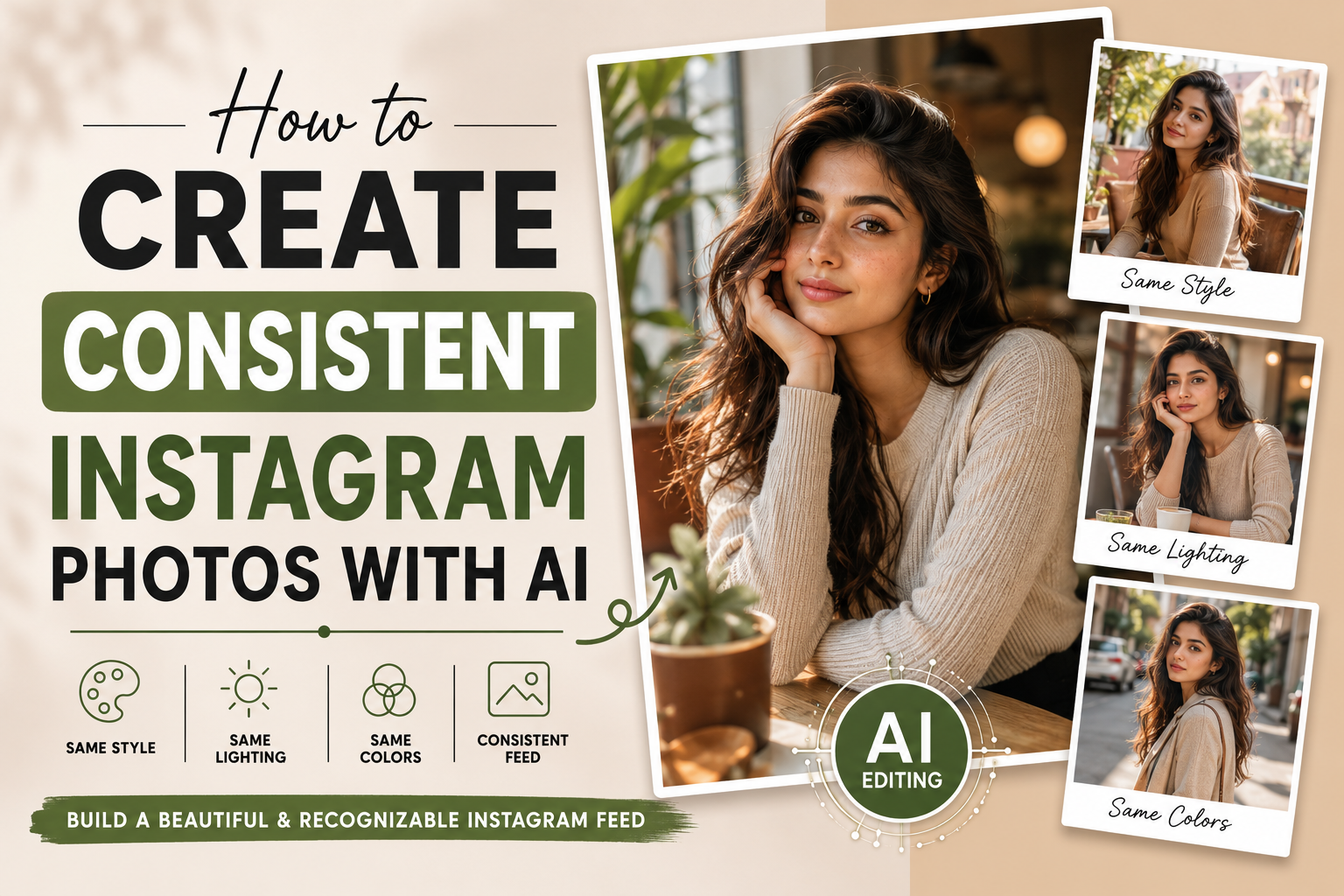
Instagram par ek strong visual identity banana sirf achhi photos upload karne ke baare mein nahi hai. Agar aapki har post ka face, colors, editing style, lighting aur overall look completely different ho, to profile scattered feel ho sakti hai.
Isi liye creators ke liye ye important hai ki woh consistent Instagram photos with AI create karna seekhein. AI photo editing tools ki help se aap apni photos ko ek similar visual direction de sakte hain, while still keeping every image different and interesting.
Is detailed guide mein hum samjhenge ki how to create consistent Instagram photos with AI, kaunse elements consistent rakhne chahiye, AI prompts kaise likhne chahiye, face consistency kaise improve karni hai, aur Instagram ke liye ek recognizable visual style kaise develop kiya ja sakta hai.
check latest prompt post
What Does Consistency Mean in Instagram Photos?
Instagram photo consistency ka matlab ye nahi hai ki har photo bilkul same honi chahiye.
Consistency ka actual meaning hai ki aapki different photos mein kuch important visual elements repeatedly recognizable rahen.
For example, aap har post mein:
- Similar color mood use kar sakte hain
- Similar photography style maintain kar sakte hain
- Similar skin-tone treatment rakh sakte hain
- Same type ki contrast level use kar sakte hain
- Similar composition follow kar sakte hain
- Apni identity aur facial appearance ko consistent rakh sakte hain
Isse profile dekhne wale ko ek clear visual identity milti hai.
Why Create Consistent Instagram Photos With AI?
AI editing ka biggest advantage sirf creative effects banana nahi hai. Proper workflow ke saath AI aapko repeatable visual style develop karne mein bhi help kar sakta hai.
1. Your Instagram Feed Looks More Professional
Jab photos ek common visual language follow karti hain, profile more organized aur professional appear kar sakti hai.
2. Your Personal Brand Becomes Recognizable
Agar aap creator, influencer, photographer ya business owner hain, consistent visuals audience ko aapke content ko quickly recognize karne mein help kar sakte hain.
3. You Save Editing Time
Har photo ke liye completely new editing style decide karne ki zarurat nahi hoti. Aap ek base prompt aur style system develop karke usse different photos par adapt kar sakte hain.
4. Different Photos Can Still Feel Connected
Aap cafe, travel, street, home aur outdoor photos create kar sakte hain, lekin unmein common visual characteristics maintain kar sakte hain.
How to Create Consistent Instagram Photos With AI
Ab actual process par aate hain.
AI se consistent Instagram photos create karne ke liye sirf ek prompt ko copy-paste karna enough nahi hai. Aapko pehle apna visual system define karna hoga.
Step 1: Decide Your Instagram Visual Style
Sabse pehle decide karein ki aapki profile ka overall mood kya hoga.
Aap choose kar sakte hain:
- Natural lifestyle
- Minimal
- Fashion
- Travel
- Street photography
- Fitness
- Traditional
- Editorial
- Soft portrait
- Professional personal branding
Example:
Agar aapka Instagram fashion-focused hai, to aap clean backgrounds, editorial composition, controlled lighting aur sophisticated colors ko repeatedly use kar sakte hain.
Agar aap travel creator hain, to natural lighting, environmental backgrounds aur authentic colors better choice ho sakte hain.
Step 2: Choose a Consistent Color Palette
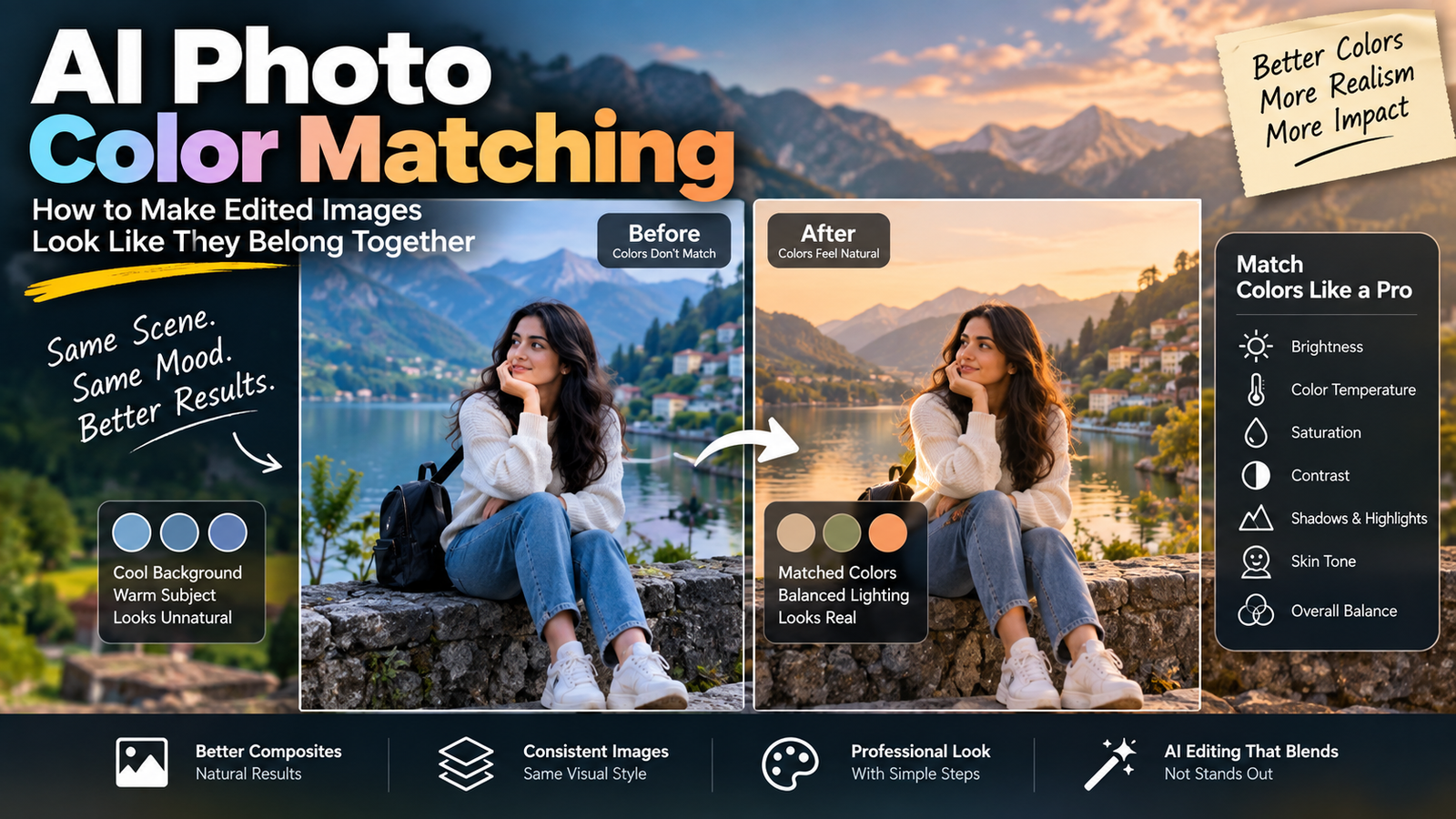
Color consistency Instagram feed ko instantly connected feel kara sakti hai.
Aap 3–5 primary visual tones choose kar sakte hain.
For example:
Warm lifestyle style:
- Warm beige
- Soft brown
- Cream
- Muted green
- Natural skin tones
Ya:
Minimal modern style:
- White
- Grey
- Black
- Neutral beige
- Soft skin tones
AI prompt mein apni preferred color direction consistently mention karein.
Example Instruction
Maintain a clean neutral color palette with natural skin tones, soft beige and subtle warm grey elements.
Har image mein exactly same colors force karne ke bajay same color direction maintain karna better hai.
Step 3: Create a Master AI Photo Editing Prompt
Consistency ke liye ek master prompt banana bahut useful hai.
Master prompt mein woh instructions honi chahiye jo almost har image mein same rahengi.
Example:
Edit my uploaded photo while preserving my original identity, facial structure, natural skin tone and recognizable facial features. Maintain a clean, realistic photography style with natural skin texture, balanced exposure, subtle contrast, realistic shadows and authentic colors. Keep the image visually polished but avoid excessive beauty filters or artificial skin smoothing. Maintain a consistent editorial photography aesthetic, natural proportions and realistic photographic details.
Ye aapka basic foundation ho sakta hai.
Iske baad har individual photo ke liye location, clothing, pose aur background separately describe karein.
Step 4: Keep Your Identity Consistent
Agar aap personal Instagram profile ke liye AI editing kar rahe hain, to face consistency extremely important hai.
Prompt mein repeatedly mention karein:
- Preserve original identity
- Preserve facial structure
- Keep original eyes
- Keep original nose
- Keep original lips
- Preserve natural skin tone
- Keep recognizable facial features
- Do not replace the face
Face Consistency Prompt
Preserve the person’s original identity exactly. Keep the original facial structure, eyes, nose, lips, jawline, hairstyle and natural skin texture recognizable. Do not redesign, replace or significantly alter the face.
Iska purpose AI ko editing ke dauran unnecessary facial changes se bachne ki direction dena hai.
Step 5: Keep Your Photography Style Consistent
Aap different locations use kar sakte hain, lekin photography style same rakh sakte hain.
For example, har image ke liye:
realistic editorial photography, natural skin texture, subtle depth of field, balanced exposure, realistic shadows and professional composition
Agar ek photo heavily cinematic hai aur doosri extremely bright cartoon-like hai, to feed inconsistent feel ho sakti hai.
Step 6: Use the Same Lighting Philosophy
Lighting bhi visual identity ka important part hai.
Aap decide kar sakte hain:
- Soft natural lighting
- Bright daylight
- Controlled studio lighting
- Diffused window lighting
- Outdoor natural light
Example:
Use soft, natural and diffused lighting with realistic shadows and balanced highlights.
Is instruction ko different prompts mein maintain karne se photos ka overall lighting character similar reh sakta hai.
Step 7: Create Different Locations Without Losing Consistency
Consistency ka matlab same background nahi hai.
Aap different environments use kar sakte hain:
Photo 1: Cafe
Photo 2: Street
Photo 3: Park
Photo 4: Airport
Photo 5: Home
Lekin sab images mein same photography treatment rakhein.
For example, common elements:
- Natural skin
- Neutral colors
- Soft lighting
- Realistic photography
- Moderate background blur
- Similar contrast
Is approach se content repetitive bhi nahi lagega aur profile connected bhi rahegi.
Step 8: Keep Skin Editing Natural
AI tools kabhi-kabhi skin ko excessively smooth kar dete hain.
Instagram ke liye overly perfect skin har situation mein realistic nahi lagti.
Prompt mein include karein:
Preserve realistic skin texture, natural pores and subtle facial details. Avoid plastic-looking or excessively smooth skin.
Natural-looking skin AI-edited image ko more believable bana sakti hai.
Step 9: Maintain Similar Composition
Aap har image ko exactly same crop mein nahi rakhna chahte, lekin composition ka general pattern consistent ho sakta hai.
For example:
- Mostly medium portraits
- Subject generally centered
- Face clearly visible
- Moderate background space
- Similar camera perspective
Agar ek photo extreme close-up hai aur next image full-body wide shot, feed mein visual transition different feel ho sakta hai.
Variety rakhna achha hai, lekin controlled variety better hai.
Step 10: Build a Reusable AI Prompt Formula
Har baar prompt zero se likhne ki zarurat nahi hai.
Aap ye formula use kar sakte hain:
Identity + Subject + Environment + Clothing + Lighting + Photography Style + Colors + Composition + Quality
Example:
Preserve my original identity and facial features. Create a realistic portrait of me wearing a casual modern outfit in a stylish coffee shop. Use soft natural window lighting, neutral warm colors, realistic skin texture, subtle background depth and professional lifestyle photography composition. Keep the result authentic, natural and photorealistic.
Ab isi formula ko different locations ke saath modify kiya ja sakta hai.
Consistent Instagram AI Prompt Template
Ye reusable template aap future photos ke liye save kar sakte hain:
Edit my uploaded photo while preserving my original identity, facial structure, hairstyle and natural skin tone. Keep my facial features recognizable and realistic. Place me in [LOCATION/ENVIRONMENT] wearing [OUTFIT]. Maintain [LIGHTING STYLE] with a [COLOR MOOD] color palette. Use [PHOTOGRAPHY STYLE] composition with realistic depth of field, natural shadows and authentic skin texture. Keep the overall visual treatment consistent with my Instagram photography style. Avoid excessive skin smoothing, face replacement, unrealistic anatomy, artificial textures and exaggerated effects.
Is template mein sirf location, outfit, lighting aur specific scene change karne ki zarurat hogi.
Example: Create 5 Consistent Instagram Photos With AI
Suppose aap ek lifestyle Instagram profile create karna chahte hain.
Photo 1 — Coffee Shop
Preserve my original identity and facial features. Place me in a modern coffee shop wearing a casual neutral outfit. Use soft window lighting, warm neutral colors, realistic skin texture and subtle background depth. Maintain a clean lifestyle photography aesthetic.
Photo 2 — Bookstore
Preserve my original identity and facial features. Place me inside a modern bookstore wearing a similar neutral-toned outfit. Use soft natural lighting, warm neutral colors, realistic skin texture and subtle background depth. Maintain the same clean lifestyle photography aesthetic.
Photo 3 — City Street
Preserve my original identity and facial features. Place me on a modern city street wearing a minimal neutral outfit. Use soft natural lighting, muted neutral colors, realistic skin texture and subtle background depth. Maintain the same clean lifestyle photography aesthetic.
Photo 4 — Home
Preserve my original identity and facial features. Create a natural indoor portrait in a modern minimal room. Use soft window lighting, warm neutral colors, realistic skin texture and subtle background depth. Maintain the same clean lifestyle photography aesthetic.
Photo 5 — Travel Location
Preserve my original identity and facial features. Place me at a scenic travel location wearing a simple neutral outfit. Use soft natural daylight, realistic neutral colors, natural skin texture and subtle background depth. Maintain the same clean lifestyle photography aesthetic.
Notice karein ki locations different hain, lekin core visual instructions similar hain. Isi concept ko Instagram photo consistency ke liye use kiya ja sakta hai.
How to Maintain Consistency Across Different AI Tools
Different AI tools prompts ko different ways mein interpret kar sakte hain.
Isliye ek tool se perfect result milne ke baad same prompt ko kisi completely different system mein use karne par identical output expect nahi karna chahiye.
Consistency improve karne ke liye:
- Same reference photo use karein where supported.
- Same master prompt maintain karein.
- Similar image composition choose karein.
- Same visual vocabulary use karein.
- Colors ko controlled rakhein.
- Generated image ko carefully review karein.
Use Reference Images for Better Consistency
Agar aapka AI editing tool reference images support karta hai, to consistent visual style maintain karna easier ho sakta hai.
For example, aap ek previous photo ko style reference ke roop mein use kar sakte hain aur new photo ke liye identity/reference image separately provide kar sakte hain, depending on the tool’s capabilities.
Lekin har AI platform ka reference-image workflow different ho sakta hai. Tool ke available controls ko check karna important hai.
Common Mistakes When Creating Consistent Instagram Photos With AI
Using a Completely Different Style Every Time
Aaj anime style, kal hyper-realistic fashion, phir cartoon aur next day vintage photography — isse profile ki visual identity fragmented ho sakti hai.
Changing the Face Too Much
AI-generated face replacement personal branding ke liye particularly problematic ho sakta hai.
Overusing Filters
Har photo mein heavy effects add karne se natural appearance disappear ho sakti hai.
Copying the Same Background
Consistency ke chakkar mein har photo ka same background use karna bhi boring ho sakta hai.
Changing Color Direction Constantly
Ek photo warm brown, next neon blue aur third extremely desaturated ho to overall feed disconnected feel kar sakti hai.
Ignoring Original Photo Quality
AI editing ka result original image quality se bhi affect hota hai. Clear, well-lit reference images generally better starting point provide karti hain.
How Many AI Photos Should You Post on Instagram?
Iska koi universal number nahi hai. Quality ko quantity se priority dena better approach hai.
Aap 3–5 related images ko ek visual series ki tarah plan kar sakte hain. Isse ek consistent campaign, carousel ya themed content sequence create kiya ja sakta hai.
Example series:
Week 1: Cafe lifestyle
Week 2: City lifestyle
Week 3: Travel lifestyle
Week 4: Home lifestyle
Agar core visual style same rahe, to different locations ke bawajood profile connected feel ho sakti hai.
How to Create a Personal AI Editing Style
Agar aap regular Instagram creator hain, to apni personal style ko document karna useful hai.
Ek simple style guide banayein jisme likhein:
Color
Neutral and slightly warm.
Lighting
Soft natural light.
Skin
Natural texture with minimal retouching.
Composition
Medium portrait with moderate background space.
Background
Realistic environments with subtle depth.
Overall Mood
Clean, authentic and modern.
Ab future AI prompts mein isi style guide ko foundation bana sakte hain.
AI Photo Editing Checklist for Instagram
Before posting an AI-edited photo, ye points check karein:
- Face recognizable hai?
- Facial proportions natural hain?
- Skin realistic lag rahi hai?
- Hands aur fingers correct hain?
- Background believable hai?
- Lighting face aur background ke saath match kar rahi hai?
- Colors profile ke overall style se match karte hain?
- Photo overly edited to nahi?
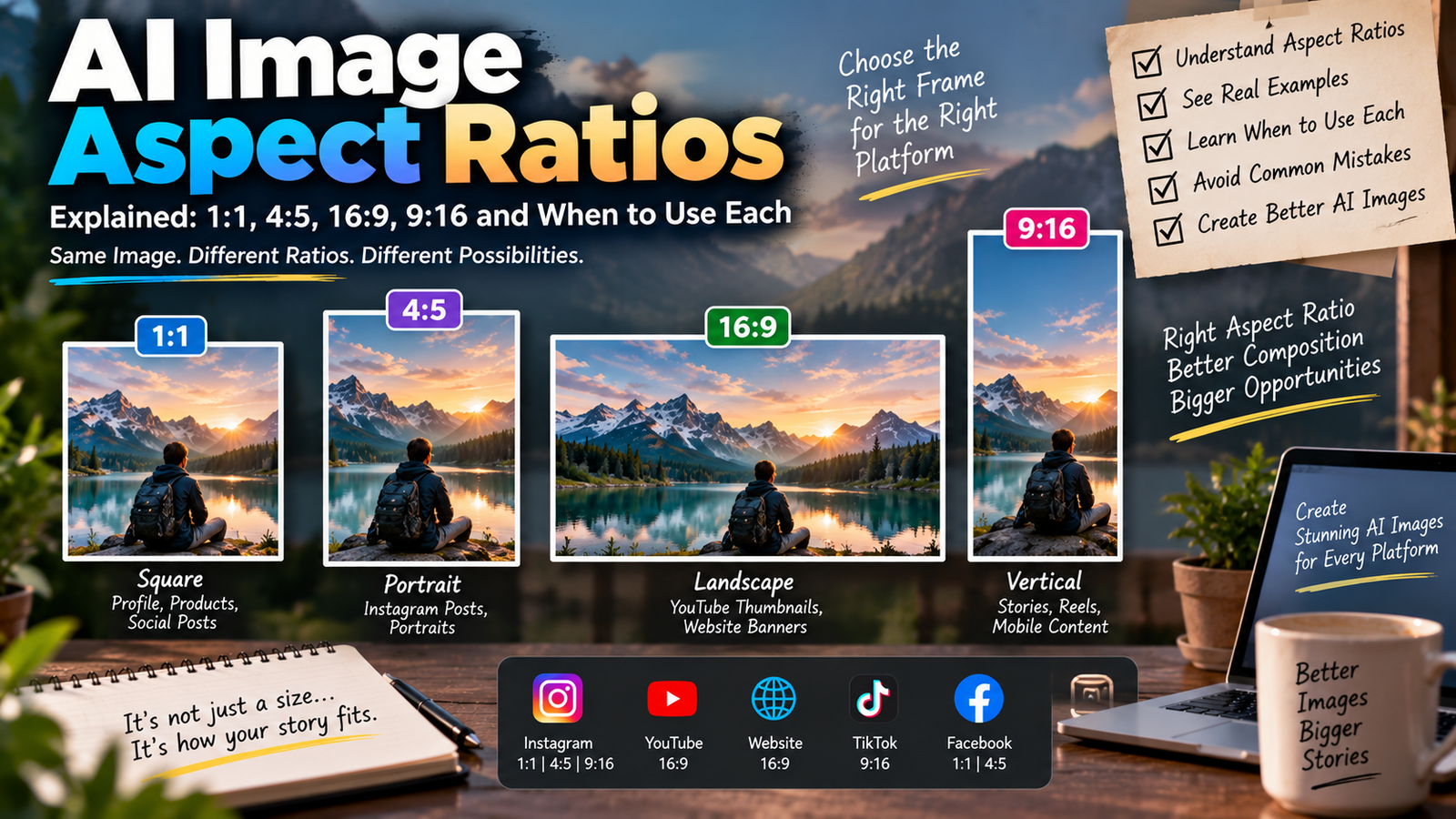
- Composition Instagram ke liye suitable hai?
- Kya image baaki posts ke saath visually connected feel hoti hai?
Frequently Asked Questions
How can I create consistent Instagram photos with AI?
Start by defining a fixed visual style. Keep your identity, color direction, lighting philosophy, photography style and editing approach consistent while changing locations, outfits and poses for variety.
Can AI keep the same face in different Instagram photos?
AI tools can attempt to preserve identity when given a suitable reference image and clear instructions, but results vary by tool. Always review the final image for unwanted facial changes.
Should every Instagram photo use the same AI prompt?
Not necessarily. A better approach is to create a master prompt containing your fixed visual characteristics and then customize the scene-specific parts for each photo.
How do I make AI photos look less artificial?
Use realistic lighting, natural skin texture, believable shadows and moderate editing. Avoid excessive face smoothing, unrealistic proportions and extreme visual effects.
Can I use different backgrounds while maintaining Instagram consistency?
Yes. In fact, different backgrounds can make your feed more interesting. Keep the photography style, colors, lighting and editing treatment consistent instead of repeating the same background.
What is the best AI photo editing style for Instagram?
There is no single best style. The right style depends on your niche and audience. Natural lifestyle, fashion, travel, editorial and minimal photography can all work when executed consistently.
Can AI help with personal branding on Instagram?
Yes. A consistent AI-assisted editing workflow can help creators develop a recognizable visual style. However, authenticity is still important, so avoid making every image look excessively artificial.
Final Thoughts
Learning how to create consistent Instagram photos with AI is less about finding one magical prompt and more about building a repeatable creative system.
Choose your visual style first. Then define your color palette, lighting, composition, skin treatment and photography direction. Keep those elements consistent while changing locations, outfits, poses and situations.
The goal isn’t to make every Instagram photo identical. The goal is to make different photos feel like they belong to the same creator, same brand and same visual story.
With a reusable master prompt, good reference images and a simple style guide, AI can become a useful part of your Instagram content workflow without making your profile look repetitive or artificial.