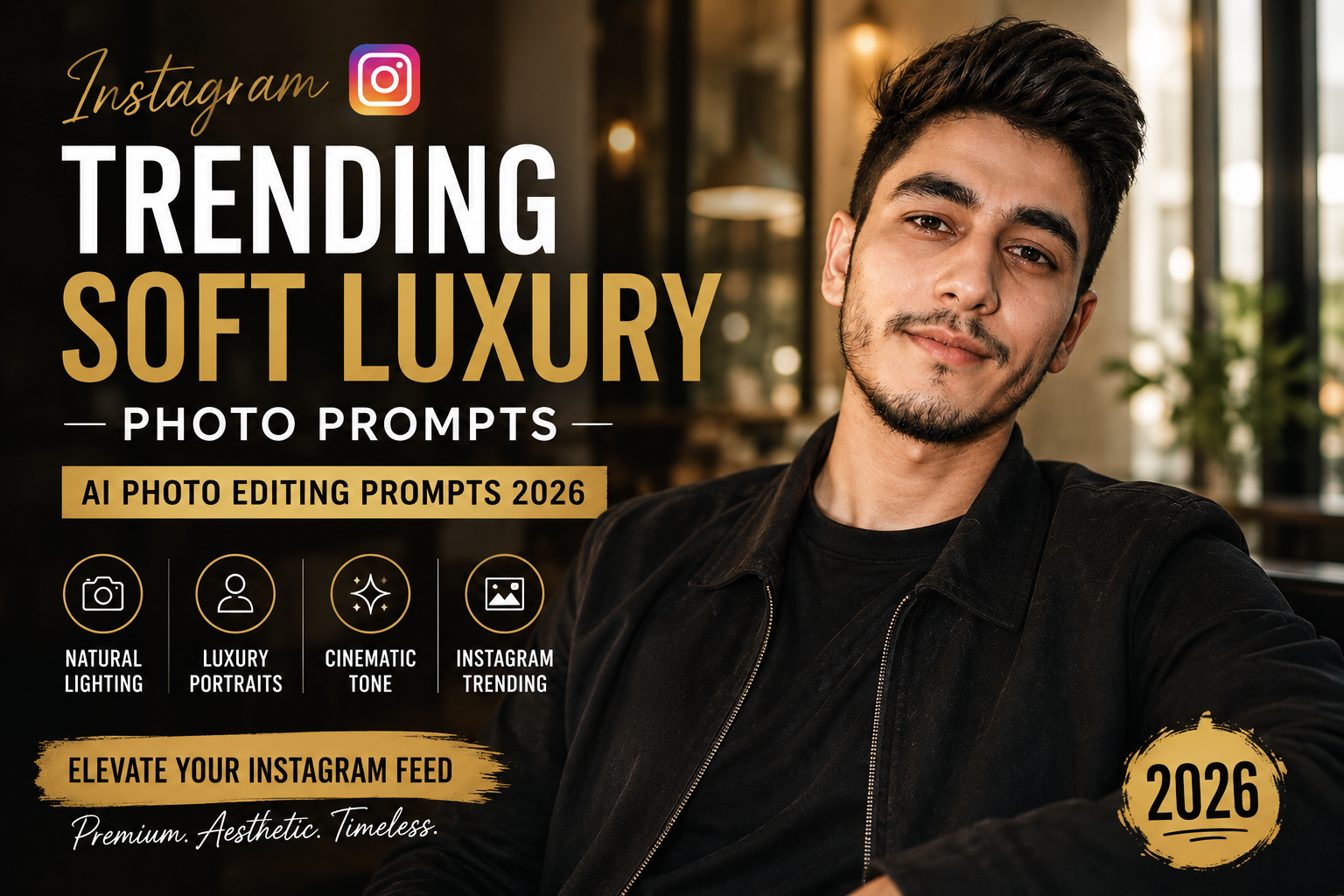
Instagram photo trends in 2026 are increasingly moving toward natural, premium-looking portraits rather than heavily edited images. One style that fits this aesthetic perfectly is the Soft Luxury Portrait—a combination of elegant lighting, clean backgrounds, realistic skin texture, sophisticated outfits, and subtle cinematic color grading.
With the right Instagram Trending Soft Luxury Portrait AI Photo Editing Prompts 2026, you can transform an ordinary photo into an elegant social-media portrait while keeping the original face and identity recognizable.
In this guide, you’ll find original AI prompts for men, women, mirror selfies, outdoor portraits, luxury cafés, black outfits, golden-hour photos, and more.
What Is the Soft Luxury Portrait Trend?
Soft Luxury photography focuses on making a photograph feel expensive without adding excessive luxury objects.
Instead of filling the background with sports cars, mansions, watches, and other artificial-looking elements, the style relies on photography itself.
Common characteristics include:
- Soft cinematic lighting
- Natural-looking skin texture
- Neutral and warm colors
- Clean compositions
- Elegant clothing
- Premium-looking backgrounds
- Shallow depth of field
- Subtle shadows
- Realistic facial details
- Minimal editing
- Editorial photography aesthetics
The goal is to create a photograph that could realistically have been captured using a professional camera.
Best Instagram Trending Soft Luxury AI Prompt
Upload your original photo and use this prompt:
Transform the uploaded photo into an elegant soft luxury Instagram portrait while preserving the person’s exact facial identity, facial structure, hairstyle, skin tone, expression, body proportions, and recognizable appearance. Create sophisticated natural lighting with soft highlights and realistic shadows. Use a clean premium environment, subtle neutral colors, realistic skin texture, gentle background blur, professional camera depth of field, refined cinematic color grading, and understated luxury styling. Keep the photograph natural and believable. Avoid excessive skin smoothing, unrealistic facial changes, artificial luxury objects, oversaturated colors, or obvious AI-generated details. The final result should look like an authentic high-end editorial photograph suitable for a premium Instagram feed.
1. Soft Luxury Portrait Prompt for Men
Transform the uploaded male portrait into a sophisticated soft luxury Instagram photograph. Preserve his exact face, hairstyle, beard, skin tone, expression, clothing proportions, and identity. Create soft directional lighting across the face with realistic shadows and natural skin texture. Use an elegant neutral background with subtle depth of field and warm cinematic tones. Give the photograph a premium fashion-editorial feeling without changing the person’s natural appearance. Keep the pose relaxed and confident, with realistic camera detail and minimal retouching.
This style works especially well with black, white, beige, brown, navy, and other neutral-colored outfits.
2. Soft Luxury Portrait Prompt for Women
Edit the uploaded female portrait into an elegant soft luxury Instagram photograph while preserving her exact facial identity, hairstyle, skin tone, expression, body proportions, and natural appearance. Add flattering soft window-style lighting, gentle shadows, realistic skin texture, subtle highlights, a sophisticated neutral background, shallow depth of field, and refined editorial color grading. Keep makeup and facial details natural unless they already exist in the original image. Create a graceful, premium and realistic portrait without excessive beauty filters or artificial facial modifications.
3. Luxury Café Instagram Photo Prompt
Café portraits are ideal if you want a lifestyle-oriented Instagram edit.
Transform the uploaded photograph into a sophisticated luxury café portrait. Preserve the person’s exact face, hairstyle, clothing, pose, body proportions, and identity. Place the subject naturally inside an elegant modern café with warm ambient lighting, subtle wooden textures, minimal décor, realistic tables and soft background bokeh. Add natural window light on the face, realistic shadows, warm neutral colors, professional camera depth of field, and subtle cinematic grading. Keep the environment believable and avoid excessive luxury decoration or artificial-looking objects.
4. Black Outfit Luxury Portrait Prompt
Transform the uploaded photo into a premium Instagram fashion portrait featuring the person’s existing black outfit or naturally adapt the styling toward an elegant minimal black look. Preserve the exact facial identity, hairstyle, skin tone, expression, and body proportions. Use a dark neutral background, soft directional lighting, subtle rim light, realistic skin texture, controlled highlights, and professional fashion-photography depth. Keep the photograph minimal, sophisticated, realistic, and editorial rather than overly dramatic.
5. Golden Hour Soft Luxury Prompt
Golden-hour lighting can make the soft luxury style warmer and more natural.
Edit the uploaded portrait into an elegant golden-hour soft luxury photograph. Preserve the person’s exact identity, facial features, hairstyle, clothing, expression, and body proportions. Add realistic late-afternoon sunlight falling softly across the face, warm highlights, natural shadows, subtle golden reflections, gentle background blur, realistic skin texture, and refined cinematic color grading. Keep the colors balanced and natural. The final image should resemble a professional lifestyle photograph captured during real golden hour.
6. Minimal White Background Portrait Prompt
If you prefer a clean Instagram feed, try this prompt:
Transform the uploaded image into a clean soft luxury portrait with an elegant off-white or warm neutral background. Preserve the person’s exact facial identity, hairstyle, skin tone, clothing, expression, and proportions. Use soft studio-style lighting, realistic shadows, natural skin texture, subtle contrast, minimal color grading, and professional camera sharpness. Keep the composition uncluttered and sophisticated with plenty of negative space. Avoid artificial glow, plastic skin, excessive HDR, or unrealistic facial enhancement.
7. Soft Luxury Mirror Selfie Prompt
Transform the uploaded mirror selfie into a sophisticated Instagram soft luxury photograph while preserving the person’s exact face, hairstyle, clothing, body proportions, pose, phone, and original identity. Create an elegant modern interior with warm neutral colors, realistic mirror reflections, subtle ambient lighting, clean architectural details, and natural shadows. Keep the phone and hands anatomically accurate. Add subtle cinematic color grading and realistic skin texture while maintaining the spontaneous feeling of a genuine mirror selfie.
8. Luxury Hotel Portrait Prompt
Transform the uploaded portrait into a realistic photograph taken inside an elegant luxury hotel. Preserve the person’s exact facial identity, hairstyle, clothing, pose, skin tone, expression, and body proportions. Create a sophisticated hotel interior with warm ambient lights, neutral décor, subtle marble or wooden details, realistic depth, and gentle background blur. Use natural-looking portrait lighting and understated cinematic grading. Keep the environment believable and avoid exaggerated wealth or unrealistic architecture.
9. Night Luxury Portrait Prompt
Edit the uploaded photo into a sophisticated nighttime luxury portrait. Preserve the subject’s exact identity, facial structure, hairstyle, clothing, skin tone, and proportions. Use soft warm lights from the surrounding environment, subtle city bokeh in the background, realistic shadows, natural skin texture, controlled highlights, and professional low-light photography characteristics. Maintain realistic exposure and avoid excessive neon colors or artificial glow.
10. Luxury Street Style Instagram Prompt
Transform the uploaded photograph into an elegant street-style fashion portrait suitable for Instagram. Preserve the person’s exact facial identity, hairstyle, outfit details, expression, pose, and body proportions. Place the subject naturally on a clean modern city street with subtle architecture, realistic pedestrians or distant environmental details where appropriate, soft daylight, natural shadows, and shallow depth of field. Apply refined neutral color grading and realistic fashion photography details. Keep the photograph candid, premium, and believable.
11. Soft Luxury Close-Up Portrait Prompt
Close-up portraits require extra attention to facial realism.
Transform the uploaded close-up photograph into a professional soft luxury beauty portrait while strictly preserving the person’s exact facial identity and natural facial structure. Maintain realistic pores, fine skin texture, natural eyes, eyebrows, lips, hair strands, and existing facial characteristics. Add soft diffused lighting, gentle shadows, subtle catchlights in the eyes, a neutral blurred background, and refined editorial color grading. Avoid changing face shape, eye size, nose shape, skin tone, or other identifying features.
12. Soft Luxury Couple Portrait Prompt
Transform the uploaded couple photograph into an elegant soft luxury lifestyle portrait while preserving both people’s exact facial identities, hairstyles, expressions, skin tones, clothing, and natural body proportions. Use warm diffused lighting, sophisticated neutral surroundings, subtle background blur, realistic skin texture, and professional editorial color grading. Maintain natural interaction and believable body positioning. Avoid changing either person’s face or creating unnatural hands, poses, or proportions.
Negative Prompt for Soft Luxury AI Photos
If your AI editing tool supports negative prompts, use:
changed identity, different face, distorted facial features, plastic skin, excessive beauty filter, unrealistic eyes, deformed hands, extra fingers, duplicate objects, incorrect reflection, unrealistic body proportions, excessive HDR, oversaturated colors, fake luxury objects, unrealistic architecture, excessive background blur, cartoon appearance, artificial lighting, low resolution, text artifacts, watermark, AI artifacts
How to Make AI Portraits Look More Realistic
A detailed prompt alone doesn’t guarantee a realistic photograph. Your original image and editing instructions matter as well.
Preserve Identity First
When editing an existing photograph, explicitly tell the AI to preserve:
Face + hairstyle + expression + skin tone + body proportions + important clothing details
This gives the model clearer instructions about what shouldn’t be redesigned.
Avoid Too Many Luxury Elements
Adding a Lamborghini, private jet, mansion, expensive watch, rooftop pool, designer outfit, and luxury hotel to a single image can quickly make it look artificial.
A soft luxury aesthetic works better when luxury is communicated through lighting, composition, location, materials, and styling.
Keep Natural Skin Texture
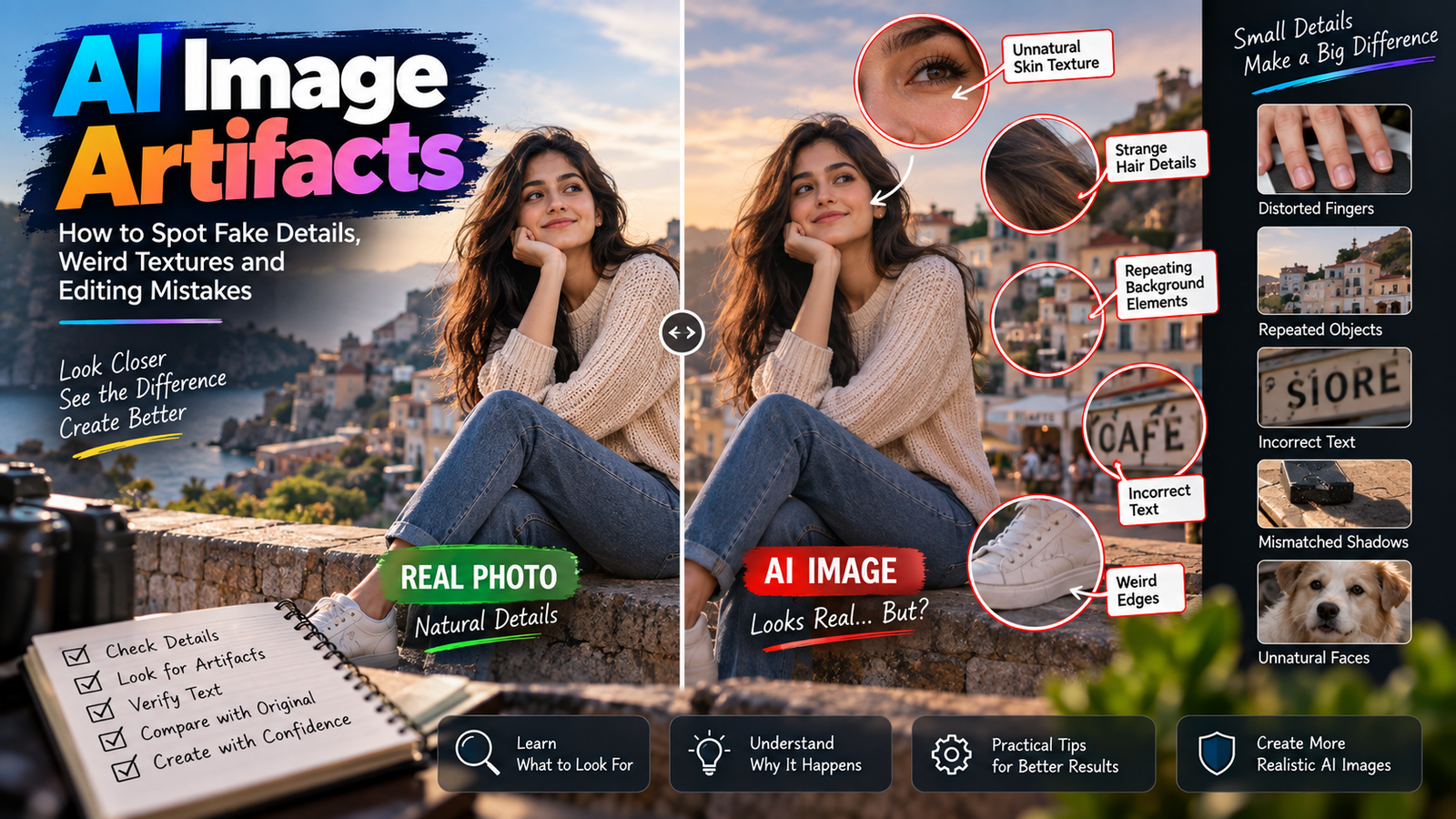
Perfectly smooth skin can immediately make an AI portrait appear artificial.
Ask for:
- Natural pores
- Fine facial texture
- Realistic highlights
- Natural shadows
- Individual hair strands
- Minimal retouching
Small imperfections often make photographs more convincing.
Best Aspect Ratios for Instagram AI Photos
Choosing the right composition can also improve how your edited image appears on Instagram.
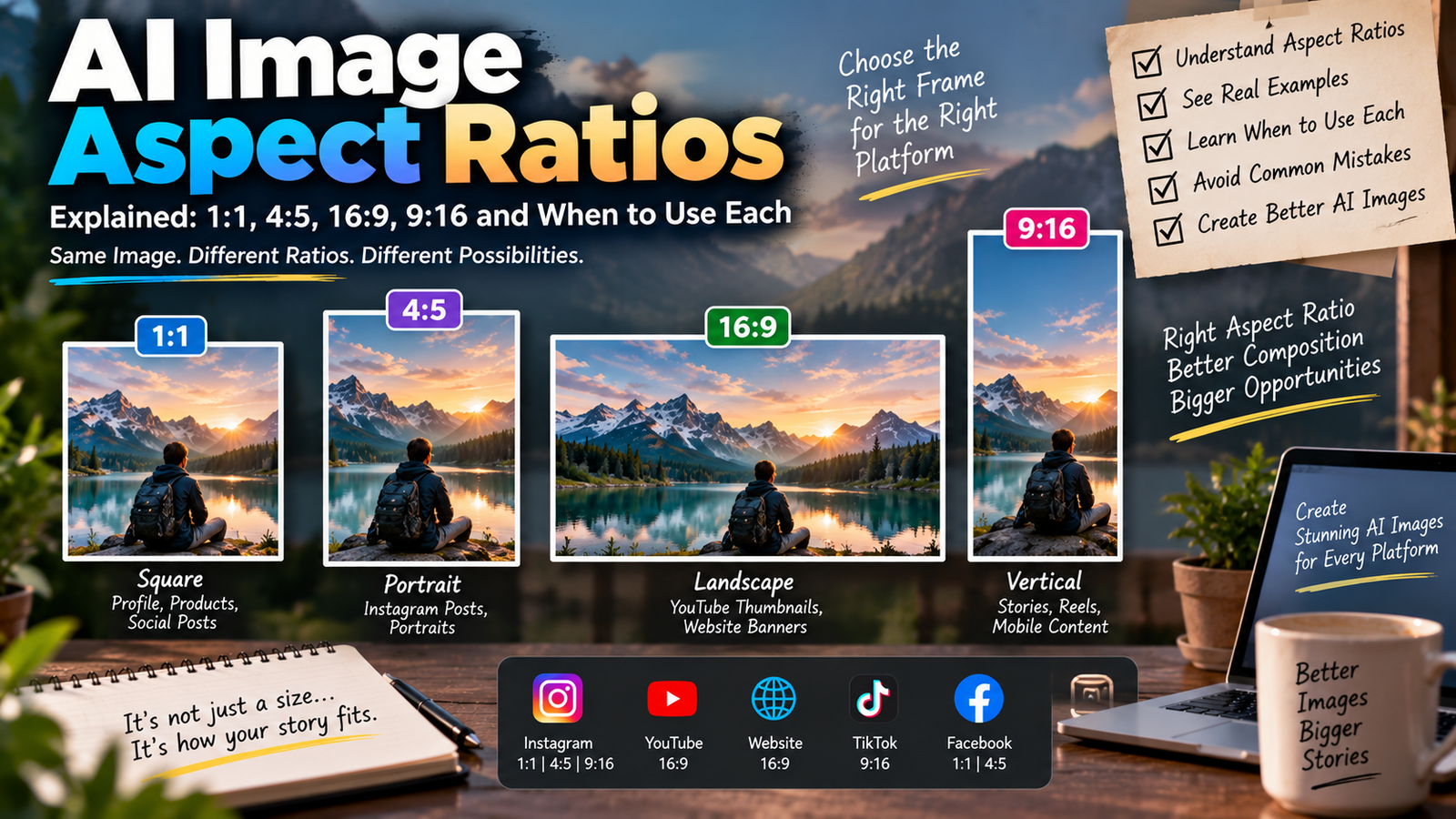
For a standard Instagram feed portrait, 4:5 is an excellent choice. For Stories and Reels, use 9:16. A 1:1 square composition can still work well for profile-oriented content.
When generating or extending an image, mention the desired composition directly in your prompt.
For example:
Compose the final photograph vertically in a 4:5 Instagram portrait format with the subject naturally centered and sufficient background space around the head and shoulders.
Quick Copy-Paste Instagram Prompt
For faster editing, use this shorter prompt:
Create a realistic soft luxury Instagram portrait from my uploaded photo. Preserve my exact face, identity, hairstyle, skin tone, expression, clothing, and body proportions. Add soft cinematic lighting, natural skin texture, an elegant neutral background, subtle shadows, shallow depth of field, warm premium tones, and professional editorial photography. Keep everything realistic and minimally retouched. Avoid plastic skin, facial changes, unrealistic objects, or obvious AI artifacts.
Final Thoughts
The Instagram Trending Soft Luxury Portrait AI Photo Editing Prompts 2026 style is useful when you want an AI-edited image that feels premium without looking excessively artificial.
Instead of relying on obvious symbols of wealth, focus on natural lighting, realistic skin, elegant colors, clean backgrounds, good composition, and subtle cinematic grading.
You can customize these prompts for cafés, hotels, streets, golden hour, nighttime photography, mirror selfies, couples, or close-up portraits. Keep your identity-preservation instructions in the prompt whenever you’re editing an existing photo.
The best result should not immediately look like an AI image. It should feel like a naturally captured photograph that happens to have excellent lighting, styling, and composition.