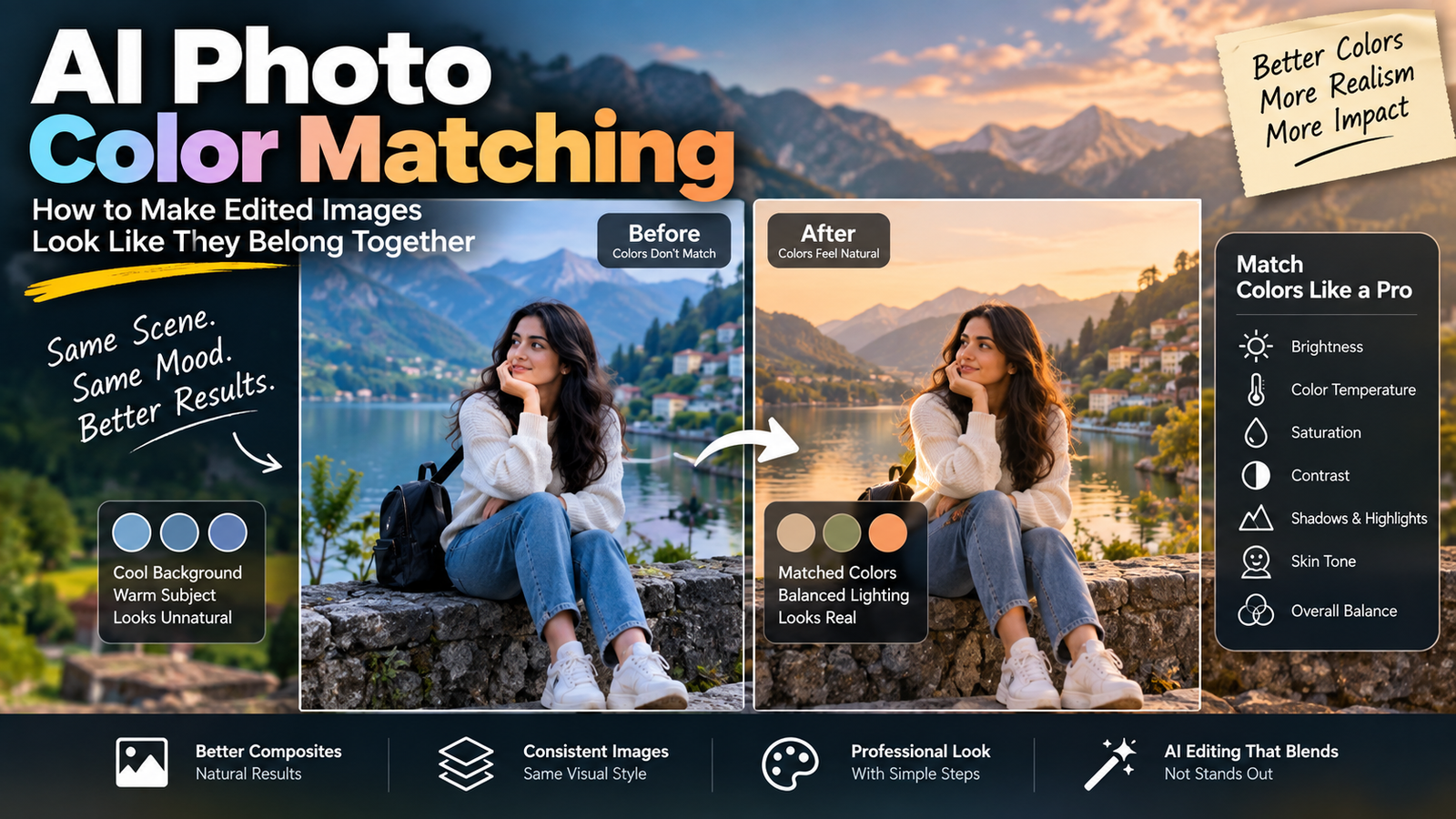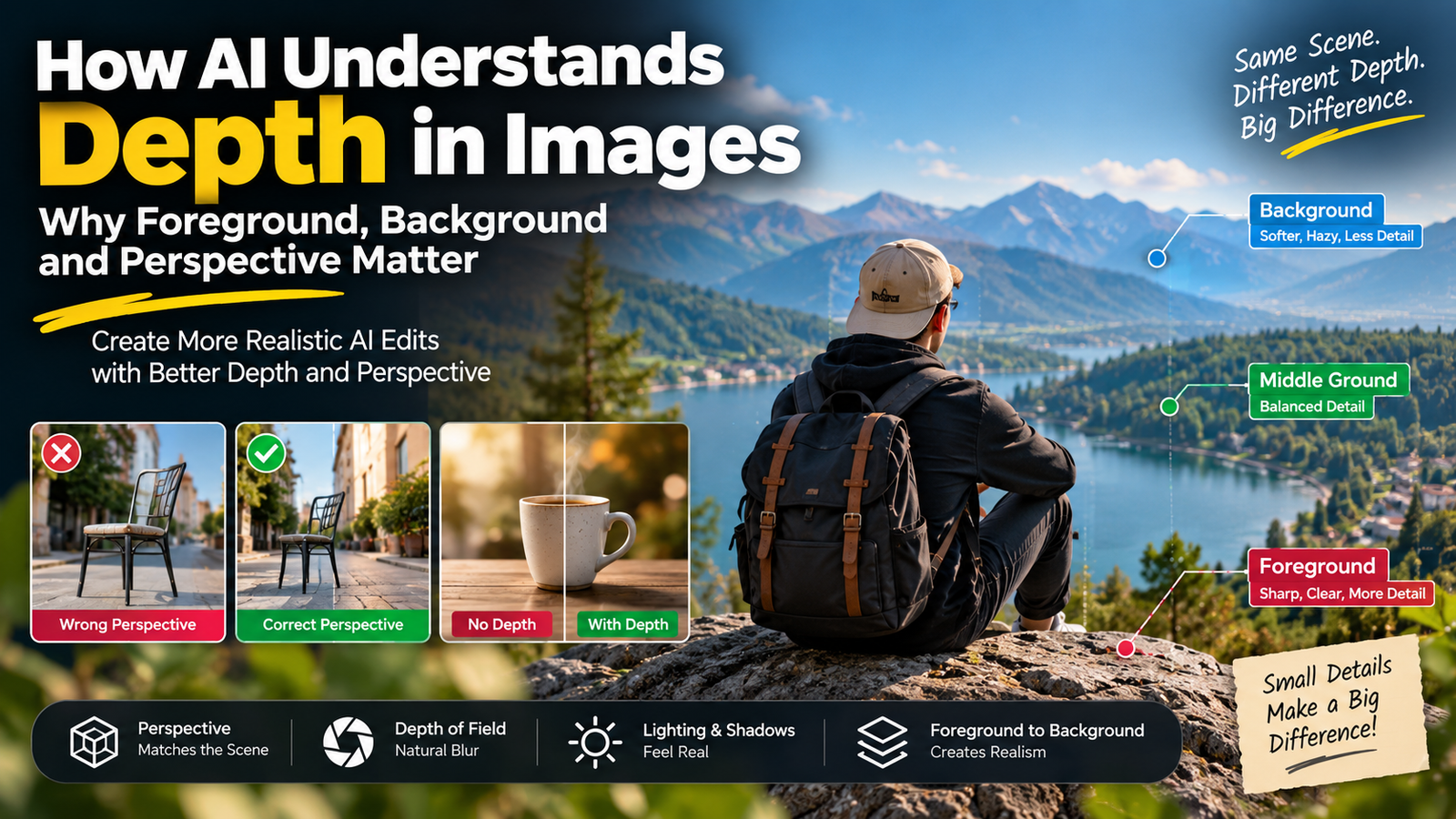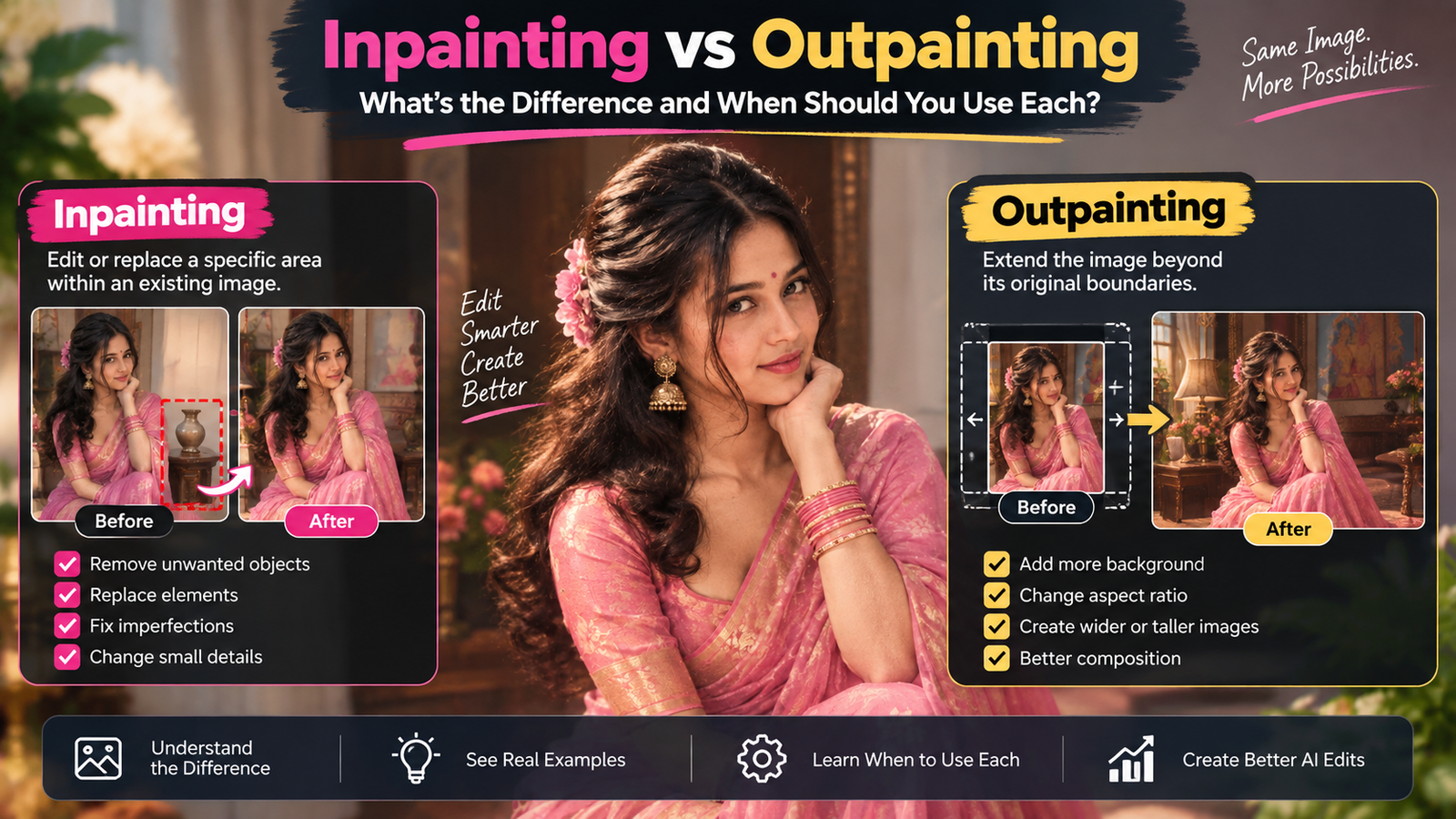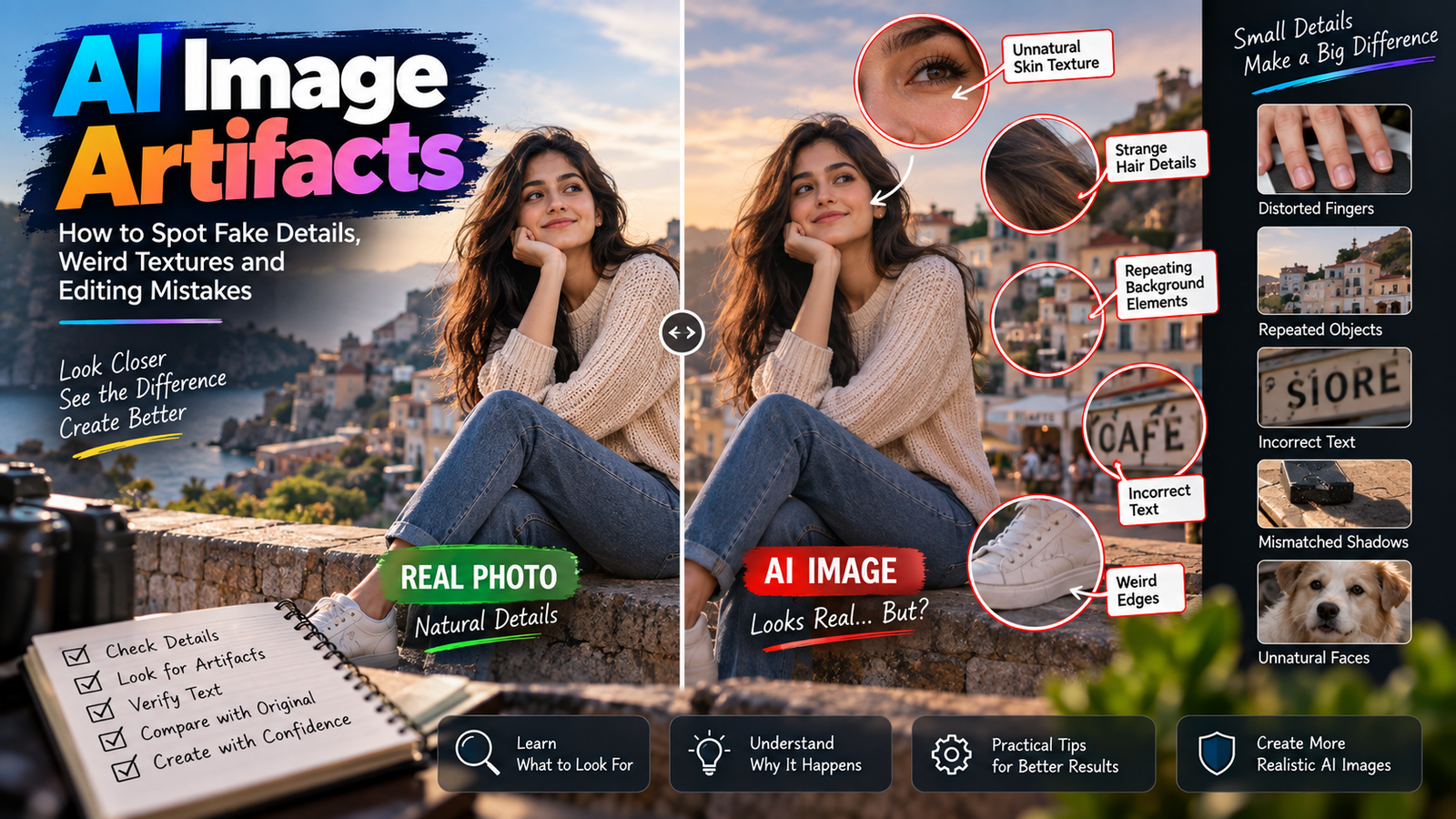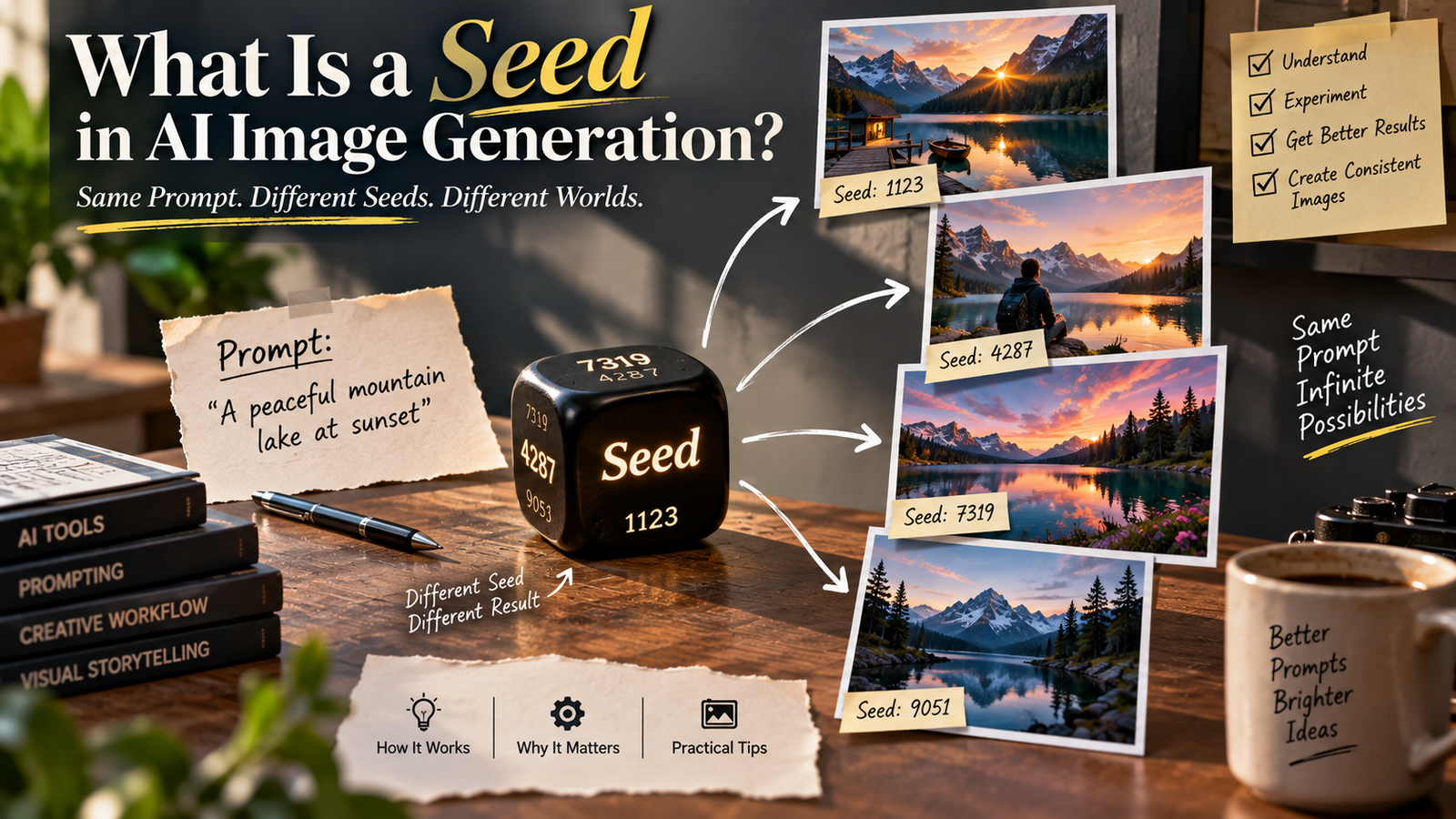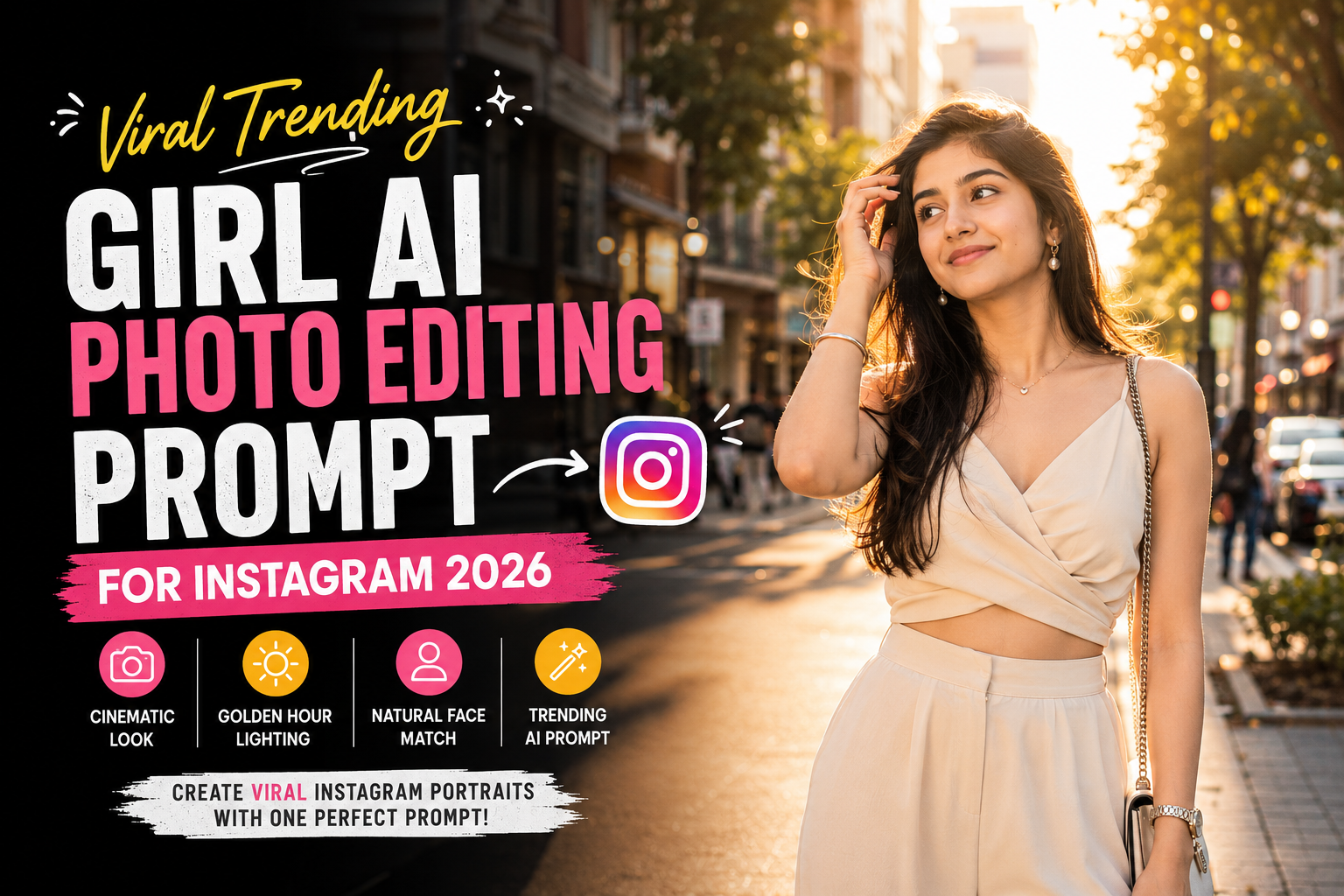
Instagram पर aesthetic, cinematic और realistic AI portraits का trend लगातार popular हो रहा है। आजकल सिर्फ background बदलना ही काफी नहीं है—लोग ऐसी AI-edited photos पसंद करते हैं जिनमें natural face, realistic skin texture, stylish outfit, cinematic lighting और professional camera look दिखाई दे।
अगर आप अपनी normal photo को एक premium Instagram girl portrait में बदलना चाहती हैं, तो यह detailed AI photo editing prompt आपके लिए useful हो सकता है।
इस guide में आपको सिर्फ एक prompt नहीं मिलेगा, बल्कि face matching tips, body-proportion fixes, camera settings, background variations, troubleshooting, Instagram aspect ratios और practical editing instructions भी मिलेंगे।
Viral Instagram Girl AI Photo Editing Prompt क्या है?
Viral Instagram Girl AI Photo Editing Prompt एक detailed instruction है जिसे AI image editing tool में अपनी photo के साथ इस्तेमाल करके portrait का environment, outfit, lighting, pose और photography style बदला जा सकता है।
इस prompt का मुख्य उद्देश्य है कि आपकी original identity recognizable रहे, जबकि photograph को cinematic Instagram-fashion aesthetic दिया जाए।
इस तरह के edits में आमतौर पर ये elements शामिल होते हैं:
- Natural face preservation
- Stylish fashion outfit
- Golden-hour lighting
- Cinematic background
- Soft bokeh
- Professional camera perspective
- Realistic skin texture
- Natural body proportions
- Authentic hair details
- Subtle film grain
- Professional color grading
Viral Trending Girl AI Photo Editing Prompt
नीचे दिया गया prompt अपनी original photo के साथ compatible AI photo editing tool में इस्तेमाल कर सकती हैं।
Transform my uploaded photo into a viral Instagram-style cinematic fashion portrait while preserving my recognizable face, facial structure, hairstyle, natural skin tone, body proportions, and overall identity.

Use my uploaded photo as the strict identity reference. Preserve my original facial structure, eye shape, eyebrows, nose, lips, jawline, face proportions, hairstyle, skin tone, and recognizable natural features.

Do not replace my face with another person. Do not redesign, reshape, excessively beautify, or artificially enhance my facial features.

Place me standing naturally on a stylish modern city street during golden hour, with elegant buildings, glass storefronts, subtle greenery, warm architectural details, parked cars, and a few distant pedestrians softly blurred in the background.

Create a premium Instagram fashion-editorial atmosphere that feels spontaneous, stylish, natural, and realistic.

Dress me in a sophisticated soft beige or cream-colored outfit with realistic fabric texture, natural folds, and a modern feminine fashion design. Keep the outfit elegant, minimal, and suitable for an Instagram fashion portrait.

Add minimal accessories such as small elegant earrings, a delicate bracelet, and a simple watch. Keep the accessories subtle and realistic.

Give me a natural candid pose with relaxed shoulders. One hand can gently touch my hair while the other rests naturally beside my body. Keep the pose graceful and effortless rather than exaggerated.

Maintain a calm and confident facial expression with a soft natural smile. Do not dramatically change my original expression.

Keep my original hairstyle recognizable while adding realistic individual hair strands and subtle movement from a gentle breeze.

Use warm golden-hour sunlight coming from the side and slightly behind the subject. Create a subtle natural rim light around the hair and shoulders.

Illuminate the face with soft reflected light so the facial features remain clearly visible and naturally detailed.

Preserve realistic skin texture, subtle pores, natural facial details, individual hair strands, realistic eyes, and authentic skin tone.

Use a professional 50mm portrait photography perspective with realistic proportions and natural lens compression.

Create realistic shallow depth of field. Keep the face, eyes, hair, hands, and outfit sharply detailed while the distant buildings, greenery, cars, and pedestrians gradually become softly blurred.

Add subtle cinematic bokeh from distant lights without excessive artificial glow.

Use a sophisticated color palette consisting of cream, beige, soft green, warm gold, muted brown, and subtle peach tones.

Apply subtle cinematic color grading with natural skin tones, controlled contrast, soft highlights, and detailed shadows.

Add very subtle professional camera grain and realistic lens characteristics to make the image look like an authentic high-end fashion photograph.

Keep realistic anatomy, accurate hands, natural body proportions, believable clothing folds, physically consistent shadows, and realistic environmental reflections.

The final image should look like a genuine professional Instagram fashion photograph captured with a modern professional camera, not an AI-generated image.

Keep the original identity and natural appearance unchanged while realistically transforming the environment, outfit, lighting, pose, and photography style.

Negative prompt:
distorted face, changed identity, different person, altered facial structure, artificial eyes, unnatural smile, plastic skin, excessive skin smoothing, beauty filter, unrealistic makeup, exaggerated facial features, distorted hair, deformed hands, extra fingers, missing fingers, duplicated limbs, unnatural body proportions, exaggerated body, oversized head, small body, warped clothing, floating accessories, duplicate person, distorted buildings, warped cars, unrealistic background, fake sunlight, excessive glow, oversaturated colors, excessive HDR, cartoon, anime, illustration, blurry face, low resolution, fake skin texture, bad perspective, unrealistic shadows, artificial depth of field, messy composition
इस AI Prompt की खासियत क्या है?
यह prompt सिर्फ “beautiful girl photo” जैसा generic instruction नहीं है। इसमें portrait के कई important elements अलग-अलग define किए गए हैं।
1. Face Matching
सबसे पहले uploaded image को identity reference बनाया गया है। इससे AI को यह समझने में मदद मिलती है कि person को बदलना नहीं है, बल्कि photograph को edit करना है।
2. Natural Skin
Prompt में pores, skin texture और natural facial details maintain करने के लिए instructions दी गई हैं।
इससे excessive smoothing और plastic-looking skin को कम करने में मदद मिल सकती है।
3. Realistic Body Proportions
Full-body AI portraits में कभी-कभी head बड़ा और body छोटी दिखाई दे सकती है। इसलिए prompt में realistic anatomy और body proportions पर विशेष ध्यान दिया गया है।
4. Professional Camera Look
50mm perspective और shallow depth of field portrait को smartphone-filter जैसा दिखाने के बजाय professional photography जैसा appearance देने में मदद कर सकते हैं।
5. Cinematic Golden Hour
Side lighting और subtle rim light बालों और shoulders के आसपास natural highlights create करते हैं।
AI Photo Edit कैसे करें?
इस prompt को इस्तेमाल करना काफी आसान है।
Step 1: Clear Photo चुनें
ऐसी photo चुनें जिसमें आपका face साफ दिखाई देता हो।
बहुत ज्यादा blur, extreme filters या heavily edited photos से बचें।
Step 2: AI Image Editor खोलें
ऐसा AI tool इस्तेमाल करें जो uploaded image को reference के रूप में लेकर image editing कर सके।
Step 3: Photo Upload करें
अपनी original image upload करें।
Step 4: Prompt Paste करें
ऊपर दिया गया पूरा prompt copy करके editing instruction में paste करें।
Step 5: Generate करें
AI को image generate/edit करने दें।
Step 6: Result Check करें
Generate होने के बाद इन चीजों को जरूर check करें:
- Face original जैसा है या नहीं
- Hands सही हैं या नहीं
- Body proportions natural हैं या नहीं
- Hair realistic है या नहीं
- Outfit properly generated है या नहीं
- Background distorted तो नहीं
- Shadows lighting के साथ match कर रहे हैं या नहीं
Best Instagram Photo Settings
Instagram के लिए image generate करते समय सही composition चुनना भी important है।
| Setting | Recommended |
|---|---|
| Aspect Ratio | 4:5 |
| Style | Cinematic Fashion |
| Camera | 50mm |
| Lighting | Golden Hour |
| Background | Soft Bokeh |
| Skin | Natural Texture |
| Color | Warm & Neutral |
| Composition | Full/Medium Body |
| Detail | High |
| Finish | Subtle Film Grain |
Instagram Feed
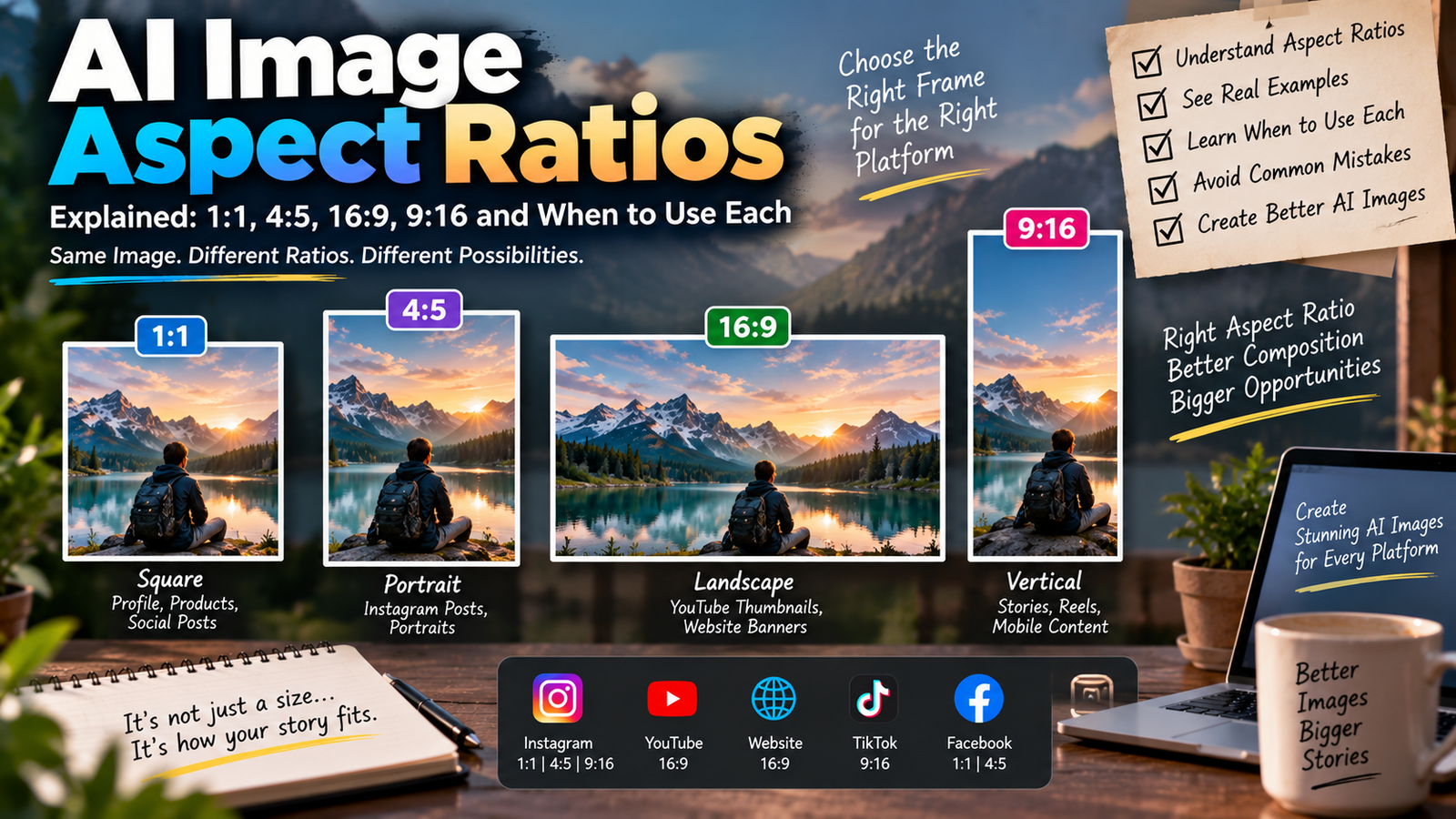
Instagram feed के लिए 4:5 vertical composition अच्छा option है।
Instagram Reels & Stories
Reels और Stories के लिए 9:16 vertical composition इस्तेमाल करें।
Profile Picture
Profile picture के लिए face और upper body को ज्यादा prominent रखें और unnecessary background details कम करें।
AI Face Match नहीं कर रहा है तो क्या करें?
अगर generated image में face काफी बदल जाता है, तो prompt की शुरुआत में यह additional instruction डालें:
Treat the uploaded face as a strict identity reference. Preserve the exact recognizable facial proportions, eye shape, eyebrows, nose, lips, jawline, hairstyle, skin tone, and natural facial details. Change only the environment, outfit, lighting, pose, and photography style.
इसके साथ original photo को clear और high-resolution रखना भी important है।
अगर Head बड़ा और Body छोटी दिखाई दे
AI portraits में यह एक common problem हो सकती है। इसे ठीक करने के लिए यह instruction add करें:
Maintain realistic head-to-body proportions, natural shoulder width, realistic limb length, and anatomically correct body proportions. Do not enlarge the head or make the body unnaturally small.
इससे AI को natural body proportion maintain करने के लिए अधिक specific direction मिलती है।
अगर Hands खराब Generate हों
अगर fingers या hands distorted दिखाई दे रहे हैं, तो यह line add करें:
Create anatomically accurate hands with five natural fingers, realistic joints, correct finger proportions, and natural interaction with the clothing.
Generate होने के बाद hands को जरूर check करें क्योंकि AI-generated images में hands अभी भी एक common problem हो सकते हैं।
Viral Street-Fashion Version
अगर आपको golden-hour portrait के बजाय ज्यादा trendy urban Instagram look चाहिए, तो background section को इस instruction से replace कर सकती हैं:
Place me on a fashionable urban street at blue hour with glowing storefronts, glass buildings, subtle neon signs, parked cars, street lamps, wet pavement, and distant pedestrians. Keep the city lights softly blurred into cinematic bokeh.
इस variation से photo ज्यादा urban street-fashion aesthetic देगी।
Café Girl Portrait Variation
एक cozy Instagram look के लिए city street की जगह café इस्तेमाल करें:
Place me inside a sophisticated cozy café during early evening, with warm pendant lights, large windows, wooden furniture, subtle plants, neutral interiors, and softly blurred customers in the background.
इसमें warm indoor lighting और natural candid pose ज्यादा suitable रहेगा।
Beach Sunset Variation
Summer या vacation aesthetic के लिए:
Place me on a beautiful beach shortly before sunset with soft waves, warm sand, subtle palm trees, a pastel sky, and natural golden sunlight. Keep the background realistic and softly blurred.
इस variation को summer fashion, vacation और travel portraits के लिए इस्तेमाल किया जा सकता है।
Rainy Instagram Girl Variation
Monsoon aesthetic के लिए:
Place me on a stylish city street after light rain with wet pavement, subtle reflections, lush greenery, warm streetlights, cloudy evening skies, and realistic raindrops in the environment.
Rain को बहुत ज्यादा heavy रखने के बजाय subtle रखना ज्यादा realistic result दे सकता है।
Luxury Hotel Variation
Premium fashion look के लिए:
Place me inside a sophisticated luxury hotel lobby with warm architectural lighting, polished marble flooring, glass panels, elegant furniture, subtle plants, and a softly blurred premium interior.
यह variation fashion और luxury lifestyle content के लिए अच्छा option है।
AI Photo को ज्यादा Realistic कैसे बनाएं?
AI-generated portrait को realistic बनाने के लिए सिर्फ high resolution काफी नहीं है। Lighting और proportions भी important हैं।
Natural Skin रखें
“Flawless skin” की जगह:
natural pores, realistic skin texture, subtle imperfections
जैसे instructions इस्तेमाल करें।
Lighting Consistent रखें
अगर sunlight left side से आ रही है तो shadows और highlights भी उसी direction में होने चाहिए।
Background को Overdo न करें
बहुत ज्यादा neon, glow, fog या HDR image को artificial बना सकते हैं।
Accessories कम रखें
बहुत ज्यादा jewelry या accessories generate करने से duplicated या distorted objects की संभावना बढ़ सकती है।
Original Photo चुनते समय इन बातों का ध्यान रखें
Better results के लिए:
- Face clearly visible हो।
- Photo बहुत ज्यादा blurry न हो।
- Face पर heavy filter न लगा हो।
- Hair बहुत ज्यादा face को cover न कर रहा हो।
- Body का कुछ हिस्सा visible हो तो बेहतर है।
- Original skin tone natural हो।
- Extreme camera angle वाली photo से बचें।
AI Editing में होने वाली Common Problems
Problem 1: Face बदल जाता है
Solution: Strict identity reference instruction add करें और clear source photo use करें।
Problem 2: Head बड़ा हो जाता है
Solution: Head-to-body proportion instruction add करें।
Problem 3: Hands खराब आते हैं
Solution: Anatomically accurate hands और five natural fingers वाली instruction add करें।
Problem 4: Skin Plastic दिखती है
Solution:
Preserve natural pores, fine skin texture, subtle imperfections, realistic highlights, and authentic skin tone. Avoid excessive beauty retouching.
Problem 5: Background Fake लगता है
Solution: “physically realistic architecture”, “correct perspective”, “natural shadows” और “realistic depth of field” जैसी instructions add करें।
Problem 6: Golden Hour बहुत Orange हो जाता है
Solution:
Keep the sunset lighting subtle and realistic with natural warm highlights. Avoid an oversaturated orange or artificial golden glow.
अलग-अलग Outfit Ideas
आप इसी concept को अलग outfits के साथ भी इस्तेमाल कर सकती हैं।
Elegant Dress
Soft pastel midi dress + minimal jewelry
Saree
Elegant saree + subtle earrings + natural outdoor lighting
Casual
Oversized shirt + straight jeans + sneakers
Streetwear
Leather jacket + fitted top + wide-leg trousers
Luxury
Blazer + tailored trousers + minimal accessories
Traditional
Kurti + delicate jewelry + outdoor garden background
Outfit बदलते समय बाकी identity-preservation और photography instructions को unchanged रखना बेहतर है।
Instagram के लिए Best Background Ideas
आप इस prompt को कई locations के साथ इस्तेमाल कर सकती हैं:
- Modern city street
- Luxury hotel
- Cozy café
- Rooftop
- Garden
- Beach
- Shopping street
- Rainy road
- Minimalist studio
- Airport lounge
- Heritage building
- Sunset field
हर location अलग mood दे सकती है, जबकि original face और overall identity same रखी जा सकती है।
AI Photo Editing Prompt में Negative Prompt क्यों जरूरी है?
Negative prompt AI को उन unwanted results से बचने के लिए additional guidance देता है जिन्हें आप image में नहीं चाहतीं।
इस prompt में specifically इन problems को target किया गया है:
- Distorted face
- Changed identity
- Extra fingers
- Missing fingers
- Plastic skin
- Oversized head
- Small body
- Warped clothing
- Duplicate people
- Distorted buildings
- Excessive HDR
- Cartoon appearance
- Unrealistic shadows
हालांकि negative prompt हर AI tool में एक जैसा काम नहीं करता, फिर भी supported editors में यह unwanted visual errors को कम करने में मदद कर सकता है।
इस Prompt को अपने हिसाब से कैसे Customize करें?
आप prompt के कुछ sections आसानी से बदल सकती हैं।
Outfit बदलना है?
Cream outfit की जगह लिखें:
“a flowing pastel pink dress”
Location बदलना है?
City street की जगह लिखें:
“a beautiful rooftop overlooking the city”
Lighting बदलनी है?
Golden hour की जगह:
“soft blue-hour evening lighting”
More Cinematic Look?
Add:
“subtle cinematic film grain, realistic lens characteristics and controlled highlight roll-off.”
More Natural Look?
Add:
“Keep the image slightly imperfect and naturally photographed rather than excessively polished.”
Before Publishing AI-Edited Photo
अगर आप अपने blog में generated images दिखा रही हैं, तो readers को यह स्पष्ट रखना बेहतर है कि image AI-assisted/generated है।
आप article में छोटा सा note दे सकती हैं:
AI Image Notice: This article contains AI-generated or AI-edited visual examples created for demonstration purposes.
इससे content का purpose reader के लिए clear रहता है।
Frequently Asked Questions
What is the best AI photo editing prompt for girls on Instagram?
एक अच्छा prompt face preservation, realistic skin, outfit, lighting, background, pose और camera perspective को clearly describe करता है। ऊपर दिया गया prompt इन सभी elements को combine करता है।
Can I use this prompt with my own photo?
हाँ। Clear original photo upload करके compatible AI image-editing tool में prompt इस्तेमाल किया जा सकता है।
Can I change the outfit?
हाँ। Cream/beige outfit को saree, dress, blazer, kurti, denim या किसी भी preferred outfit से replace किया जा सकता है।
What is the best aspect ratio for Instagram?
Instagram feed portrait के लिए 4:5 एक अच्छा option है। Reels और Stories के लिए 9:16 बेहतर है।
How can I make the AI face match better?
High-quality original photo use करें और prompt में strict identity reference, original facial structure और recognizable features preserve करने की instructions रखें।
Why does AI make the head too large?
Full-body AI generation में proportions कभी-कभी distort हो सकते हैं। Head-to-body proportion और realistic anatomy instructions add करने से बेहतर result मिल सकता है।
Can I use this prompt for a selfie?
हाँ। Selfie के लिए background और camera perspective को smartphone portrait style के अनुसार बदल सकती हैं।
Can I create a cinematic rainy version?
हाँ। Golden-hour city street को rainy street, wet pavement, reflections और soft street lighting से replace किया जा सकता है।
Is this prompt suitable for Instagram Reels?
हाँ। Reels के लिए prompt में 9:16 vertical composition add करें और subject को frame के center-safe area में रखें।
Final Thoughts
Viral Trending Girl AI Photo Editing Prompt for Instagram 2026 ordinary photos को stylish cinematic fashion portraits में बदलने के लिए बनाया गया है। इसमें सिर्फ एक visual effect पर focus करने के बजाय identity preservation, natural skin texture, realistic anatomy, outfit styling, lighting, camera perspective, background depth और troubleshooting को शामिल किया गया है।
अगर आप AI photo editing से बेहतर और realistic results चाहती हैं, तो सिर्फ “make my photo beautiful” जैसे छोटे prompts की जगह detailed instructions इस्तेमाल करें।
सबसे important बात यह है कि AI से face को unnecessarily change करने के बजाय original identity को preserve करके environment, outfit, lighting और photography style को transform करें। इससे final image ज्यादा natural और professional दिखाई दे सकती है।