For years, editing a photograph meant opening software, selecting a tool, making a change, and adjusting it until the result looked right.
Then AI photo editors changed the workflow.
Now you can upload a photograph, describe what you want, and let an AI system make changes that would previously have required several manual steps.
That sounds like AI has simply replaced traditional photo editing. In reality, the difference is more interesting than that.
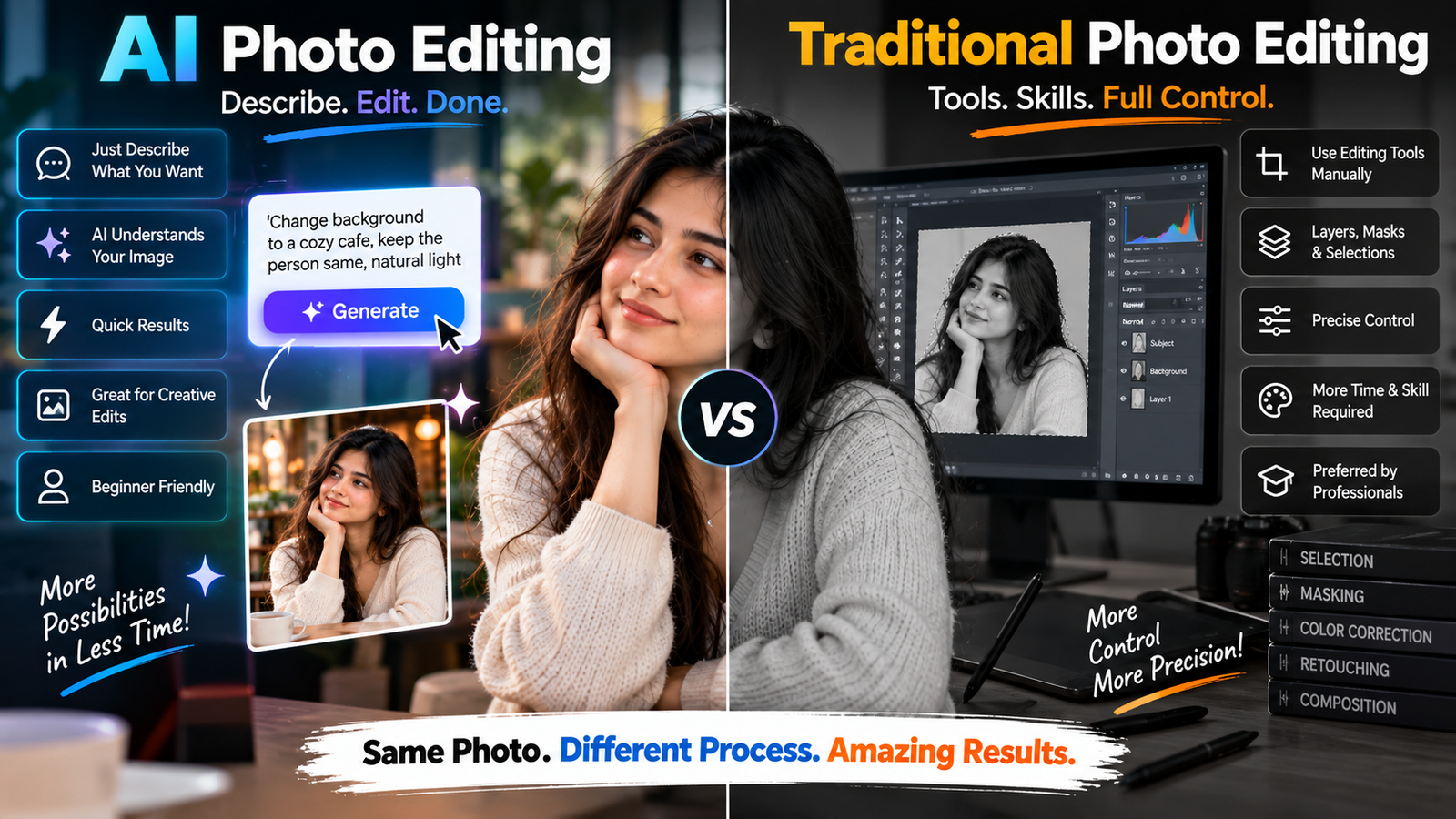
AI photo editing and traditional photo editing solve many of the same problems, but they approach those problems in very different ways.
Traditional editing gives you direct control over pixels, selections, masks, layers, colors and other image properties. AI editing relies much more on interpretation. You describe an intended result, and the system decides how to create it.
Understanding that difference can help you decide when AI is the better choice, when traditional editing is safer, and when combining both approaches makes the most sense.
Traditional Photo Editing Is Based on Direct Control
In traditional editing software, you normally tell the software exactly what part of the image you want to modify.
For example, you might:
- Select a person
- Create a mask
- Adjust brightness
- Change saturation
- Clone an unwanted object
- Move part of an image
- Blur the background
- Correct colors
- Crop the photograph
The editor is generally working with the pixels that already exist.
If you brighten someone’s shirt, you’re not asking the software to imagine a completely new shirt.
You’re modifying the information already present in the photograph.
That gives traditional editing an important advantage:
You have very precise control over what changes.
AI Editing Works More Like Visual Interpretation
AI editing introduces another layer.
Instead of manually performing every operation, you can describe an intended change.
For example:
Replace the background with a quiet modern café while keeping the person unchanged.
The AI has to interpret the photograph, identify the person, understand the background, generate a suitable café environment, and blend everything together.
That’s a lot more than simply adjusting a slider.
The AI is making decisions about what the image should look like.
This is why AI editing can feel incredibly convenient—and occasionally unpredictable.
The Biggest Difference: Control vs Interpretation
If I had to reduce the difference to one idea, it would be this:
Traditional editing gives you direct control.
AI editing gives you higher-level instructions.
Neither approach is automatically better.
Imagine you want to remove a small scratch from a photograph.
Traditional editing may give you extremely precise control over the affected pixels.
AI might remove it in seconds.
Now imagine you want to place the same person inside a completely different environment.
AI may be dramatically faster because generating a realistic new background manually can take considerable effort.
The right tool depends on the problem.
AI Is Particularly Useful for Large Creative Changes
Some edits are tedious to perform manually.
Changing an entire background is a good example.
Traditionally, you might need to:
- Select the subject.
- Refine the edges.
- Remove the existing background.
- Create or find a replacement.
- Position it correctly.
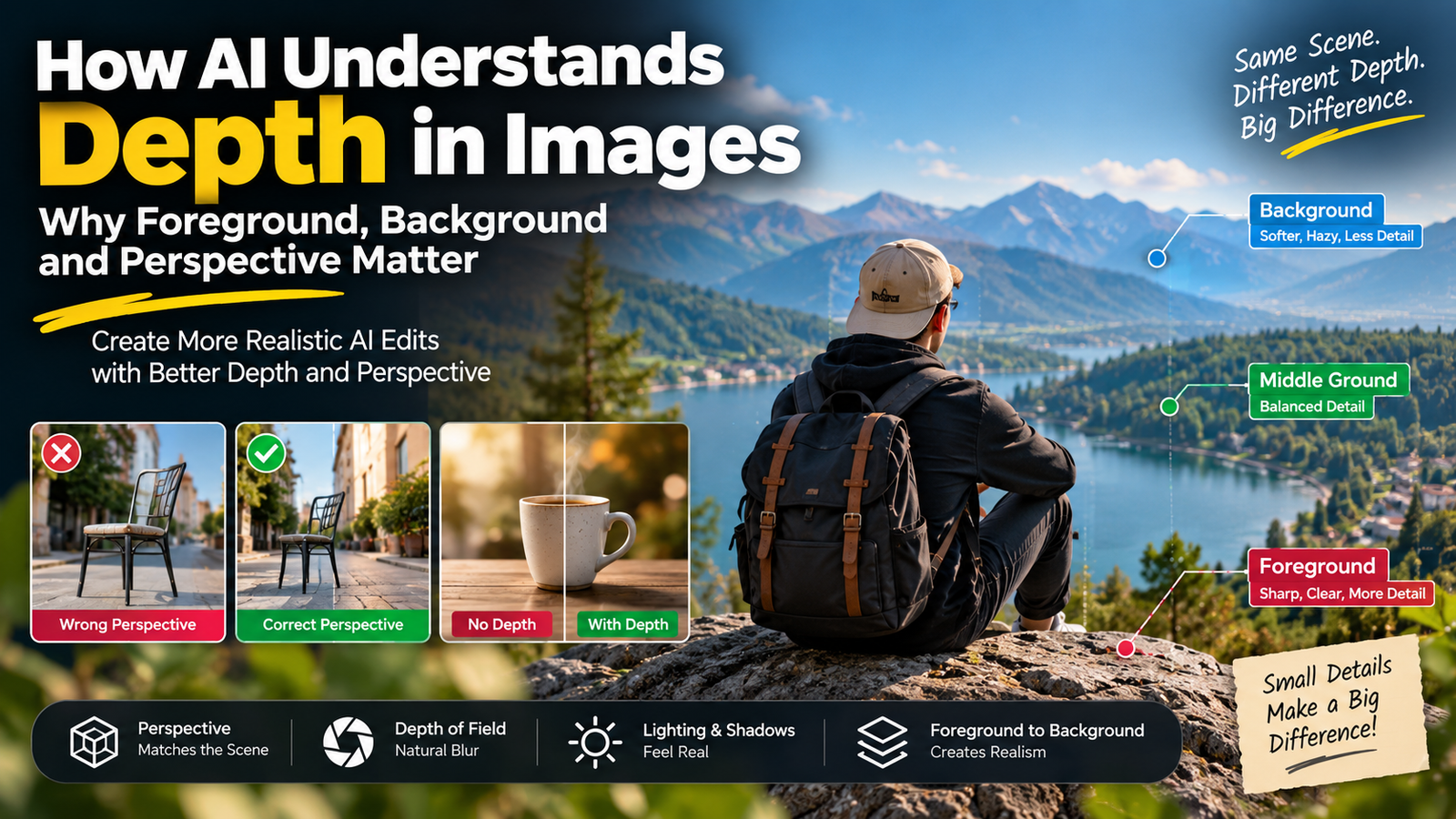
- Match perspective.
- Adjust lighting.
- Add shadows.
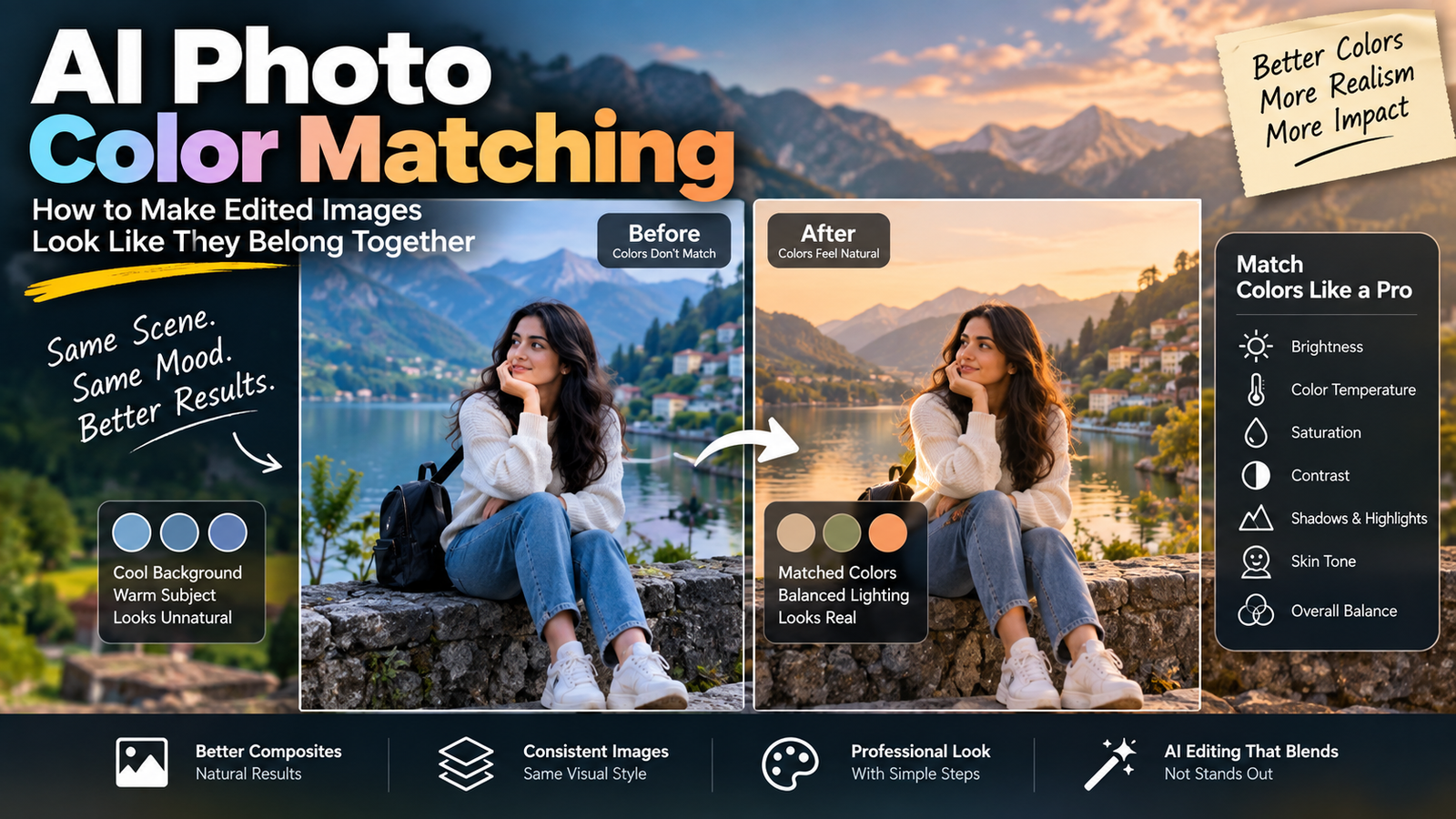
- Match colors.
- Refine the edges again.
AI can potentially handle much of that through a single workflow.
That doesn’t mean the AI result will always be perfect.
It means the initial transformation can happen much faster.
Traditional Editing Is Still Better for Some Tasks
AI isn’t automatically the best option just because it is newer.
There are situations where traditional tools remain extremely useful.
For example, imagine a product photograph containing a small logo.
You need the logo to remain exactly accurate.
If an AI editor recreates the product, it might accidentally modify:
- Logo shape
- Text
- Packaging
- Product proportions
A traditional editing workflow can give you more direct control over those details.
This is especially important when accuracy matters more than creativity.
AI Can Generate Information That Wasn’t There
This is one of the most important differences to understand.
Suppose a person’s face is partly hidden behind an object.
A traditional editor cannot simply recover the missing pixels.
AI may attempt to reconstruct the hidden area.
That can be useful.
But it also creates a major limitation:
The generated detail may be plausible without being historically accurate.
The AI isn’t necessarily recovering the original face.
It may be predicting what a face could look like based on the visible information and learned patterns.
This distinction matters whenever you’re working with important photographs.
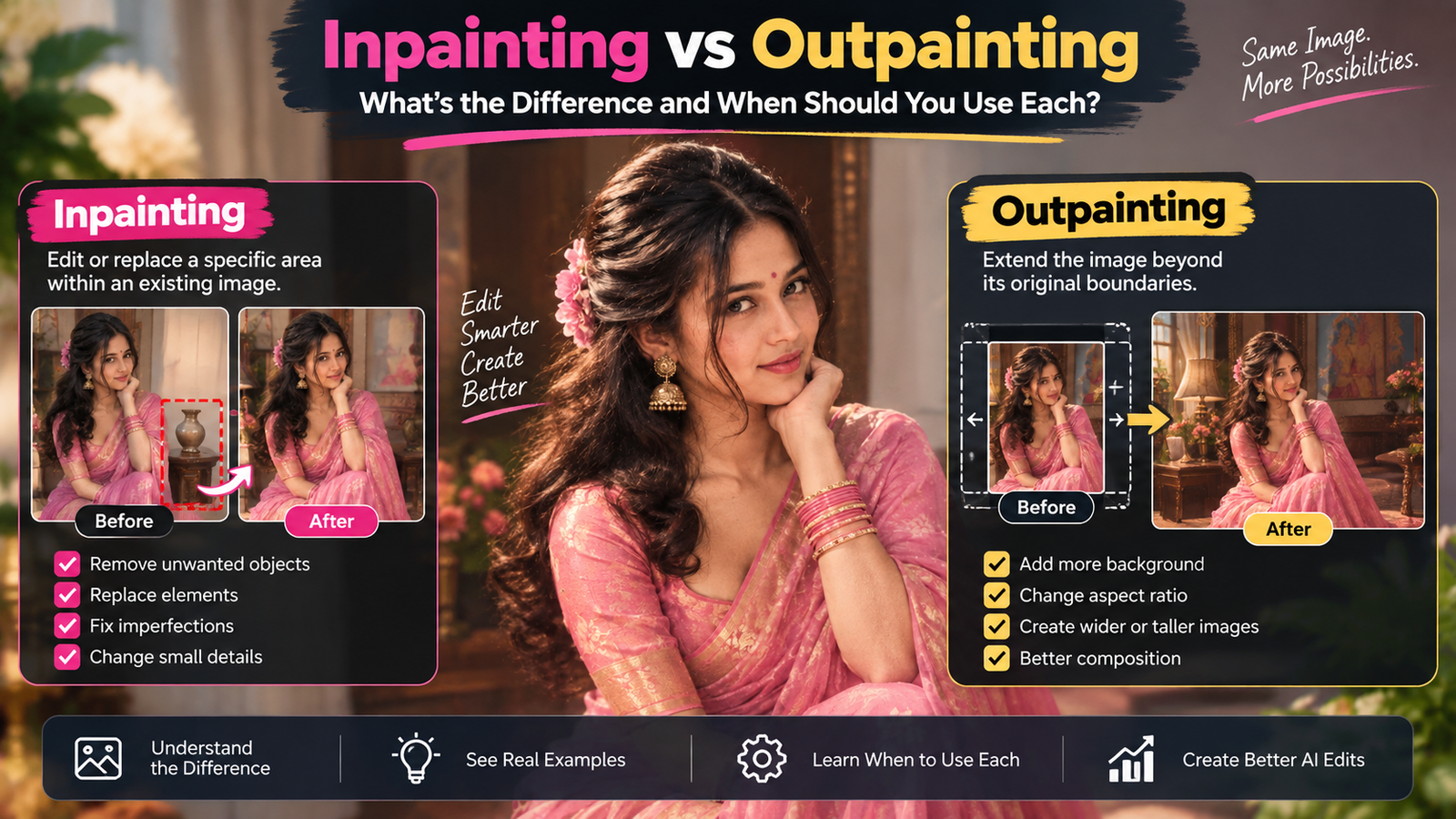
Traditional Editing Usually Doesn’t Invent the Same Way
If you manually clone a section of a wall to cover an unwanted object, you’re generally using existing pixels as the source.
You’re deciding where those pixels come from.
AI can instead synthesize a new texture based on its interpretation of the surrounding area.
This can produce excellent results, particularly with complicated backgrounds.
But it can also introduce details that never existed.
That’s why AI object removal should always be reviewed rather than blindly trusted.
What Happens When You Change a Background?
Let’s compare the two approaches.
Traditional method
You manually separate the subject from the original background and insert a new background.
You control the edges.
You control positioning.
You control the opacity.
You control the shadows.
AI method
You describe the desired environment.
The AI interprets the subject and generates or integrates the new surroundings.
The process is faster, but some decisions are made for you.
This is a good example of the fundamental trade-off:
AI saves effort by taking over some decisions.
AI Is Often Better at “What If?” Editing
AI is particularly interesting when you’re experimenting.
What would this portrait look like:
- In a different city?
- During sunset?
- With another hairstyle?
- With a different outfit?
- In a studio?
- With a different composition?
Traditional editing can certainly accomplish many of these things.
But AI makes experimentation much more accessible.
You can test an idea without knowing exactly which manual tools are required.
That’s one reason AI photo editing has become so popular with beginners.
Traditional Editing Rewards Technical Skill
Traditional editing software can be extremely powerful, but there is a learning curve.
You may need to understand:
- Layers
- Masks
- Selections
- Curves
- Levels
- Blend modes
- Color correction
- Perspective
- Retouching
- Cloning
- Sharpening
At first, this can feel overwhelming.
But once you understand these tools, you gain a very high degree of control.
That’s why professional editors still rely heavily on traditional techniques even while AI features become more common.
AI Rewards Clear Communication
AI editing introduces a different skill.
Instead of knowing exactly which tool to click, you need to explain what you want.
That means learning how to describe:
- Subject
- Environment
- Lighting
- Composition
- Materials
- Color
- Requested changes
- Things that must remain unchanged
This is where prompt writing becomes important.
A vague instruction such as:
Make this photo better.
doesn’t give the AI much useful direction.
A more specific request explains the actual problem and desired result.
If you’re new to this style of editing, our complete beginner’s guide to AI photo editing prompts covers the fundamentals.
AI Doesn’t Eliminate the Need for Editing Knowledge
This is a misconception worth correcting.
You don’t need to become a professional Photoshop expert to use AI effectively.
But understanding basic photography and editing principles still helps enormously.
For example, if you understand lighting, you’ll notice when an AI-generated background has sunlight coming from the wrong direction.
If you understand perspective, you’ll notice when the replacement environment doesn’t match the subject.
If you understand skin tones, you’ll notice when AI has made the face too orange.
AI can perform the technical work.
You still need to judge whether the result makes sense.
Why AI Results Can Look Convincing but Still Be Wrong
AI has become very good at producing images that look believable at first glance.
But visual realism and factual accuracy aren’t the same thing.
An AI-generated watch may look like a real watch while having an incorrect logo.
A reconstructed face may look natural while being different from the original person.
A background may look like a real street while containing impossible architecture.
This is why human review remains important.
The better AI becomes at making images look convincing, the more important it becomes to look carefully at what actually changed.
Traditional Editing Can Be More Predictable
When you manually adjust brightness by a specific amount, you know what you’re doing.
When you move a layer, you know where it is going.
When you use a mask, you can see the exact area being affected.
AI doesn’t always provide that same predictability.
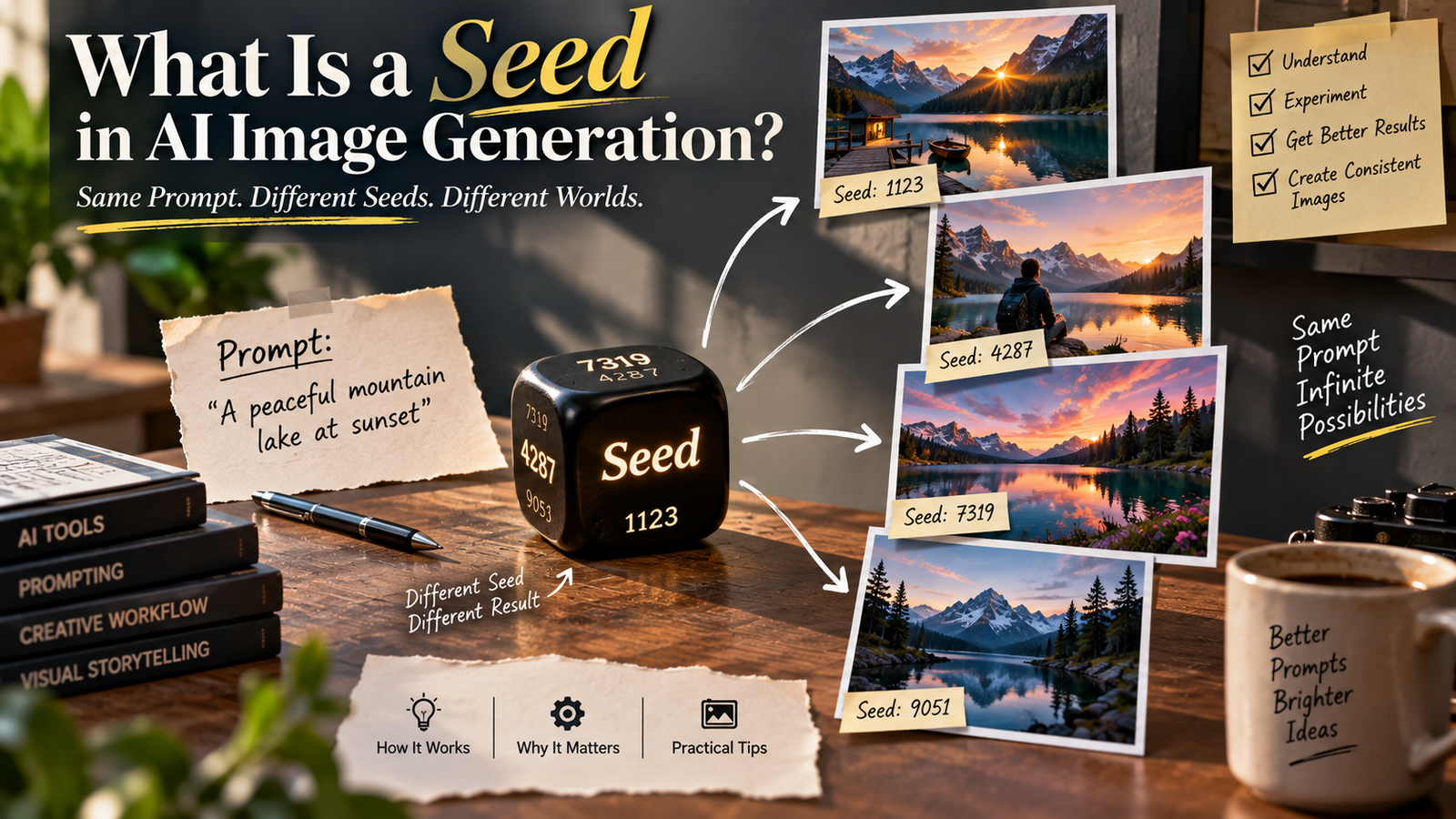
You can give the same instruction and receive a slightly different result.
We’ve discussed this in detail in why the same AI prompt can give different results every time.
This unpredictability isn’t necessarily a flaw.
It’s part of how generative systems work.
But it’s something to consider when precision matters.
AI Is Excellent at Removing the Boring Parts of Editing
There are many repetitive tasks that people don’t particularly enjoy doing manually.
For example:
- Separating a subject
- Removing simple background distractions
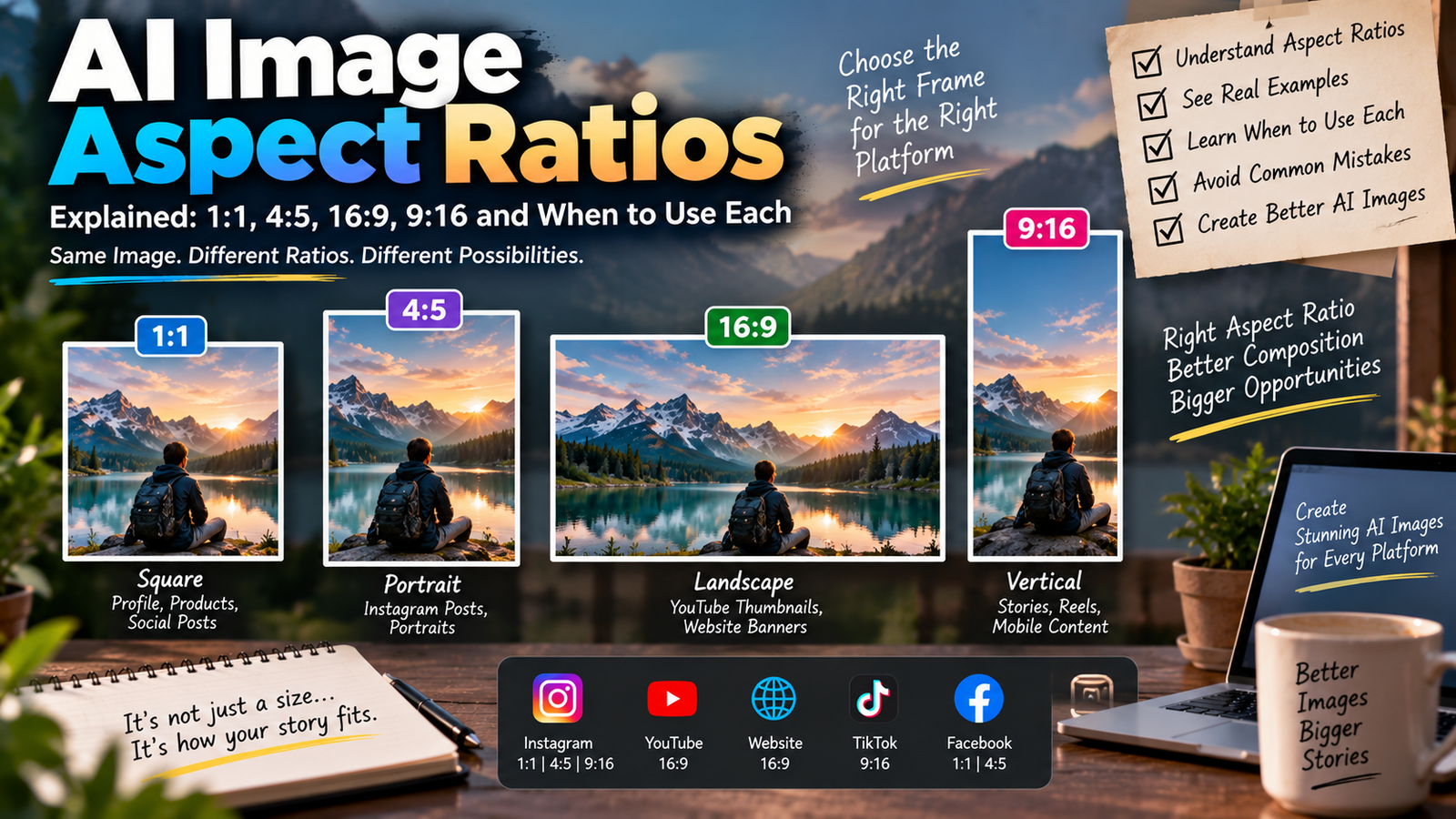
- Expanding an image
- Creating alternative backgrounds
- Making quick variations
- Adjusting certain lighting problems
AI can dramatically reduce the time required for these tasks.
That doesn’t mean you should stop learning traditional editing.
It means you can spend more time on creative decisions instead of repetitive technical work.
The Best Workflow Is Often a Combination
This is where things get interesting.
You don’t necessarily have to choose between AI and traditional editing.
You can use both.
For example:
Step 1 — AI
Create a new background.
Step 2 — Traditional editing
Refine the subject edges.
Step 3 — AI
Generate a subtle environmental shadow.
Step 4 — Traditional editing
Correct the final color and contrast.
Step 5 — Final review
Compare everything with the original photograph.
This hybrid approach can give you the speed of AI and the control of traditional editing.
When AI Is the Better Choice
AI can be particularly useful when:
- You want to experiment quickly
- You need several creative variations
- You want to change an environment
- You need a quick background concept
- You are a beginner
- You don’t want to manually perform every step
- The exact reconstruction isn’t critical
For these situations, AI can remove a lot of technical barriers.
When Traditional Editing Is the Better Choice
Traditional editing may be preferable when:
- Exact pixel-level control matters
- Product details must remain accurate
- Text must not change
- A specific color needs precise adjustment
- You need predictable results
- You are preparing professional graphics
- You need detailed manual retouching
The more important accuracy becomes, the more valuable direct control can be.
When You Should Use Both
A hybrid workflow is especially useful when the image contains both creative and precise elements.
Imagine an e-commerce photograph.
You might use AI to:
- Create a lifestyle environment
- Generate a natural-looking background
- Improve the composition
Then use traditional editing to:
- Preserve the logo
- Correct product colors
- Clean edges
- Adjust typography
- Make final color corrections
This gives each tool the job it is better suited to handle.
AI Editing Doesn’t Automatically Mean Better Quality
This is another misconception.
AI can make an image more impressive.
It doesn’t necessarily make it more accurate.
A simple traditional color correction may improve a photograph more than an elaborate AI transformation.
Likewise, AI may be the perfect solution when a manual edit would take an hour.
The question isn’t:
“Which technology is newer?”
The better question is:
“Which method gives me the right result with the amount of control this image requires?”
What Beginners Should Learn First
If you’re new to photo editing, don’t try to learn every AI tool at once.
Start by understanding a few basic concepts:
Composition
Learn why framing and subject placement matter.
Lighting
Understand direction, brightness, shadows and color temperature.
Color
Learn the difference between exposure, contrast, saturation and white balance.
Selection
Understand why isolating the correct part of an image matters.
Preservation
Learn to distinguish between the part you want to change and the part you want to protect.
Once these concepts make sense, AI editing becomes much easier.
You’re no longer simply asking:
“What prompt should I use?”
You’re thinking:
“What exactly is wrong with this image, and what is the smallest change that will fix it?”
That’s a much stronger editing mindset.
Why AI Still Needs a Human Editor
The phrase “AI-edited” sometimes creates the impression that the entire process is automatic.
In reality, the human still makes several important decisions.
You decide:
- What needs to change
- What shouldn’t change
- Whether the result looks believable
- Whether the generated details are acceptable
- Whether the image is accurate enough for its purpose
- Whether another revision is necessary
The AI may perform the operation.
You remain responsible for the creative judgment.
A Simple Example
Imagine you have a portrait taken beside a plain wall.
You want the wall replaced with a modern café.
With traditional editing
You would need to separate the person, create or source the café background, position it correctly, and then work on the lighting and shadows.
With AI
You can describe the café and ask the tool to replace the wall while preserving the subject.
With a hybrid workflow
You could let AI create the café and then manually refine the edges, colors and final lighting.
All three approaches can work.
The best choice depends on how much control and time you need.
Don’t Forget the Original Photograph
Whether you’re using AI or traditional software, keep your original image.
This sounds obvious, but it’s an easy habit to lose when you’re experimenting.
Save the source before editing.
Then create your edited versions separately.
That way, if an AI edit changes something you didn’t intend, you can go back to the original rather than trying to repair an already modified image.
This becomes particularly important when you’re doing several rounds of AI editing.
The Future Is Probably Not AI vs Traditional Editing
The two approaches are increasingly becoming connected.
Traditional editing software is adding AI features.
AI image tools are adding more precise selection and editing controls.
The line between the two is becoming less obvious.
Instead of completely replacing traditional editing, AI is increasingly becoming another layer in the editor’s toolkit.
That is probably the most useful way to think about it.
You don’t need to choose a side.
Learn what each method is good at.
A Practical Decision Guide
Before editing a photograph, ask yourself three questions.
1. Do I need creativity or precision?
If you need a creative transformation, AI may be useful.
If you need exact control, traditional editing may be better.
2. Is the original information important?
If accuracy matters, be careful about AI reconstruction.
3. How much time do I have?
If you need a quick concept or variation, AI can save significant time.
If you’re producing a final professional image where every detail matters, combining AI with manual refinement may be the better approach.
Final Thoughts
The real difference between AI photo editing vs traditional photo editing isn’t that one is good and the other is outdated.
They simply give you different kinds of control.
Traditional editing lets you work directly with the image and make deliberate, predictable changes.
AI editing lets you communicate a visual goal and allows the model to figure out much of the technical process.
That makes AI incredibly useful for experimentation, creative transformations and time-consuming tasks. But it also means you need to inspect the result carefully because the system can generate details that weren’t actually present in the original photograph.
For most creators, the smartest approach isn’t choosing one technology and ignoring the other.
Use AI when it saves time or makes difficult creative work easier. Use traditional editing when precision matters. And when an image needs both, combine them.
The best editor isn’t the person who uses the newest tool.
It’s the person who knows which tool to use for the problem in front of them.